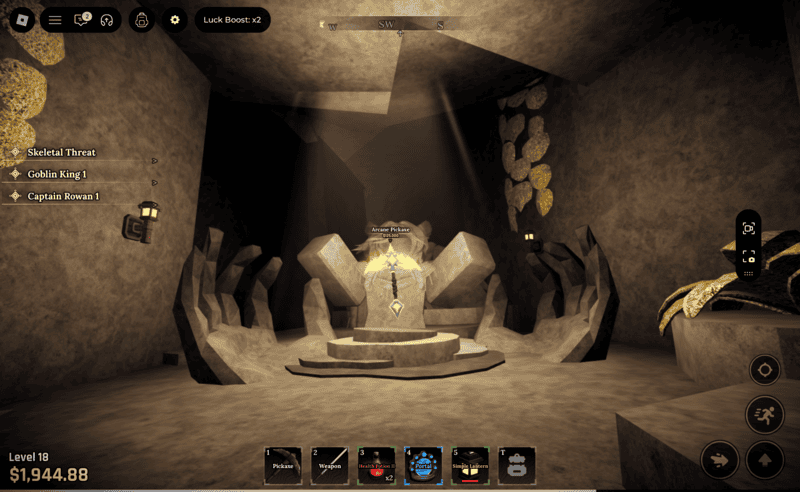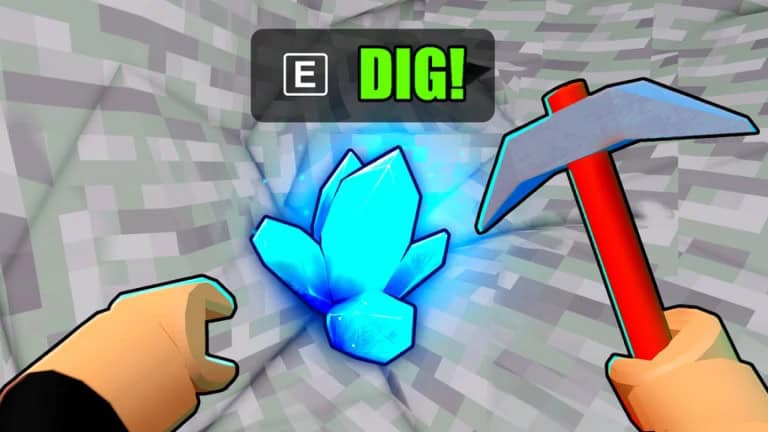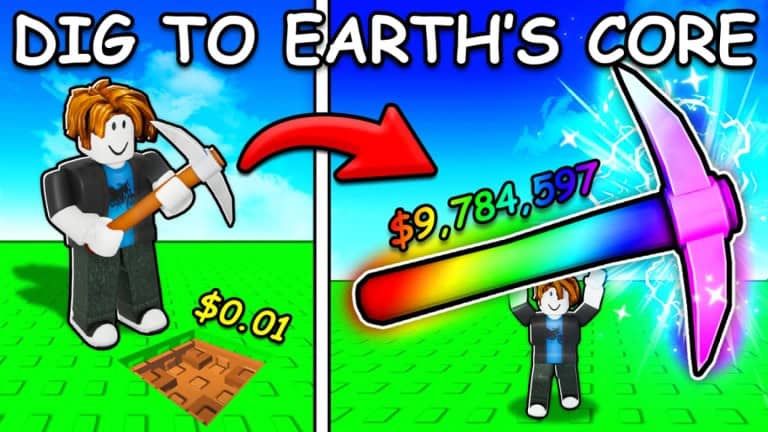
Dig to Earth’s Core is a Roblox adventure where you take your trusty pickaxe and remove all the dirt by digging down to the depths of numerous worlds. Your pickaxe can be swapped out for improved versions, you can collect powerful pets, and even change the appearance of your pickaxe. One way you can customize your pickaxe in Roblox Dig to Earth’s Core is to add visual effects.
As the name suggests, pickaxe visual effects add some extra flair to your pickaxe by adding an effect that surrounds the tool. Whether that’s a star effect, dramatic thunder, or a gentle breeze, effects are purely cosmetic and they don’t improve your pickaxe stats.
How to get pickaxe visual effects in Roblox Dig to Earth’s Core
To obtain pickaxe effects, you must purchase visual effects cases using Shards. In order to get Shards, you must dig to the bottom of the Void world. Visit the teleporter at the front of your current world and choose to teleport to The Void.
The Void is different to a regular world in more ways than one. First of all, you earn purple coins instead of cash which are used to purchase special Void eggs, and you must equip a special Void world pickaxe. Also, the dirt you have to clear is 900m deep, greater than regular worlds which are made up of dirt that is 700m deep. Digging to the very bottom of the Void world will award you one Shard, the currency needed to spin visual effects cases.
More Roblox guides
Roblox: How to get Spins in Dig to Earth’s Core | Roblox: How to Trade Pets in Dig to Earth’s Core | Roblox: How to Play Dig to Earth’s Core | Beginner’s Guide | How to Play Roblox in 2025 | Roblox: What is Roblox Premium and How to Subscribe | How to Update Roblox on all Platforms |
All pickaxe visual effect cases in Roblox Dig to Earth’s Core
Here are all the visual effect cases in order of rarity and how many Shards they cost:
- Core – 5 Shards
- Mystical – 10 Shards
- Dynamic – 15 Shards
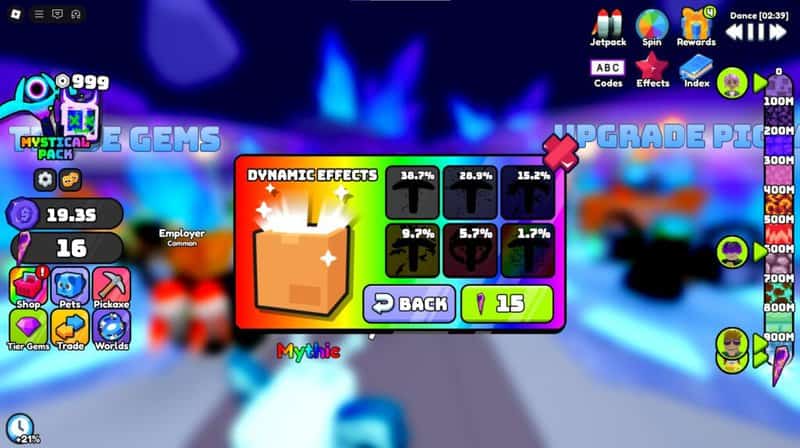
There are 21 pickaxe effects in Dig to Earth’s Core, each wielding a different rarity. When you open a case, you will see a percentage that indicates how rare each effect in the case is. Here are all the visual effects you can earn:
- Nova
- Nexus
- Breeze
- Bloody
- Psionics
- Star
- Shatter
- Space
- Fog
- Flame
- Explosion
- Storm
- Shock
- Magic
- Rupture
- Darkness
- Sun
- Thunder
- Lightening
- Glimmer
- Apocalypse
To open a case, click on the Effects icon towards the top right side of your screen and select the case you want to open. When you land on an effect, you must claim it and go back to the effects menu in order to equip it.
Just like that, you will have a visual effect around your pickaxe that will make digging that little extra satisfying.