• Skip to main content
  • Skip to header right navigation
  • Skip to site footer
Gameranx

Gameranx

Video Game News, Lists & Guides

  • News
  • Features
  • Platforms
    • Xbox Series X
    • PS5
    • Nintendo
  • Videos
  • Upcoming Games
  • Guides

Schedule 1: How to List Products for Sale

April 5, 2025 by Lauren Sayles

You’re in high demand.

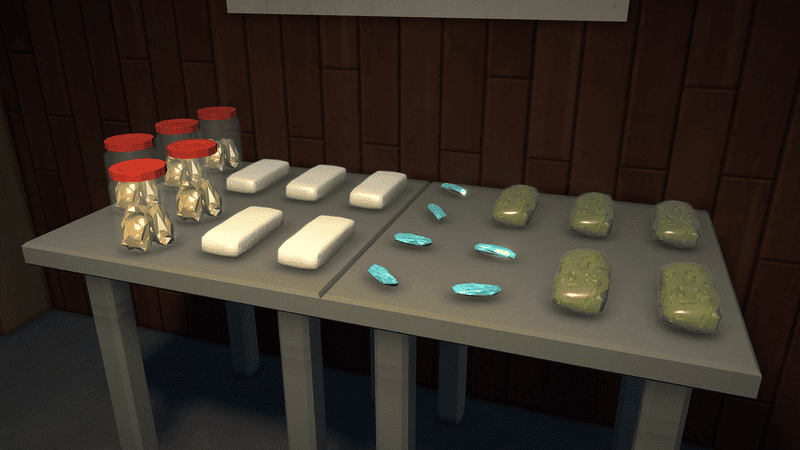
Schedule 1 is the latest game to make waves in the simulator market. Despite being in Early Access, there’s a lot of content to keep you busy. The primary aim of the game is to build your very own drugs business from the bottom up, managing every aspect of production, distribution, and of course, meeting your customer’s requests. Getting your empire up and running requires you to sell your products and you can list your drugs for sale with ease. 

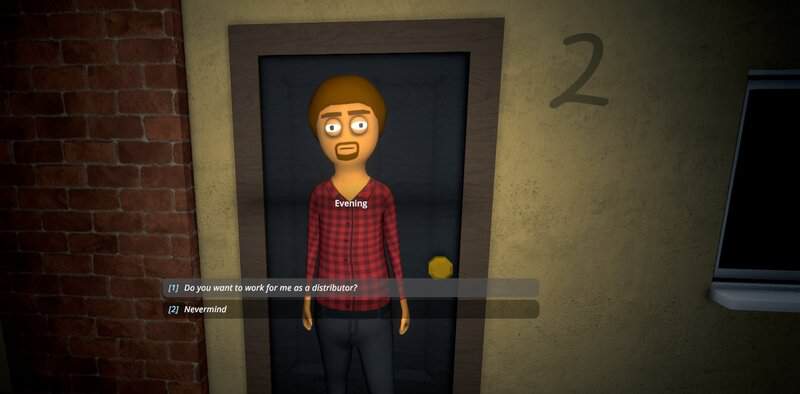
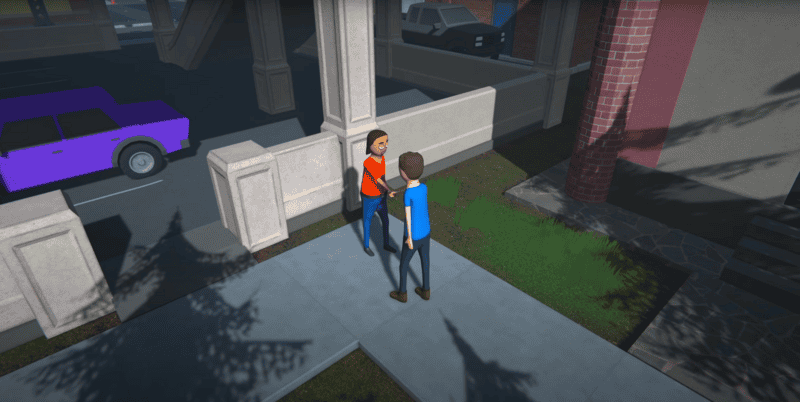
Distributing your product can be done by you hitting the streets and making offers, handing out free samples to get more clients on your list, and by hiring dealers. Making money is even easier when you list your products in Schedule 1 as the customers come to you.

More Schedule 1 guides

Schedule 1: How to Play Co-op With Friends | Schedule 1: How to Collect and Sell Trash | Schedule 1: How to Escape the Police | Schedule 1: How to Pickpocket | Schedule 1: How to Launder Money | Schedule 1: How to Move Furniture | Schedule 1: All Cheats and Console Commands | Schedule 1: How to Change Clothes | Schedule 1: How to get Customers |

Bring home the bacon

To list your products for sale in Schedule 1, pull out your phone by pressing the Tab key on your keyboard. From here, click on the Products app which appears as a red icon.

In the Products section, you will be able to see all the products you have made. Click the product you want to list for sale and you will be given an option to adjust the asking price, see the effects of the drug, and check a box that allows you to list it for sale.
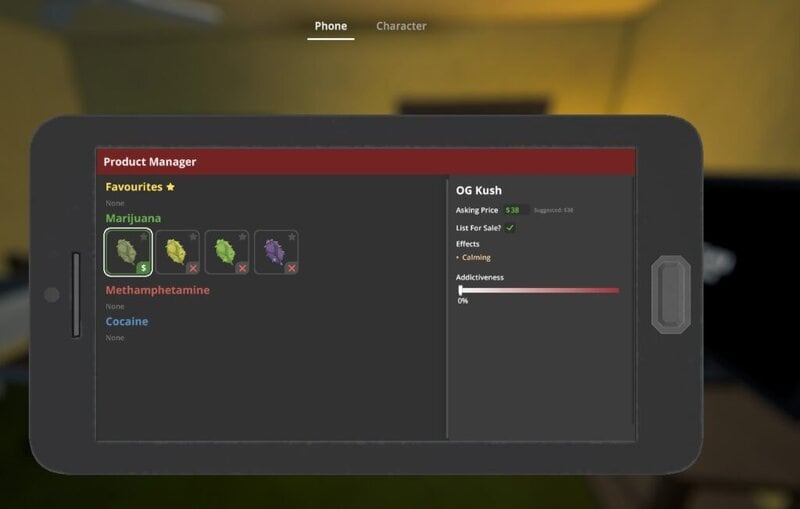
Once you’ve listed an item for sale, you will begin receiving texts from customers asking for a certain amount of product and they’ll offer you a price. Open the text from the Messages app in your phone to either accept their offer, negotiate with a counter offer, or reject the offer entirely.

If an offer is accepted, you can choose a time of day to meet with the customer and make the sale. The customer will tell you where to meet and give you a time window to complete the sale. If you’re unsure of the exact location of the customer, a green icon will appear at the top of your screen and on your map, showing you where you need to be.

When you run out of product, it’s recommended that you delist it. If not, customers will continue to message you with orders that you won’t be able to fulfil. To delist an item, go back into the Products app and uncheck the List For Sale box.

Related Guides

how to use spray paint schedule 1
Schedule 1: How to use Spray Paint to Draw Graffiti
how to get hyland manor schedule 1
Schedule 1: How to Purchase Hyland Manor
schedule 1 cartel dealer
Schedule 1: Where to Find Cartel Dealers
how to decrease cartel influence schedule 1
Schedule 1: How to Decrease Cartel Influence
how to unlock the cartel in schedule 1
Schedule 1: How to Unlock the Cartel
how to get hotbox schedule 1
Schedule 1: How to get the Hotbox
pump shotgun schedule 1
Schedule 1: How to get the Pump Shotgun
schedule 1 offroad skateboard
Schedule 1: How to get the Offroad Skateboard
schedule 1 transfer employees
Schedule 1: How to Transfer an Employee to a Different Property
schedule 1 assign lockers to employees
Schedule 1: How to Assign Lockers to Employees
schedule 1 oscar out of the warehouse
Schedule 1: How to Access Warehouse Products Out of Hours
schedule 1 anti gravity drugs
Schedule 1: How to Make Anti-Gravity Drugs
how to get jukebox in schedule 1
Schedule 1: How to get the Jukebox
how to get schedule 1 stash and dash storage unit
Schedule 1: How to get the Storage Unit
how to get cars and best vehicles schedule 1
Schedule 1: How to get all Cars and the Best Vehicles
how to get and use pseudo in schedule 1
Schedule 1: How to get and use Pseudo
schedule 1 access beta branch
Schedule 1: How to Access the Beta Branch
schedule 1 how to unstuck vehicle
Schedule 1: How to get a Vehicle Unstuck
how to use a flashlight in schedule 1
Schedule 1: How to use a Flashlight
how to restore health schedule 1
Schedule 1: How to Restore Health
schedule 1 shred shack golden skateboard
Schedule 1: How to get the Golden Skateboard
schedule 1 how to fix empty pawn shop mick not appearing
Schedule 1: How to fix Empty Pawn Shop
Schedule 1 Ray's Real Estate location
Schedule 1: Where to Find Ray’s Real Estate | Location Guide
schedule 1 meet up with supplier
Schedule 1: How to Meet With Suppliers
schedule 1 how to make explosive drugs
Schedule 1: How to Make Explosive Drugs
schedule 1 how to get a gun
Schedule 1: How to get a Gun | Weapons Guide
schedule 1 how to hire a dealer Benji
Schedule 1: How to get Dealers
how to pay debt in schedule 1
Schedule 1: How to pay Debts
how to order seeds schedule 1
Schedule 1: How to get Seeds
how to play schedule 1 co-op multiplayer with friends
Schedule 1: How to Play Co-op With Friends
schedule 1 how to sell trash
Schedule 1: How to Collect and Sell Trash
schedule 1 how to escape the police
Schedule 1: How to Escape the Police
schedule 1 how to pickpocket
Schedule 1: How to Pickpocket
how to launder money in schedule 1
Schedule 1: How to Launder Money
how to move furniture in schedule 1
Schedule 1: How to Move Furniture
schedule 1 cheats and console commands
Schedule 1: All Cheats and Console Commands
schedule 1 how to get more customers
Schedule 1: How to get Customers
how to change clothes schedule 1 thrifty threads
Schedule 1: How to Change Clothes

Share this post:

FacebookTwitterLinkedInPinterest

Recent Videos

Metroid Prime 4: Beyond - Before You Buy

Metroid Prime 4: Beyond - Before You Buy

ROUTINE - Before You Buy

ROUTINE - Before You Buy

10 Upcoming FPS Games That LOOK INSANE

10 Upcoming FPS Games That LOOK INSANE

Red Dead Redemption (PS5 Switch 2) - Before You Buy

Red Dead Redemption (PS5 Switch 2) - Before You Buy

This Game Wants To Be SKYRIM 2 Before Elder Scrolls 6

This Game Wants To Be SKYRIM 2 Before Elder Scrolls 6

Marvel Cosmic Invasion - Before You Buy

Marvel Cosmic Invasion - Before You Buy

Top 25 BEST PS5 Games of 2025

Top 25 BEST PS5 Games of 2025

10 WEIRD GAMING Stories of November 2025

10 WEIRD GAMING Stories of November 2025

DESTINY 3 LEAKED, CONSOLE PRICES GOING UP AGAIN? & MORE

DESTINY 3 LEAKED, CONSOLE PRICES GOING UP AGAIN? & MORE

Category: FeaturesTag: Guides, PC, Schedule 1, Schedule 1 guides gameranx, TVGS

Sidebar

Recent Posts

  • Netflix Warner Bros. Acquisition Includes Games Division
  • Grand Theft Auto 6 Drops Down The List Of Most Googled Games Of 2025
  • Mafia: The Old Country Continues To Get Support With New Patch
  • Grand Theft Auto 6 Is Officially Nominated As Most Anticipated Game In TGAs 2025
  • This Bundle Highlights Why Red Dead Redemption 2 Needs Upgrades On Consoles Too

Copyright © 2025 · Gameranx · All Rights Reserved · Powered by Mai Theme