Table of Contents[Hide][Show]
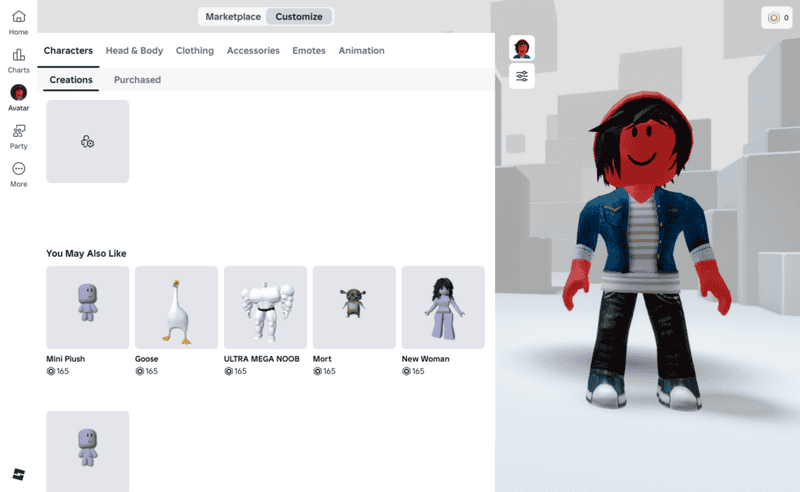
Roblox stands high in popularity for players around the world, with a wide range of ages finding enjoyment on the platform. An aspect people enjoy about roblox is getting to customize your character. Doing so tends to cost Robuxs. As well as customizing, there are options available in a multitude of games that are only available using Robuxs. How do you get Robux and transfer that onto the platform to use? We’ll explore how, and hopefully help you to do so. We’ll start with the main way, using Roblox Cards.
How do I buy Robux?
To get Roblox cards physically, you can purchase these in stores like Walmart, Target, and Best Buy. Like other gift cards, the amount you can put on them can be $10, $25, even $50 dollars.
Online, you can purchase a digital gift card on the online version of stores listed above or on sites like Amazon, or even from the Roblox site. These are also available for amounts like $10, $25, etc.
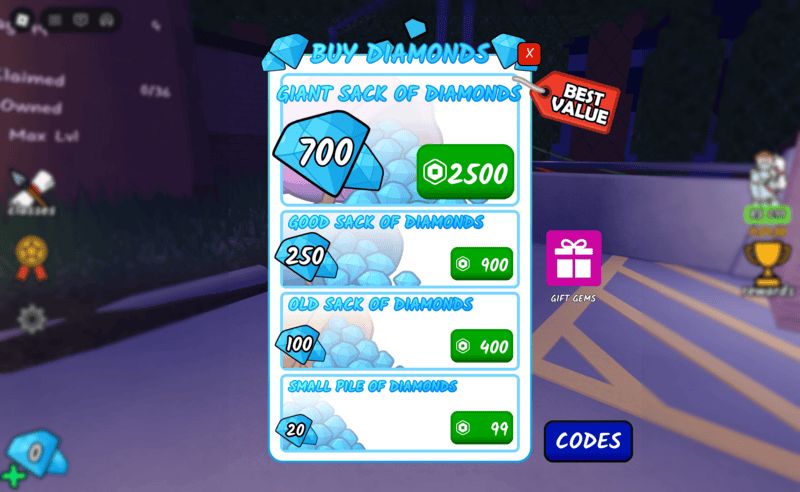
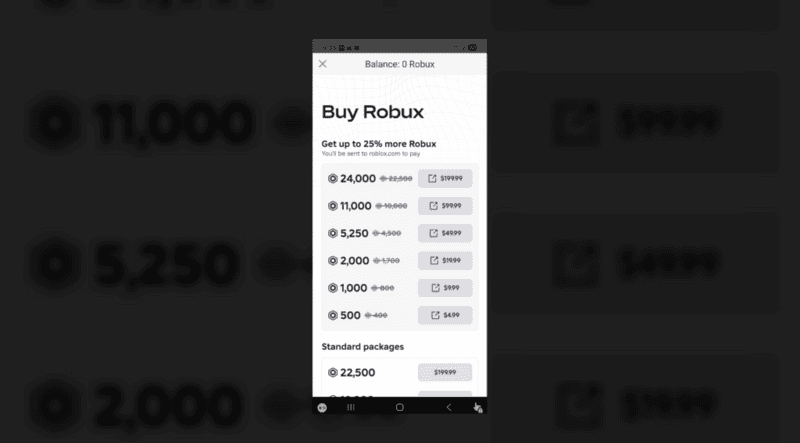
You can also purchase robux directly through the Roblox App. Open the app and in the top right, you will see a Robux symbol. Clicking that will bring up your Robux balance and a list of amounts to purchase. There is also an option to Subscribe and receive 1,000 Robux a month for $9.99. Once you’ve chosen the amount you want, you will be prompted with a method to pay, options including Paypal, Google Play, and a credit card. Choose your method and the amount will be added to your available balance.
How do I Redeem Roblox Cards?
Once you have purchased, or maybe have been gifted, a Roblox card, now you can redeem it for the coveted in-game currency. Here are the websites and directions for how to redeem and convert that into Robux:
This version can only be done on the website, not using the app on phone or computer application. Log into the account associated with the user you want to Robux to be used for. After that, flip your card over to see, on the lower half, a silver strip. Use a coin to scratch gently at the foil to reveal a pin. Type this code into the box and click Redeem.
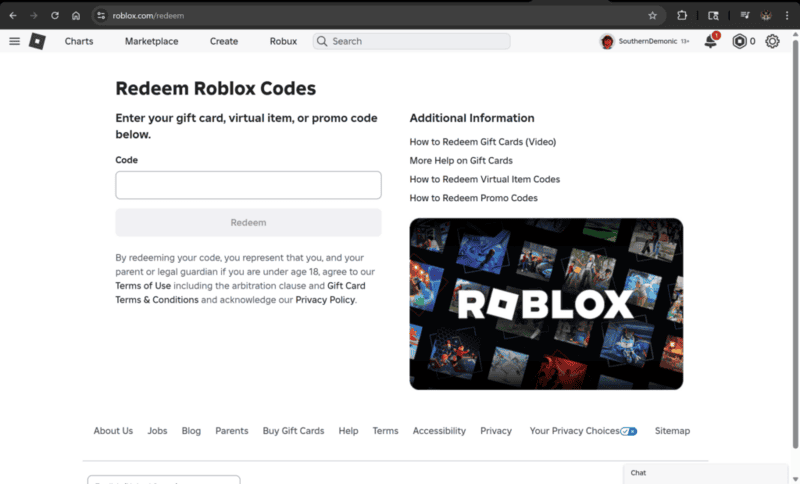
This method is also done using the website, not using the app on phone or computer application. Log into your account normally and look at the top right. You will see a Robux symbol, along with the amount of Robux you already have available on your account. Clicking that will show a dropdown menu with the options “Buy Robux”, “My Transactions”, “Redeem Roblox Codes”. Click “Redeem Roblox Codes” and you will be redirected to the redeem site. Once there, flip your card over to see, on the lower half, a silver strip. Use a coin to scratch gently at the foil to reveal a pin. Type this code into the box and click Redeem.

After using either of these methods, you will get a pop-up that your code was successfully redeemed, as well as a free item for your character. Press Back to Redeem to close the pop-up and now return to the home screen. At the top right beside the Robux symbol and your available balance you will see a card symbol with the amount you just redeemed. Click that to bring down the dropdown menu and click “Buy Robux”.
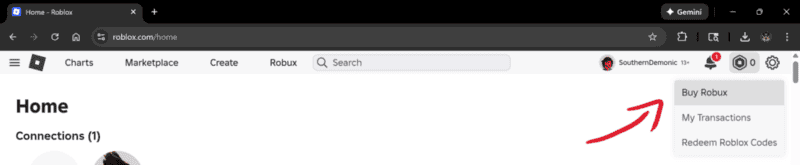
A list of Robux and the prices for each will load. Select and click an amount of Robux that will be covered by the gift card. This will send you to choose a method of payment. Select Roblox Credit, and it will send you to a checkout screen where you can double check that the amount will be covered by the gift card before clicking the Submit Order button.
From here you will be thanked for your purchase. Head back to the home screen where your balance will be updated to include the newly purchased Robux.
We hope this has helped in figuring out the steps to follow for retrieving your well deserved Robux. Spend a little, or spend it all, it’s up to you now! Mazel- tov!