
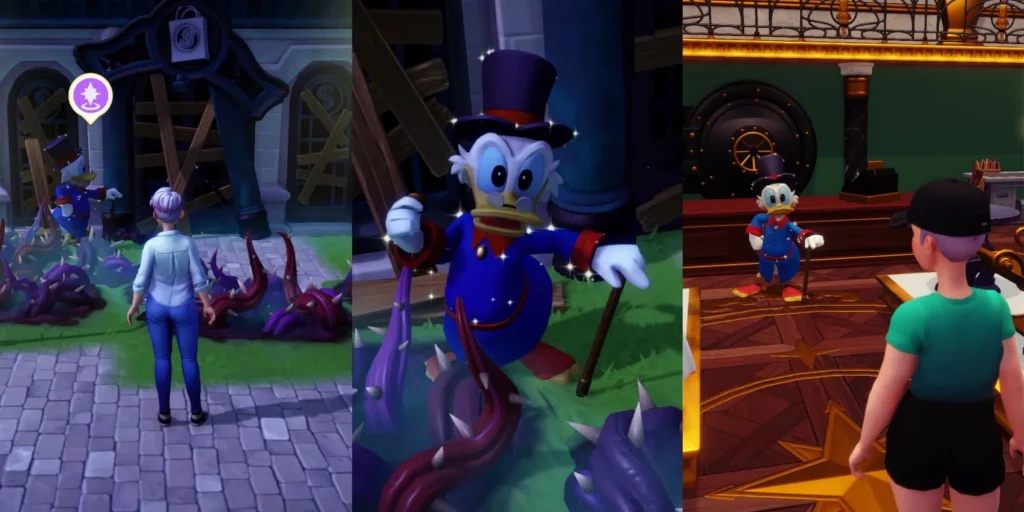
Have you ever gone into Scrooge McDuck’s store in Disney Dreamlight Valley and not liked a single item available to buy? Or was it just not what you were looking for? No need to worry any further, today we’ll be teaching you how to easily reset Scrooge McDuck’s store in the game without causing any harm to it.
More Disney Dreamlight Valley guides:
All Royal Tool Locations | Royal Tools Upgrades | All Recipes & Cooking Combos | All Crops Grow Times & Sell Values | Second Floor & Storage Upgrade Guide | Fast Travel Guide | How To Feed All Animals | Best Professions To Assign First | How To Cook Smoked Peanuts & Anglerfish | Ratatouille Recipe | Crudites Recipe | Mystical Cave Puzzle Solutions | All Character Unlocks | Daily Passive Rewards | How To Catch Fugu Fish | Friendship Leveling Tips | How To Get Emeralds | All Seed Type Locations | How To Earn Millions Of Star Coins | How To Earn Dream Shards | How To Get Softwood, Hardwood & Iron Ingots | How To Skip Barrier & Sequence Break | Why You Shouldn’t Time Travel | All Special Companions Guide | How To Get All Sunstone Fragments
What You Need To Know First
You want to make sure that you already have Scrooge McDuck’s store open, which you will be able to do after you help Goofy. Once helping Goofy with his stand, you will be able to talk to Scrooge McDuck who will then ask you to help him open back up his store takes around 1,000 Star Coins. Once you do this, you will be able to go inside the shop and buy items of clothing and furniture. Some players on Reddit have reported a couple of things about Scrooge’s shop…like either not liking the items given, or it being understocked. But here is some good news, the shop can actually be reset without causing any harm to the game like the time travel would.
Going To Scrooge’s Store
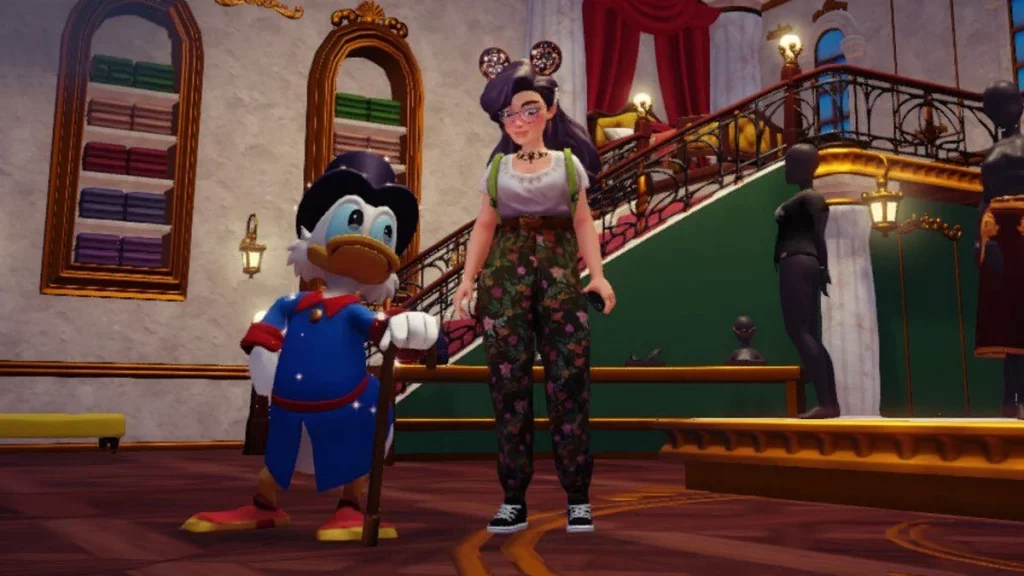
Once you open up your game and have joined the world, make your way over to Scrooge’s shop quickly, it doesn’t matter if you have it upgraded to the second level or not, just the single upgrade is enough.
Don’t Let The Game Save
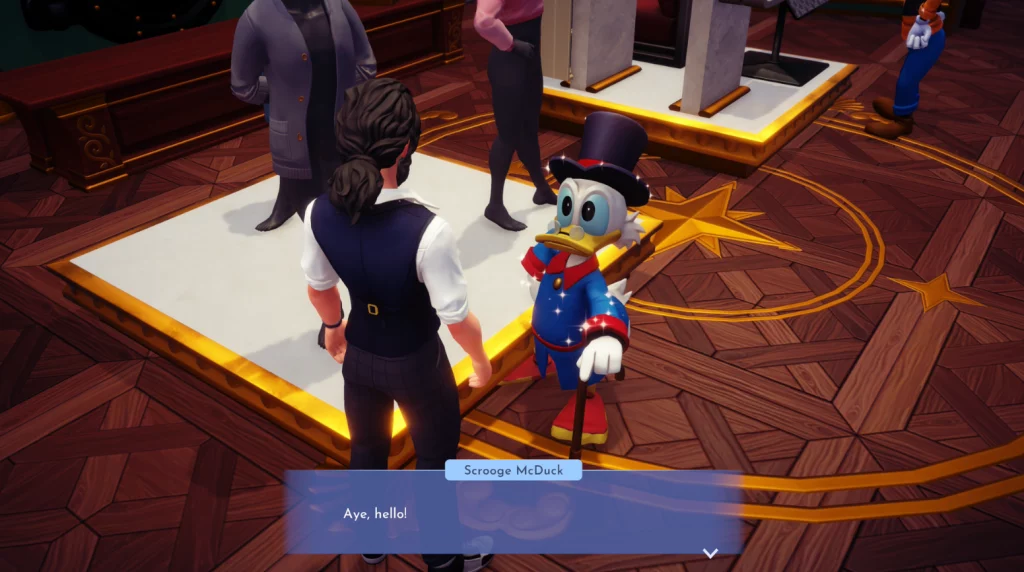
You want to make sure that your game doesn’t save on the way to the store, otherwise, you will be stuck with whatever items are in your store when you try to reload it. You can tell if your game is saving by looking to the bottom right corner, if you see a star symbol pop up that means your game is in the process of saving your new data.
Quit The Game
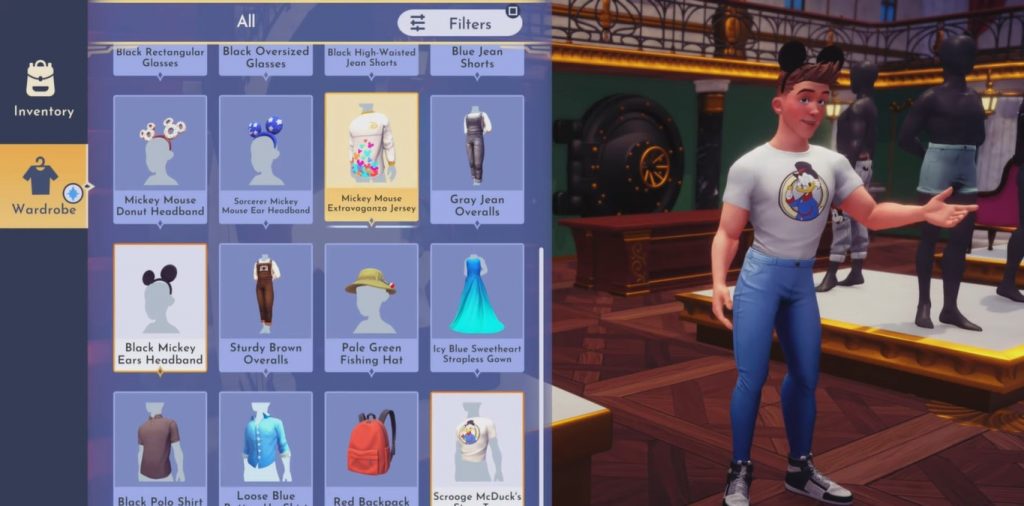
After checking your store and seeing items you don’t like…or seeing that your store isn’t fully stocked, you can now decide that you’d like to reset Scrooge’s store for the day. So you now want to quit your game without saving, simply just exit it.
Reopen The Game
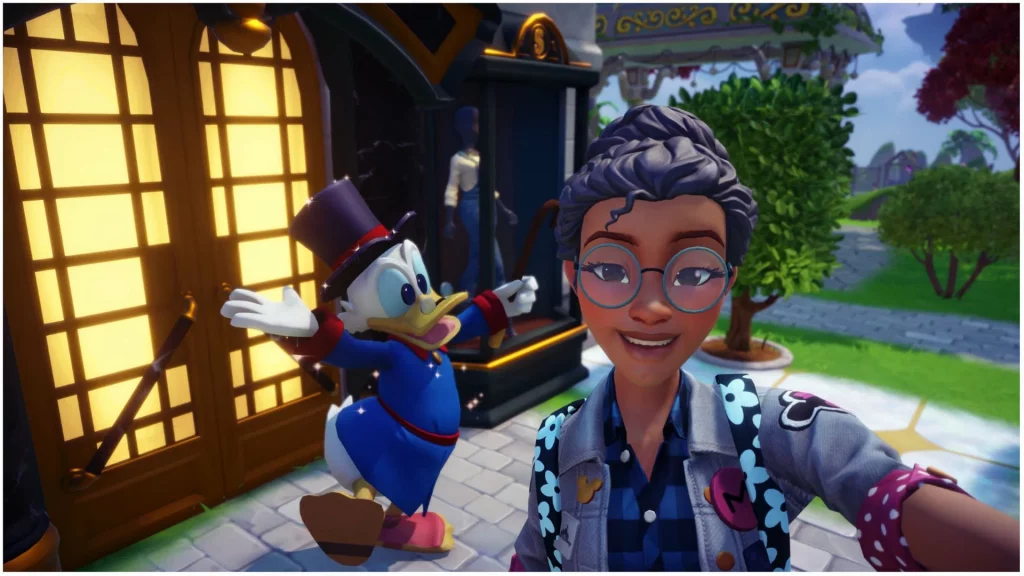
After closing out the unsaved game, reopen it and simply repeat the same steps, go to the store, see what items are there, and decide if you want to do this again all while making sure your game doesn’t save. Please follow the last step below if you have found items you like.
Save Your Game (Again!)
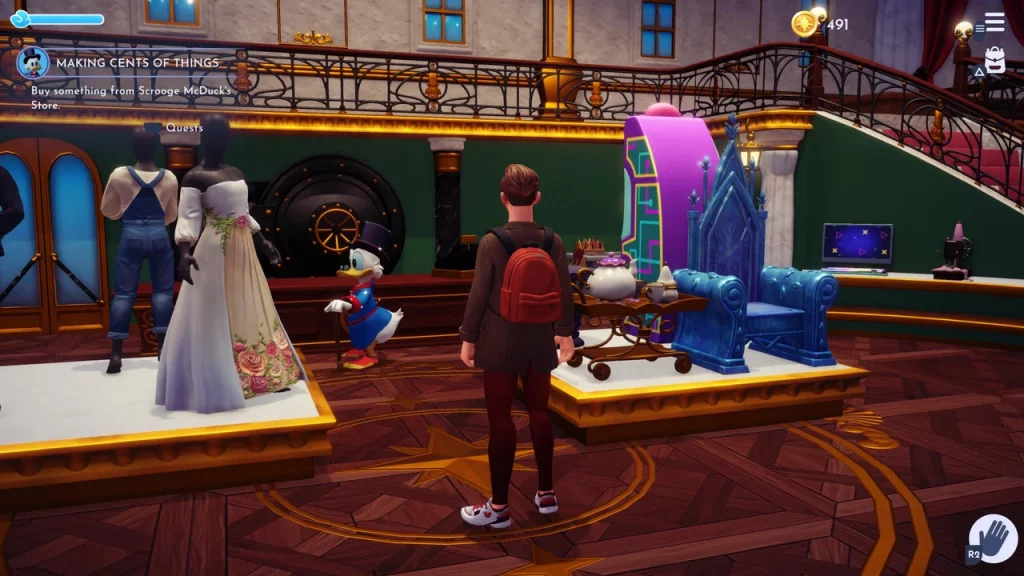
Now, you’ve finally found items in your store that you like and want to keep. In order to do this, just simply save the game like you normally would. Now you will have these items in your store until the next day.
We really hope this guide helped you learn how to reset Scrooge’s store and that now you will find fancy items you love each and every day. There are so many to collect in the game and this will help make it easier. Stay tuned for more Disney Dreamlight Valley content!








