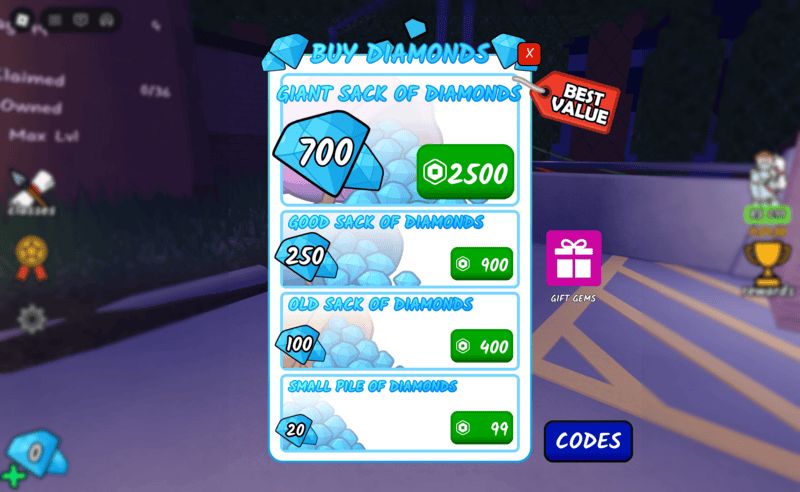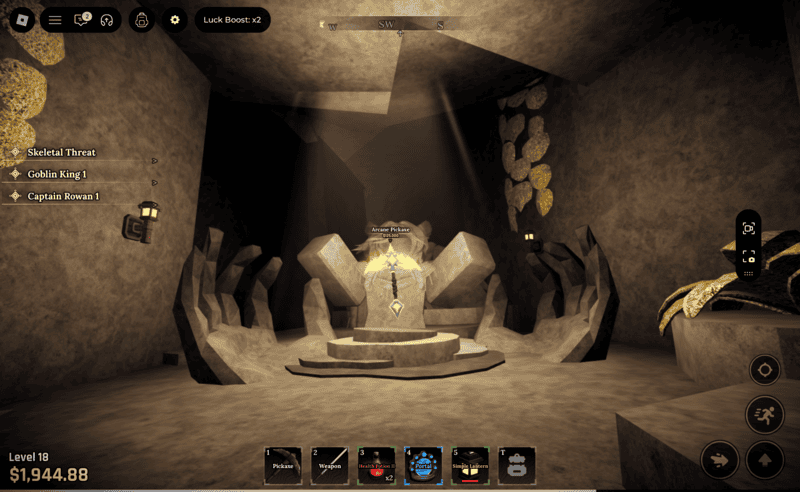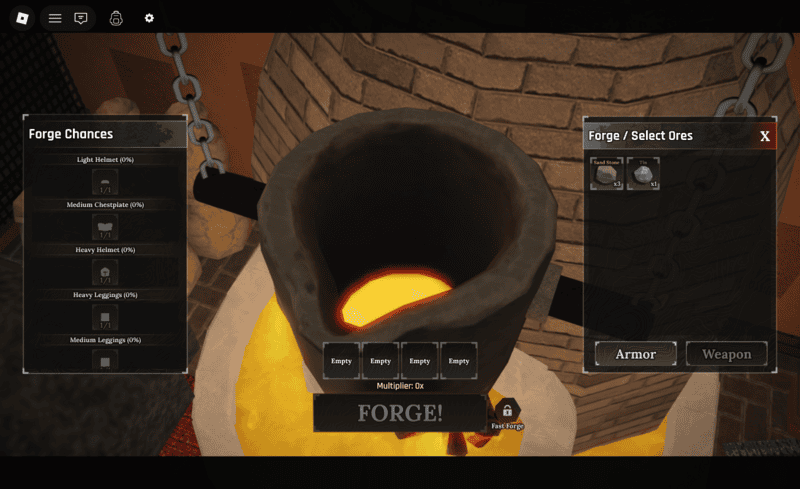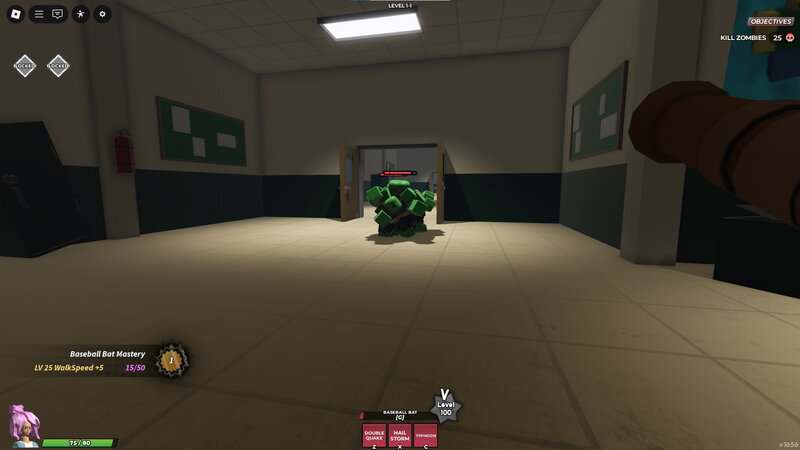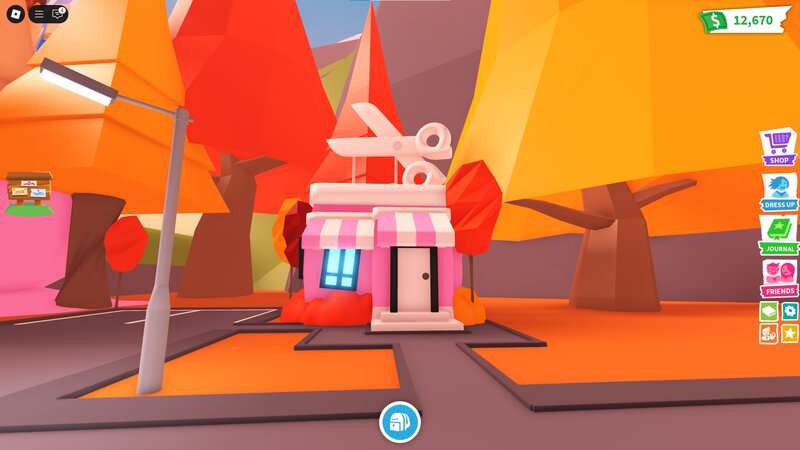
Like many games that adopt the free-to-play model, Roblox has microtransactions. Robux is the in-game currency in Roblox used to buy items from the Avatar Shop, as well as abilities and boosts in various experiences, game passes, and more. For even more bonuses, you may want to subscribe to Roblox Premium.
Roblox Premium is the successor to Builders Club, a paid membership that gives Roblox players perks and benefits. It is obtained by making a real-money purchase that renews on a monthly basis.
More Roblox guides
How to subscribe to Roblox Premium
Here are all the bonuses Roblox Premium subscribers will have access to:
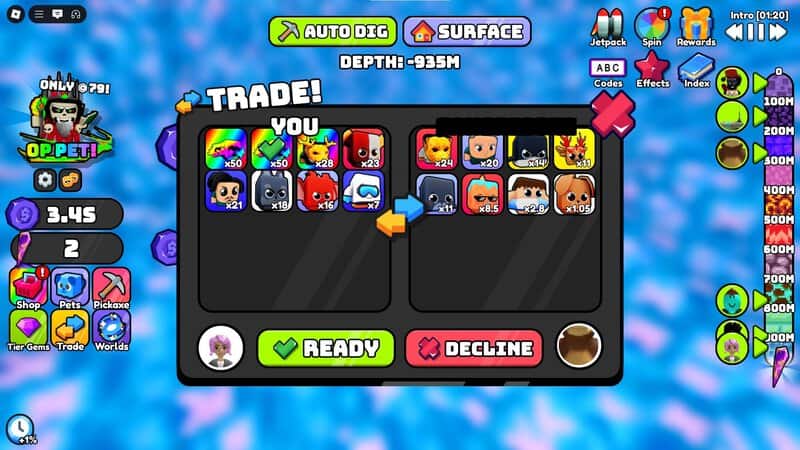
- Item trading
- Monthly Robux allowance
- 10% Robux Purchase Bonus
- Exclusive Avatar Shop accessories and items
- Premium benefits within experiences (including Premium-only levels, items, and boosters)
There are three subscription tiers. The only difference between the tiers is the amount of Robux tied to each one:
- $4.99: The Premium 450 plan gives you 450 Robux every month
- $9.99: The Premium 1000 plan gives you 1,000 Robux every month
- $19.99: The Premium 2200 plan gives you 2,200 Robux every month
If you want to subscribe to Roblox Premium on PC, go to the Roblox Premium website and scroll down to the bottom of the page. Here, you can click “subscribe now” on the tier you want to subscribe to. Simply log in to your Roblox account, choose the type of payment you want to proceed with, and complete the payment to begin your subscription.
The process is similar on iOS and Android mobile devices. Open the Roblox app and click on “more” on the taskbar at the bottom of your screen. Click on the “Premium” box to view your membership options and subscribe.
A Roblox Premium subscription will automatically renew every month, but you can cancel it at any time before the renewal date. From Roblox on your desktop browser, log in to your account that has a Roblox Premium subscription and click the gear icon that’s in the top right of your screen. From here, open Subscriptions, go to Premium membership, and press “Cancel Renewal.” Follow the instructions on screen to cancel your subscription.