
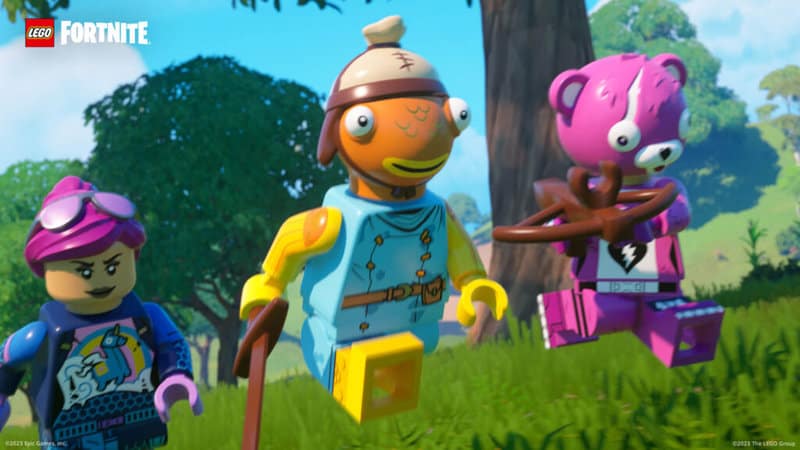
During The Big Bang Live event, fans got their first official look at the next big collaboration between LEGO and Fortnite. Just days after Epic Games introduced players to a new era of the battle royale with Fortnite Chapter 5 Season 1, the open-world adventure went live. LEGO Fortnite can be played solo, but you can also invite your friends to craft, build, and battle it out against enemies alongside you.
LEGO Fortnite is better when you’re teaming up with your friends and the mode allows for up to eight players to hop into a world together.
More Fortnite guides
LEGO Fortnite: Is There Split Screen Support? | Answered | LEGO Fortnite: How to get Copper Bars | LEGO Fortnite: How To Get More Hearts | LEGO Fortnite: How to Craft a Sword | LEGO Fortnite: How to Craft Planks | Fortnite: When Does LEGO Fortnite Release? | Fortnite: How to get Society Medallions and Their Function | Fortnite: Where to Find FlowBerries and Their Function | Fortnite: All NPC Locations | Chapter 5 Season 1 | Fortnite: All Reboot Van Changes | Chapter 5 Season 1 | Fortnite: Every Vaulted and Unvaulted Weapon | Chapter 5 Season 1 | Fortnite: All Kickstart Quests | Chapter 5 Season 1 | Fortnite: How to Complete a Train Heist | Fortnite: What are Match Quests?| Chapter 5 Season | Fortnite: All Reality Augments | Chapter 5 Season 1 | Fortnite: How to get the Free Runway Racer Skin and Cosmetics | Fortnite: How to Play Split Screen | Xbox and PlayStation |
How to invite your friends to play LEGO Fortnite
- Go to the LEGO Fortnite lobby from the “Discover” tab
- Create a world or select one you’ve already made and begin playing
- Open your Map Menu and go to the “Players” tab
- Select a friend you want to invite to your world and hit “Invite Players”
- Once they Ready Up, they will load into your world
That’s not all, as you can also make your friends Keyholders from the aforementioned Players tab. You have a total of seven keys at your disposal and they’re used to allow your friends to continue playing on your world, even if you’re offline. Anybody in your world who doesn’t have a key will be removed from the game when you leave the party.
Since you’re in charge of your own world, you can assign and remove Keyholder status to whoever you want and as often as you please. Notably, the entire lobby can be Keyholders, meaning your squad can make serious progress towards your objectives.
That’s all you need to know about how to invite your friends to join you on your LEGO Fortnite adventures!








