
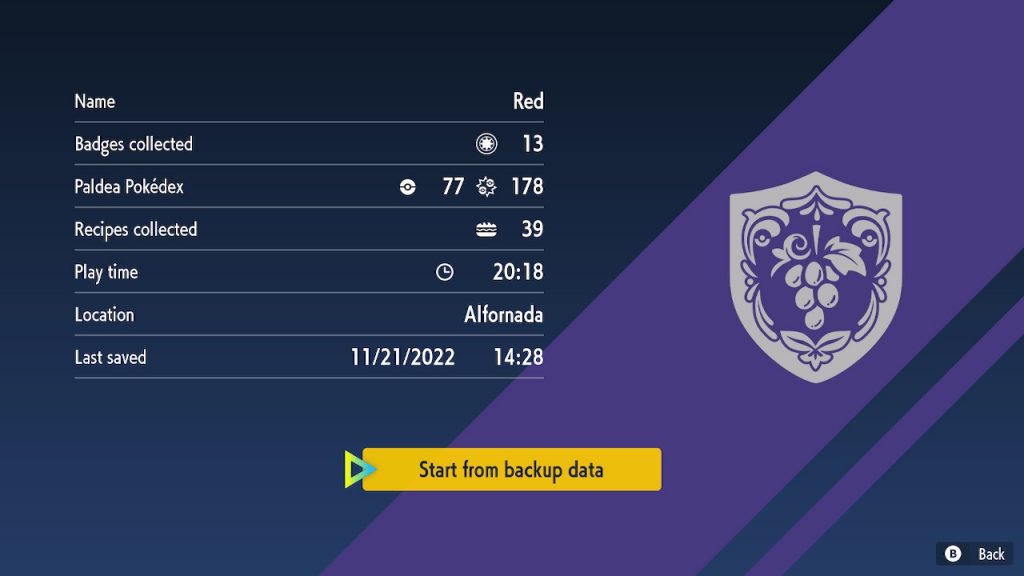
Saying Pokemon Scarlet & Violet isn’t the most stable in the series is an understatement. Many players are reporting visual bugs — and while most of these problems are pretty harmless, you don’t want to run afoul of a crash. You can lose hours of progress with one crash, even if the autosave feature is enabled. If you don’t want to replay giant chunks of the game, there is a way to save your playthrough. There’s a hidden “cheat code” trainers can use to unlock hidden save backups.
Pokemon Scarlet & Violet has had a rough launch, with players venting over poor performance even when they’re marveling at the totally restructured open-world design, letting trainers go off and explore in any direction instead of being stuck on a route. There’s a lot to explore and learn in the Paldea Region — including some wild (and totally secret) new Pokemon. Check out the links below to learn more about everything Generation 9 has to offer.
More Pokemon Scarlet & Violet guides:
Beginner’s Guide | Combat Tips | All Version Exclusive Pokemon | All Version Exclusive Features | All New Pokemon | All New Evolution Methods | Which Starter To Pick First | Best Gym Leader Order | How To Breed Pokemon | How To Unlock Evolution Stones | Pre-Order Bonuses | How To Catch Shiny Pokemon | Best Shiny Chances | How Mass Outbreak Works | How To Get A Starter Pikachu | Where To Catch Eevee & All Evolution Methods | Where To Catch Ditto | How To Catch & Evolve Charcadet | How To Get Salt Cure | Naclstack Guide
How To Access Secret Save Backups | Title Screen Code
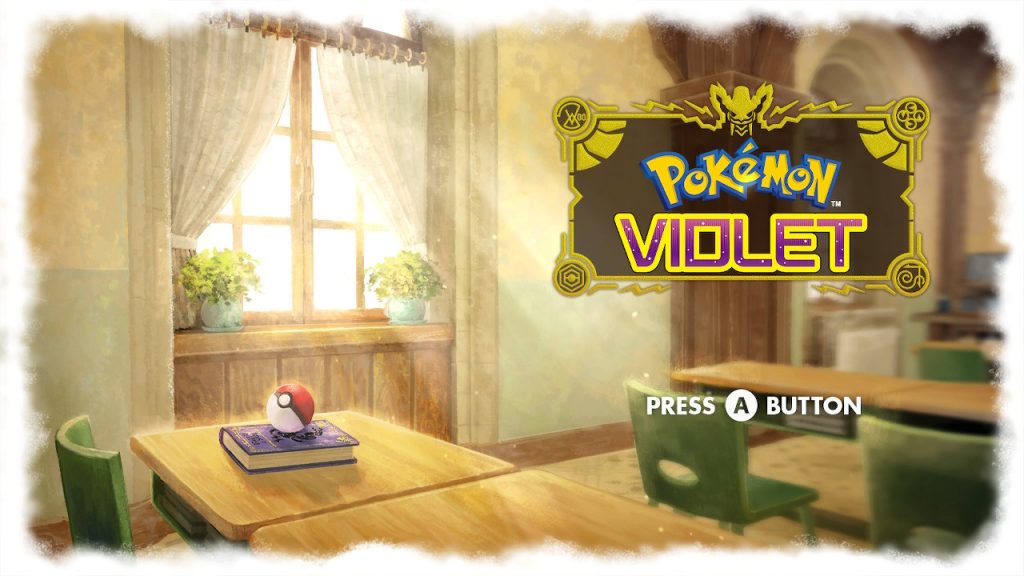
By inputting a code at the title screen, trainers can access a secret backup save file that overwrites you current save. This backup save file works even if autosave is disabled. Here’s how to pull it off.
- After a freeze or crash, close the game. Exit to the Switch Menu and close the software. Then restart.
- On the Title Screen, press these buttons at the same time: [D-Pad: Up] + [X] + [B]
After inputting the code correctly, a menu will appear with the backup save file. Select the “Load Backup Save File” option in the lower-right corner. This will overwrite your original save file, so only do this if you really need to get a backup.
This is a life-saving feature for players that are losing huge blocks of progress to crashes — or just from falling through the world. It is possible to get stuck permanently in a location, or for a glitch to block progress completely unless you reload an old save. Normally, saves aren’t accessible from any menu in the game. You can’t just reload whatever save file you want. Unless you use this “cheat code” — I think a regular load option on the main menu would’ve been just as helpful, and less obscure, than this hidden backup menu. Patches are coming for this incredibly popular game, so constant crashes and other weird glitches may be a thing of the past in the future.
Source: [1]







