
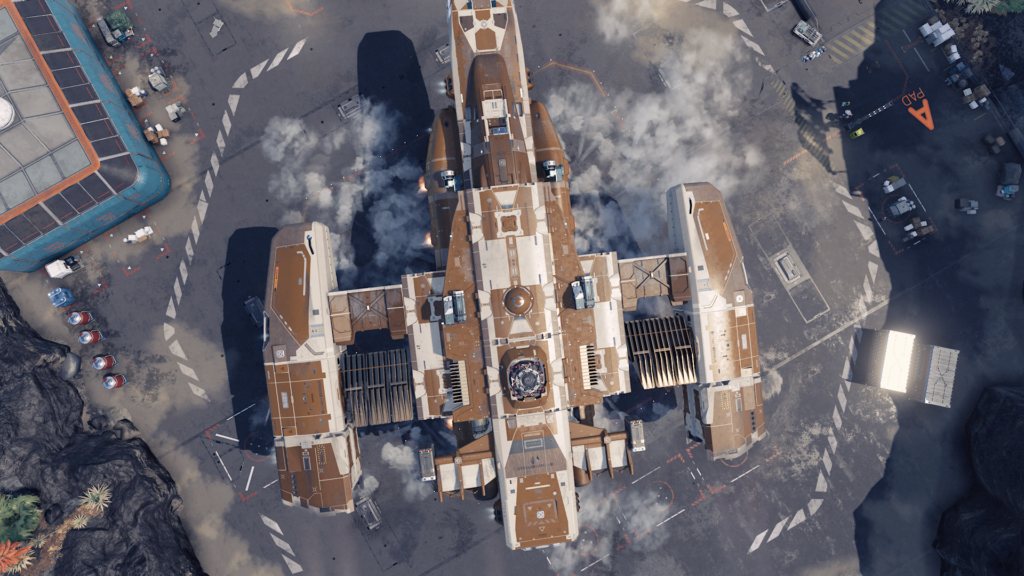
Your spaceship doesn’t have infinite inventory space in Starfield — to get more space in your ship, you’ll need to upgrade the Cargo Hold capacity by adding more cargo nodes through the Ship Builder. This expands your total cargo and allows you to haul more stuff, but there’s another way you can easily store infinite items in your ship. And no, it doesn’t involve dumping items all over the ground. Well, it does partially.
There’s a way you can fit all your items into your Cargo without upgrading. This isn’t exactly an exploit, and it isn’t a glitch — this is an intended feature of the game, and one that makes travelling with lots of extra junk way easier. If you don’t want to stop hoarding but don’t want your stuff sitting around in your ship, there’s an easy way to fill your Cargo Hold even when it’s at maximum capacity.
More Starfield guides:
Best Skills | Best Ship Upgrades & Mods | All Companions | All Romance Options | All Settlement Locations | Join All Factions | How To Pirate Ships | Secret Companion | Secret Ship & Suit | Easter Egg Landmarks | Best Weapons | Best Armor | All Console Commands
How To Get Infinite Ship Inventory Space
There is no official way to get infinite Cargo Hold carry weight. While there are some infinite containers, most have a specific mass limit. For example, the Captain’s Safe has a mass limit of 40, which is absurdly small. You can store maybe 4-5 items in that safe.
- Where To Find An Infinite Chest: There is an easy-to-access infinite container in The Lodge (New Atlantis, Jemison System) — after joining Constellation, unlock the door to the basement. There’s a work room with lots of different crafting / research benches. There are three square ammo boxes with infinite mass carry weight. You can store as many items you want in these containers and freely fast-travel to and from this location. Even from outer space.
Storing items in your Cargo Hold has an incredible added bonus — you can access items in your ship inventory from vendors, crafting benches, research stations, or when building outposts. That makes storing items in your ship much more convenient.
Because ship Cargo Holds can be so small, many players are simply dropping items on the floor of their ship. This allows you to carry items with you — items will not despawn. You’ll want to be careful with this method, because any Contraband that is on the floor of your ship or in your personal inventory will be automatically detected during planetary scans. Keep that in mind!
If you want to fill your ship with infinite inventory, here’s a trick you can use.
- How To Transfer Items To A Full Ship Inventory:
- Drop items on the floor of your ship.
- Use the Ship Services vendor to switch Home Ship.
- This will automatically put all items in your ship — including items on the floor — into your ship’s cargo.
Note that swapping Home Ship will also move items in any of the ship containers into your new ship’s cargo. Any items in containers or on the floor of the ship will be transferred to the cargo — that includes the Captain’s Safe. Even if the cargo as at maximum capacity, everything will appear in your cargo. You’ll be able to take items out but won’t be able to put items back in until you removed items under the total cargo weight limit. Or you can simply drop your items on the floor again and swap ships again to store your valuables.








