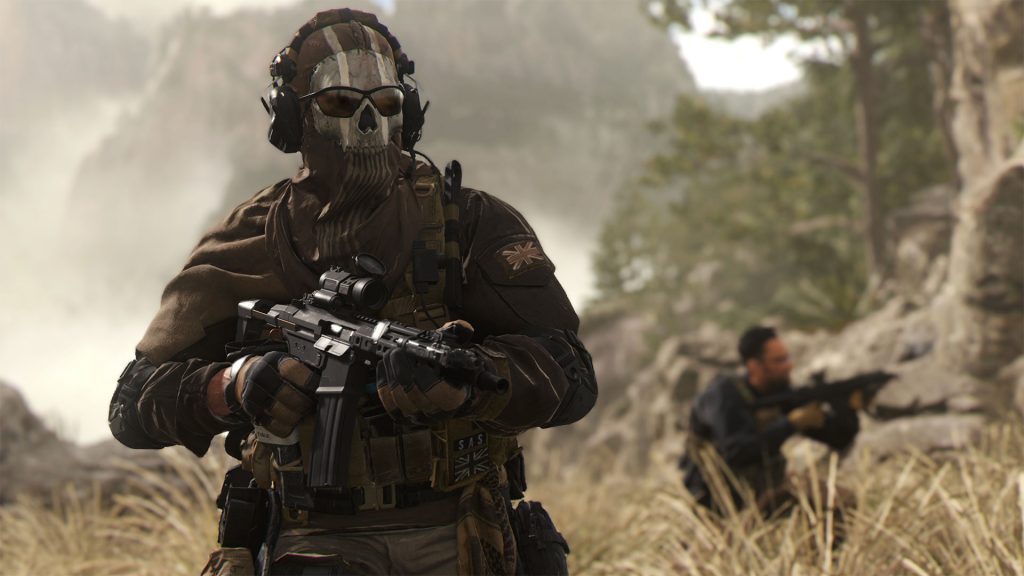
Call of Duty: Modern Warfare 2 has some similarities with the first series. There are some familiar weapons, operators, and Warzone 2 even contains some fan-favorite maps such as High Rise and Terminal as battle royale locations. However, you may not know that there is an option to use the classic hit marker sounds from the original game in Modern Warfare 2.
The first Modern Warfare 2 which was released back in 2009 is considered by a large proportion of the community as being one of the best Call of Duty’s of all time. If you want a small hit of nostalgia from hearing the OG hit markers again, we’ve got you covered.
More Call of Duty guides
Call of Duty: Warzone 2- Best Fennec 45 Class | Modern Warfare 2 and Warzone 2: How to Unlock the Chimera Assault Rifle | Call of Duty: Warzone 2- Best Sakin MG38 Class | Call of Duty: Warzone 2- Best RAAL MG Class | Call of Duty: Warzone 2- Best M16 Class | Call of Duty: Warzone 2- Best Lachmann-556 Class | Call of Duty: Warzone 2- Best Kastov 545 Class | Call of Duty: Warzone 2: Best Kastov 762 Class | Call of Duty: Warzone 2- Best TAQ-56 Class | Call of Duty: Warzone 2- Best RPK Class | Call of Duty: Warzone 2- How to Change the Color of Your Ping | Call of Duty: Warzone 2- Strongholds and Black Sites Explained | Call of Duty: Warzone 2- How to get Your Loadout Drop | Call of Duty: Warzone 2- How to Interrogate Enemies | Call of Duty: Warzone 2- How Does the New 2v2 Gulag Work? | Call of Duty: Warzone 2- Every Vehicle in Al Mazrah |
How to enable classic hit marker sounds in Modern Warfare 2
To change the sound your hit markers make, all you have to do is follow a few simple steps:
- Go to your game settings in Modern Warfare 2
- Navigate to the audio settings tab
- Scroll down until you see the ‘Advanced Audio Settings’ section
- Change the ‘Hit Marker Sound Effects’ to ‘Classic.’ As the description says, you’ll now experience the ‘old-school Modern Warfare 2 hit marker sound effects.’
When you hop into your next multiplayer game, you’ll hear the difference straight away. Of course, if you prefer the current Modern Warfare 2 version, you can always switch back by going through the same settings and selecting ‘MW.’
More Call of Duty guides
Call of Duty: Modern Warfare 2- New Ledge Hang Mechanic Explained | Call of Duty: Modern Warfare 2- Prisoner Rescue Game Mode Explained | Call of Duty: Modern Warfare 2- New Perk System Explained | Call of Duty: Modern Warfare 2- Knock Out Game Mode Explained | Call of Duty: Modern Warfare 2- How to Switch Between Killstreaks and Scorestreaks | Call of Duty: Modern Warfare 2- How to Weapon Inspect | Call of Duty: Modern Warfare 2- Full Achievement and Trophy List |