
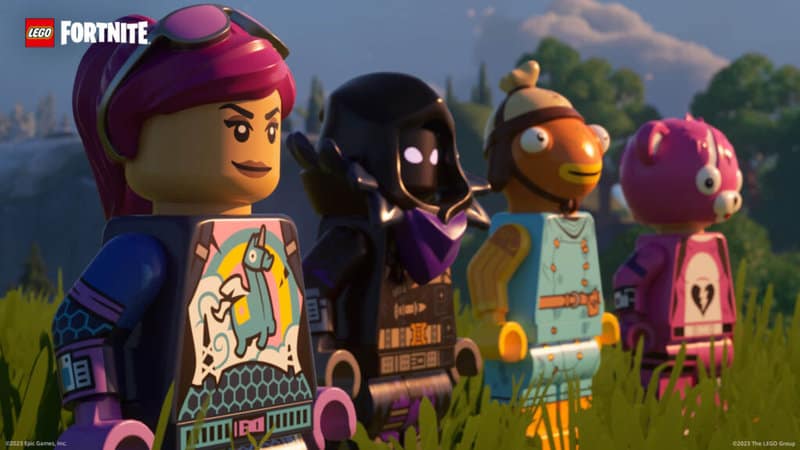
Shortly after Epic Games introduced us to the Underground with the launch of Fortnite Chapter 5 Season 1 came a LEGO Fortnite survival mode. Breaking Fortnite player count records, it proved extremely popular as soon as it made its debut. If you’re embarking on a LEGO Fortnite adventure for multiple hours, it’s likely you’ve seen a server lifetime message. This guide contains all there is to know about what causes the server lifetime message and how you can reset your world on your own terms.
We all need a break from time to time, including the servers. That’s where the server lifetime reset comes in, kicking you out of your world so the server can stretch its legs.
More Fortnite guides
Fortnite: How to get the Enforcer Assault Rifle | Fortnite: How to get FlowBerry Fizz | Fortnite: How to get Your Fortnite Wrapped 2023 | LEGO Fortnite: Is There Split Screen Support? | Answered | LEGO Fortnite: How to get Copper Bars | LEGO Fortnite: How to Invite Friends to Your World | LEGO Fortnite: How To Get More Hearts | LEGO Fortnite: How to Craft a Sword | LEGO Fortnite: How to Craft Planks | Fortnite: When Does LEGO Fortnite Release? | Fortnite: How to get Society Medallions and Their Function | Fortnite: Where to Find FlowBerries and Their Function | Fortnite: All NPC Locations | Chapter 5 Season 1 | Fortnite: All Reboot Van Changes | Chapter 5 Season 1 | Fortnite: Every Vaulted and Unvaulted Weapon | Chapter 5 Season 1 | Fortnite: All Kickstart Quests | Chapter 5 Season 1 | Fortnite: How to Complete a Train Heist | Fortnite: What are Match Quests?| Chapter 5 Season | Fortnite: All Reality Augments | Chapter 5 Season 1 |
What is the server lifetime reset in LEGO Fortnite?
After a few hours of continuously playing LEGO Fortnite, you will see a message pop up on the left side of your screen titled “server lifetime.” The alert contains a timer, informing you of how long you have left until the server closes down.
There’s no way to stop the timer, but you can reset it by leaving the game and re-joining from the main lobby. This will at least allow you to keep going for a few more hours before the message appears again.
However, waiting for the server lifetime timer to hit zero isn’t the end of the world. During an automatic server reset, none of your progress will be lost. After the server reset takes place, you can load back into your world immediately and continue your playthrough.
A server reset can be frustrating if you’re playing with friends since you have to get each player back in the lobby. With that being said, there tends to be no hiccups in the process and resets ensure the LEGO Fortnite servers remain stable.



