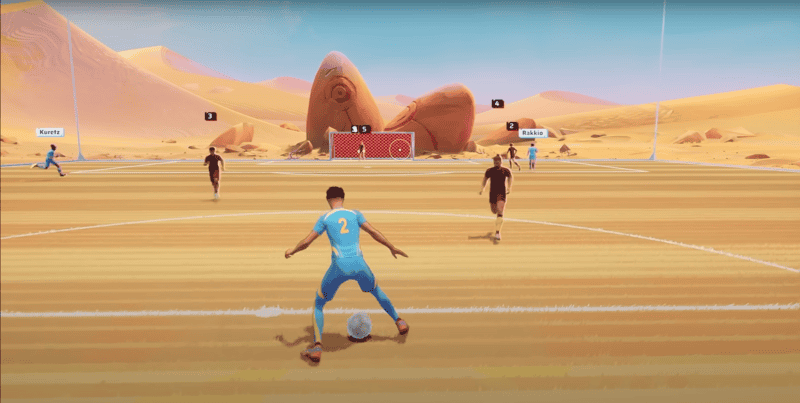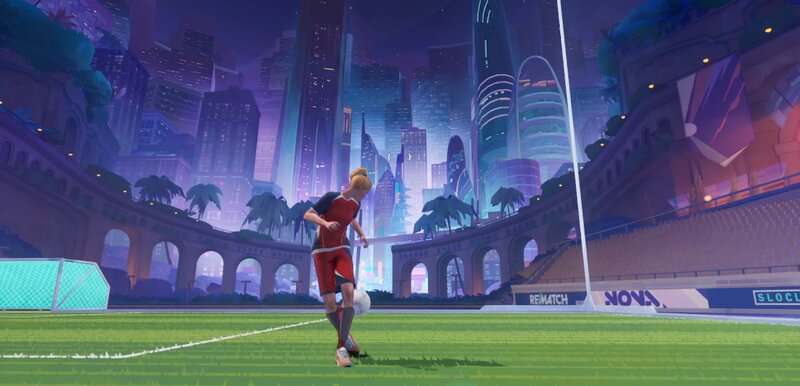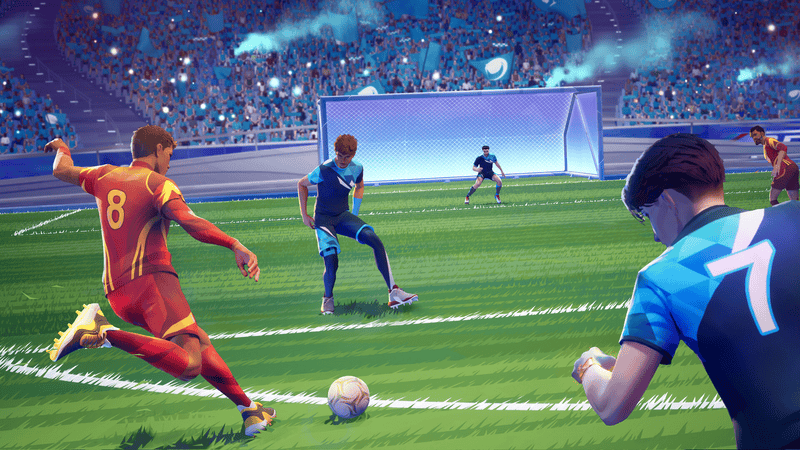
From the creators of Sifu, Sloclap are taking on a new genre with Rematch, a third-person soccer game that sways away from tradition by seeing you take control of a singular player in fast-paced arcade-style matches where team work is key. Although Rematch doesn’t make it clear, the game does have a Freeplay mode and this guide has all the details on how to access it.
What makes some of the best soccer players in the world? That’s right, practise. In order to outperform your opponents in Rematch, you may want to have a kick around in a practise mode. Freeplay allows you to do just that, but it isn’t a playlist you can select.
More Rematch guides
Rematch: Best Camera Settings | Beginner and Advanced | Rematch: How to Dribble and Enter Dribble Stance | Rematch: Best Camera Settings | Beginner and Advanced | Rematch: How to Perform a Rainbow Flick |
How to play Freeplay mode in Rematch
To enter Freeplay mode, go to the main menu screen in Rematch which is under the Play tab. It’s the screen where you select whether you want to play a Quick Match, Ranked, a Custom Match, Practise, or enter the Prologue.
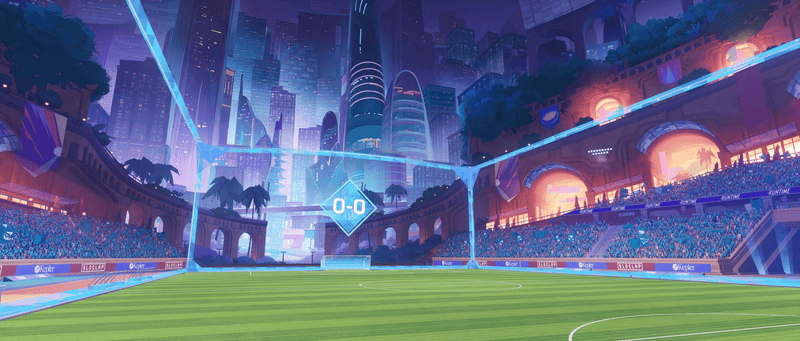
When you’re on the relevant screen, simply press B on an Xbox controller, circle on a PlayStation controller, or ESC on keyboard and mouse. This will place you straight on to a soccer pitch with just you, the ball, and two nets enclosed between four walls.
Freeplay mode is perfect to practise your footwork, master a new skill, or test out your settings. Even kicking the ball against the walls is useful for performing headers. If you want to freshen up on your goalkeeping, simply run into the goalkeeper’s box to automatically equip goalkeeper gloves.
Also, if you press down the right joystick on controller or the mouse wheel on keyboard and mouse, the ball will be summoned towards you, saving you from having to continuously run after the ball.
Rematch does have workshop modes, alongside more detailed tutorials based on movement, defense, passing, scoring, and being a goalkeeper. Here are all the workshops within each category and what they entail:
Movement: Gates Track challenges you to cross designated gates and score a goal as fast as you can. Protect Ball tests your ball control by tasking you with keeping the ball away from opponents that will attempt to intercept it, all while you’re in a shrinking zone.
Defense: Toro simply asks you to get the ball back as many times as possible from opponents.
Pass: Whack a Mole and Hoops asks you to shoot as many targets as you can with limited movement, with different targets in each mode.
Score: Go in the range and hit as many targets against the wall as possible.
Goalkeeper: Increase your reaction time and stop as many balls as you can.