
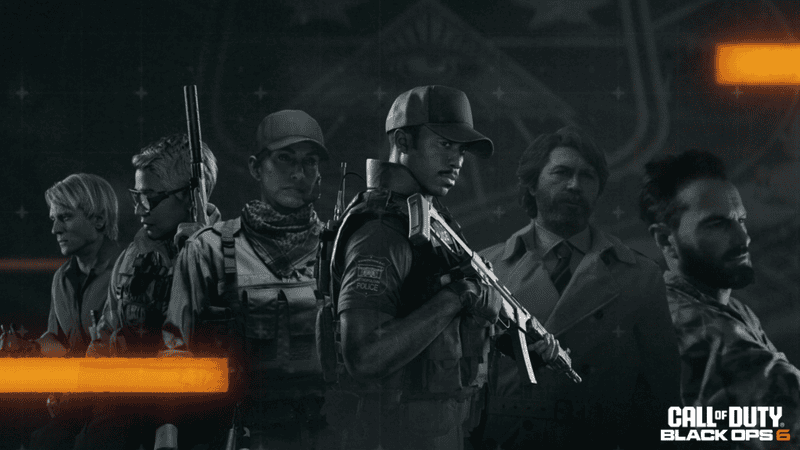
The highly anticipated release of Call of Duty: Black Ops 6 is getting closer, bringing a fresh story through the campaign, a new multiplayer experience, and of course, the return of round-based zombies. Activision has confirmed when Black Ops 6 pre-loads will go live on all platforms.
As is the case every year, the upcoming entry in the franchise will be available to pre-load for fans who have pre-ordered any edition of the game.
More Call of Duty guides
Call of Duty: Black Ops 6 – All Campaign Rewards | Modern Warfare 3: All MW3 Rewind Quests and Rewards | MW3 and Warzone: How to Unlock the JAK Voltstorm | MW3 and Warzone: How to Unlock the Seance Starter Blueprint | MW3 and Warzone: How to Unlock the Constellation’s End Prestige Camo | Modern Warfare 3: All Shipment Map Variants | Season 6 | MW3 and Warzone: How to Unlock the DTIR 30-06 | Call of Duty: Black Ops 6 – Kill Order Mode Explained | Call of Duty: Black Ops 6 – How to Take a Player as a Meat Shield | Black Ops 6 Zombies: How to use an Arsenal Machine | MW3 and Warzone: How to Unlock Mercury Weapon Prestige Camo | Call of Duty: Black Ops 6 – Will Your Skins Carry Forward? | Call of Duty: Black Ops 6 – Prestige System Explained | Call of Duty: Black Ops 6 – What is Omnimovement? | Call of Duty: Black Ops 6 – Pre-Order Bonuses and Editions |
How to pre-load Black Ops 6
Black Ops 6 pre-loads are scheduled to begin on October 21 at 9am PT. The steps you need to take to pre-load the game are slightly different depending on the platform you’re on.
Xbox
Players rocking the console on the green side can pre-load by following the instructions below:
- Locate or download the Call of Duty app
- Hit Start
- Go to Manage Game and Add-Ons
- Select Black Ops 6 and install
PlayStation
Setting up the pre-load on PlayStation is similar to the way it works on Xbox:
- Locate or download the Call of Duty app
- Hit the Options button
- Navigate to the Manage Game Content section
- Find Black Ops 6 and install
PC
Those on PC can pre-load via Battle.Net or Steam:
Battle.Net
- Locate or download the Call of Duty app
- Go to the Settings wheel
- Select Modify Install from the drop-down menu
- Visit the Content section and choose the Modify Install option
- Find and install Black Ops 6
- To confirm, press Start Update
Steam
- Locate or download the Call of Duty app
- Go to the Settings wheel
- Click Properties
- Click DLC
- Tick the boxes next to the Black Ops 6 files
- Go back to your library and start the update
By pre-loading Black Ops 6, you’ll be ready to jump straight in when the game launches on October 25, 2024.