
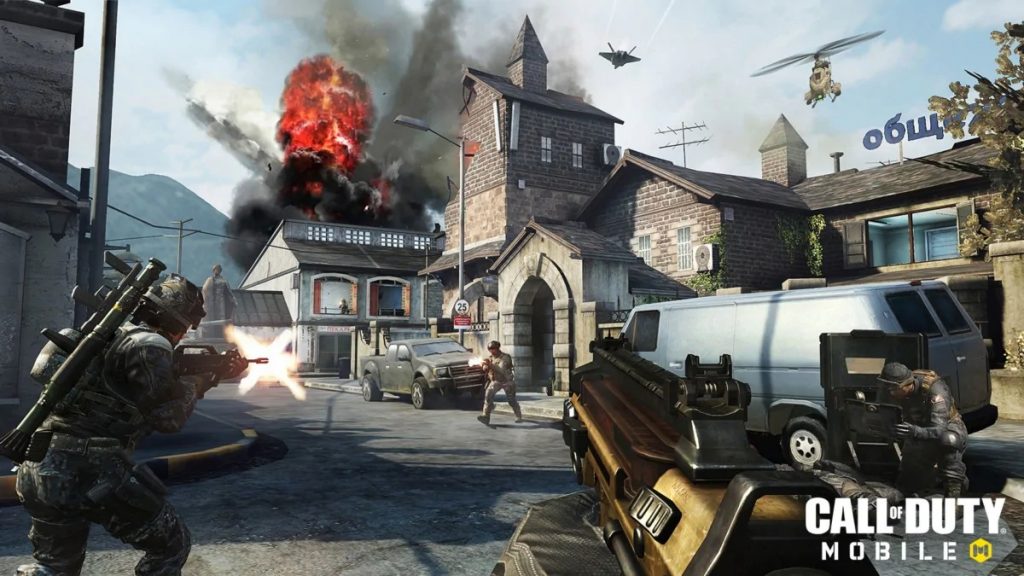
Yes, you can play Call of Duty: Mobile on your PC with full mouse and keyboard support. Due to its (current) lack of gamepad support, Call of Duty: Mobile players on smart devices are stuck with touch controls. Those touch controls might work pretty well, but nothing matches the precision of the mouse and keyboard combo that’s served expert gamers for decades.
It’s an easy process, and it’s totally free. Like Call of Duty: Mobile on iOS and Android, it’s still totally free-2-play on PC. You just need to download the Tencent Gaming Buddy Gameloop emulator. The cloying ‘Gaming Buddy’ moniker makes it sound like a knock-off product, but this thing is the real deal. You can play games like PUBG: Mobile here — and one game that isn’t really advertised is Call of Duty.
More Call of Duty: Mobile guides:
- Call of Duty: Mobile – The Best Guns To Get In Multiplayer & Battle Royale | All Weapon Types Ranked
- Call of Duty: Mobile – 7 Settings You Need To Change Right Now | Tweaks Guide
- Call of Duty: Mobile – How To Level Up Faster | Best XP Farming Maps & Modes
How To Play Call of Duty: Mobile On Your PC
To play Call of Duty: Mobile on PC, you’ll need to download Tencent’s Official Emulator – Gameloop.
The Emulator gives you access to lots of different games on the Tencent system — PUBG: Mobile is one of the previous super-stars that’s fallen by the wayside. Now Call of Duty is here to bring real FPS action to mobile, but you don’t have to settle for touch controls.
Using this PC emulator gives you full access to keyboard and mouse controls. That’s a game-changer when you’re playing against people with touch controls. It’s completely surreal sometimes — some players are great with touch controls, but others are so slow you’ll be amazed how much time you have to line-up a proper shot and take down your enemies.
Seriously, keyboard and mouse feels like cheating in this game. It gives you a huge advantage, one that I think is almost unfair. It’s nice to alleviate claw-hand from playing too much on your phone, and you don’t need a very powerful rig to play. Naturally, COD: Mobile is a phone game. It looks pretty sharp, but it doesn’t compare to full-blown Call of Duty entries.
With this emulator, you can also play Brawl Stars, Clash of Clans, Idle Heroes, and more multiplayer games that are normally locked on your phone. Not everyone knows about this official emulator, so it’s worth giving a try if you’ve got a proper PC.
More Call of Duty: Mobile guides:
- Call of Duty: Mobile – 7 Battle Royale Tips To Take You To The Final Circle | Beginner’s Guide
- Call of Duty: Mobile – How To Drastically Improve Battery Life | Tweaks Guide
- Call of Duty: Mobile – How To Change Your Nickname (Without Losing Progress)
- Call of Duty: Mobile – How To Solve Crashes, Freezing & Installation Errors | Fixes Guide








