
In the grand scheme of things, Party Play is still in its infancy, making its Pokémon Go debut just under a year ago. As the game receives updates, Party Play has also continued to progress by adding more possibilities. One of the latest functions that has been deployed into Party Play goes by the name of Party Share. This guide has a breakdown of what Party Share is and how to use it.
If you’re not already involved in a party, open your Pokémon Go Trainer menu and tap on the “party” tab. From here, you can create a party or join an existing one.
More Pokemon guides
Pokemon Go: Daily PokeCoin Bounty Part 2 Ticket Bonuses and Timed Research Rewards | Pokemon Sleep: What are Dream Shards and How to get Them | Pokemon Sleep: How to Catch More Shiny Pokemon | Pokemon Go: How to Catch Druddigon and Can it be Shiny? | Pokemon Go: How to Track Your Sleep With Pokemon Go Plus + | Pokemon Go: How to get Gogoat and Can it be Shiny? | Pokemon Go: How to get Skiddo and Can it be Shiny? | Pokemon Go: How to get Detective Pikachu and Can it be Shiny? | Pokemon Go: How to get Dragalge and Can it be Shiny? | Pokemon Go: How to get a Galarian Weezing and Can it be Shiny? | Pokemon Go: How to get Zygarde Cells | Pokemon Go: How to get Wooloo and Can it be Shiny? |
How to share items with your friends with Pokémon Go Party Share
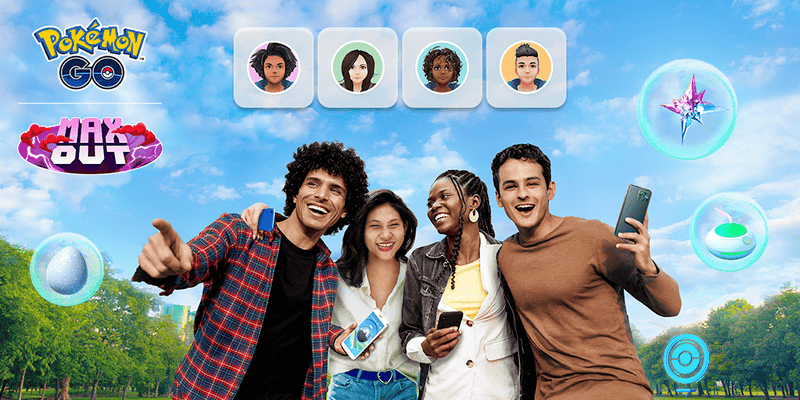
Party Share is a new collaborative feature that allows Trainers to share Incense, Lucky Eggs, and Star Pieces with members of your Pokémon Go party.
However, sharing an item divides its duration time by half. The example that Niantic gives is if you share an Incense which would usually last 60 minutes, it would only be active for 30 minutes for everyone in the party.
Party Share can be used to distribute items up for four times a day for each Incense, Lucky Eggs, and Star Pieces. Keep in mind that the effects from items shared via Party Share can’t be combined with other Trainer Boost effects. With that being said, if an item’s duration is extended by an event bonus, this effect will carry over to Party Share.
By visiting the “party” tab in-game, you’ll be able to see what items other members of your squad have already shared.
Now you know how to share items with Party Share, you can make the most out of your Pokémon Go adventures with your friends.







