
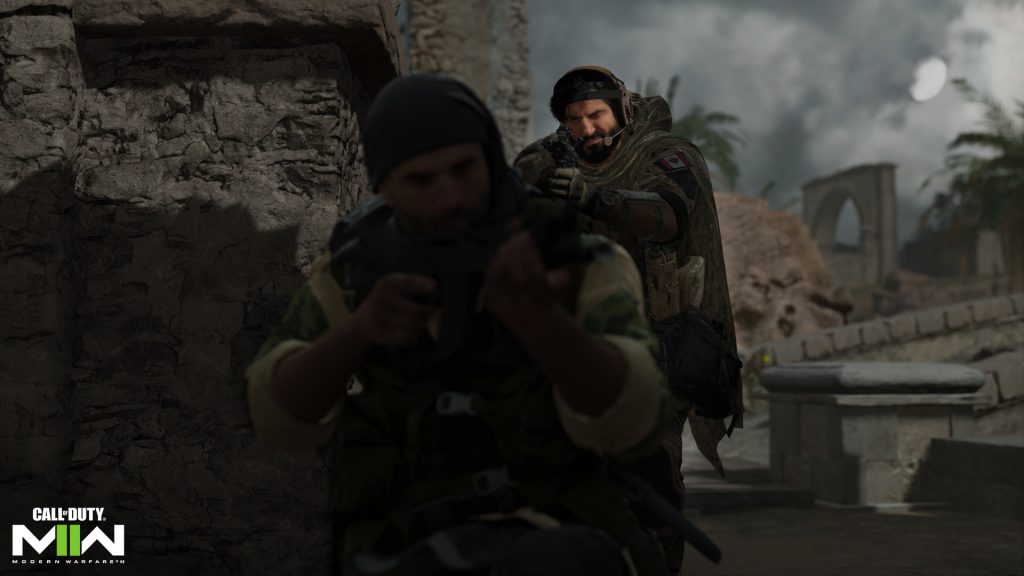
Call of Duty: Warzone 2 launched with a plethora of brand new features which differentiates it from its predecessor. One of these fresh additions is proximity chat. Essentially, this allows you to hear and talk to enemies in your area and this can result in some hilarious encounters. If you prefer not to have your microphone open for the whole lobby to hear, this guide will show you how to disable proximity chat in Warzone 2.
So far, proximity chat is exclusive to Warzone 2, meaning it doesn’t feature in Modern Warfare 2 multiplayer. You can still communicate with your team in game chat, but not with the opposing team until the match has ended. Who knows, the devs could implement it in Modern Warfare 2 in the future for an even more chaotic experience.
More Call of Duty guides
Call of Duty: Warzone 2- Best Fennec 45 Class | Call of Duty: Modern Warfare 2- How to get Classic Hit Marker Sounds | Call of Duty: Warzone 2- How to Change the Color of Your Ping | Modern Warfare 2 and Warzone 2: How to Unlock the Chimera Assault Rifle | Call of Duty: Warzone 2- Best Sakin MG38 Class | Call of Duty: Warzone 2- Best RAAL MG Class | Call of Duty: Warzone 2- Best M16 Class | Call of Duty: Warzone 2- Best Lachmann-556 Class | Call of Duty: Warzone 2- Best Kastov 545 Class | Call of Duty: Warzone 2: Best Kastov 762 Class | Call of Duty: Warzone 2- Best TAQ-56 Class | Call of Duty: Warzone 2- Best RPK Class | | Call of Duty: Warzone 2- How to Interrogate Enemies |
How to disable proximity chat in Warzone 2
Here are the steps you have to follow in order to turn off proximity chat in Warzone 2:
- Open the settings menu in Warzone 2
- Navigate to the audio settings
- Under the ‘Voice Chat’ heading, you’ll see proximity chat settings and toggle them off
Once you’ve turned proximity chat off, opponents won’t be able to hear you and you won’t be able to hear them. If you want to re-enable proximity chat, follow the instructions above and toggle it back on. Notably, you won’t be able to turn it back on during a match, so you’ll have to wait until you’re back in the main lobby.
More Call of Duty guides
Call of Duty: Modern Warfare 2- New Ledge Hang Mechanic Explained | Call of Duty: Modern Warfare 2- Prisoner Rescue Game Mode Explained | Call of Duty: Modern Warfare 2- New Perk System Explained | Call of Duty: Modern Warfare 2- Knock Out Game Mode Explained | Call of Duty: Modern Warfare 2- How to Switch Between Killstreaks and Scorestreaks | Call of Duty: Modern Warfare 2- How to Weapon Inspect | Call of Duty: Modern Warfare 2- Full Achievement and Trophy List |






