• Skip to main content
  • Skip to header right navigation
  • Skip to site footer
Gameranx

Gameranx

Video Game News, Lists & Guides

  • News
  • Features
  • Platforms
    • Xbox Series X
    • PS5
    • Nintendo
  • Videos
  • Upcoming Games
  • Guides

Rematch: How to Customize your Kit and Change Player Number

July 21, 2025 by Lauren Sayles

Show off your style.

Table of Contents[Hide][Show]
  • How to change your kit in Rematch
  • How to change your player number in Rematch

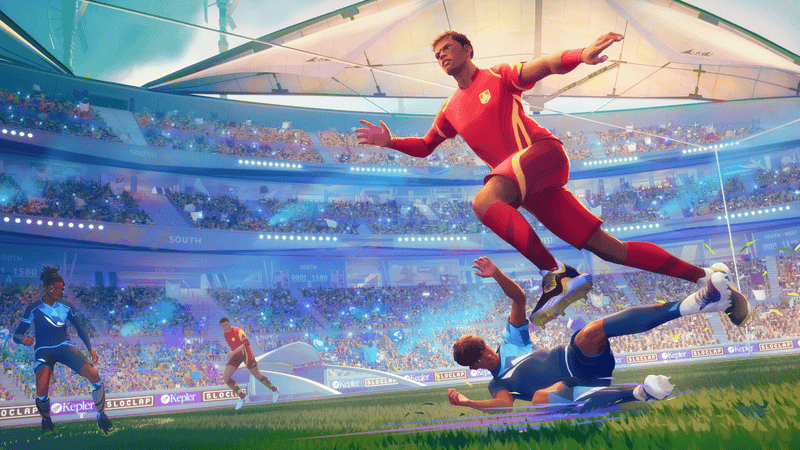
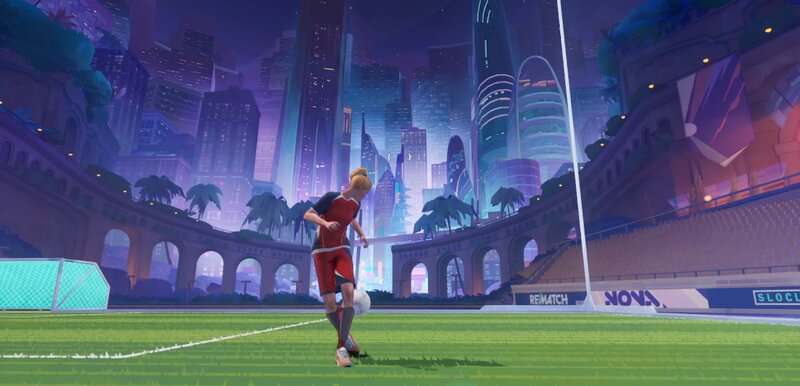
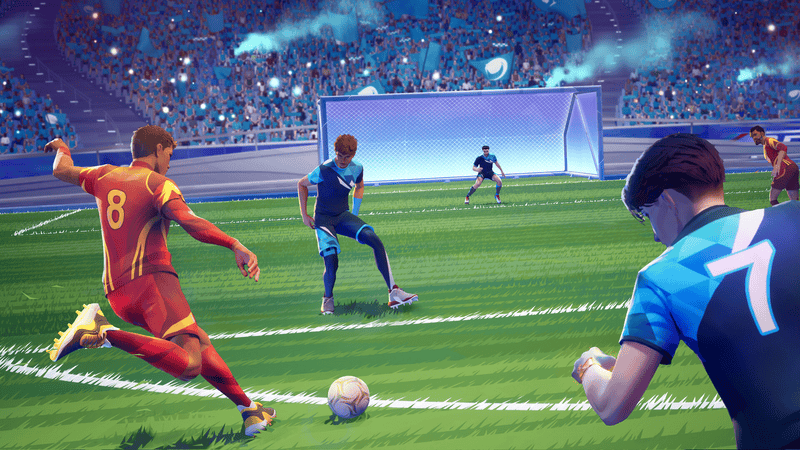
In a game of Rematch, your team won’t all wear the same kit because you can customize your very own. Whether you want to stand out on the pitch or wear your favorite number, this guide has got you covered on how you can look the part in Rematch.

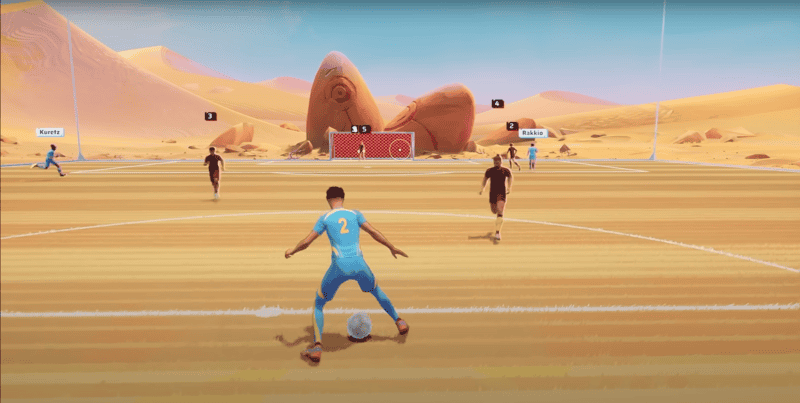
One of the biggest differences between Rematch and other sports games is that you control one player, rather than an entire team. This offers more individuality in a team from gameplay, all the way down to your character’s appearance.

More Rematch guides

Rematch: How to Perform a Volley | Rematch: How to do all Skill Moves | Rematch: What is Clutch Time? | Last Action and Last Shot Explained | Rematch: How to Play Offline | Rematch: How to Dribble and Enter Dribble Stance | Rematch: Best Camera Settings | Beginner and Advanced | Rematch: How to Access Freeplay Mode | Rematch: How to Perform a Rainbow Flick |

How to change your kit in Rematch

To make any changes to your character, including your kit:

  • Head to the customization tab in Rematch
  • Select the character you want to edit
  • Click on the Equipment option
  • Select either your home or away kit

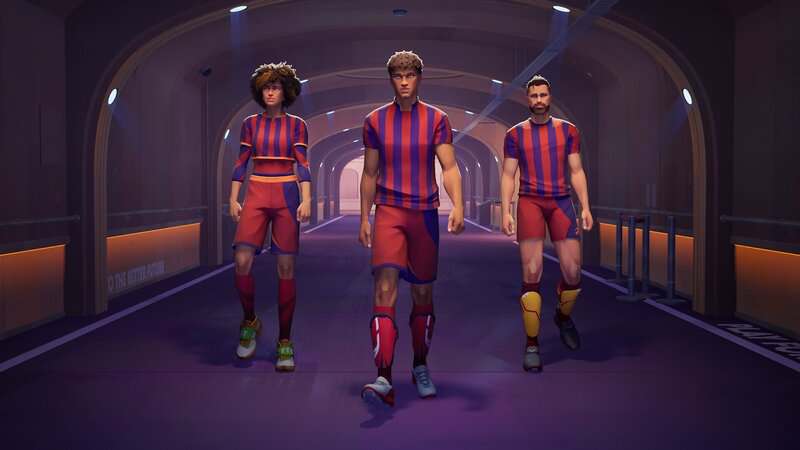
From here, you can create a palette of the three colors you want to have on your kit. If you need inspiration, there are some presets to choose from. To make sure your entire kit is matching, you’re going to want to edit your shoes, socks, and shin guards. To do so, go over to the accessories tab, directly next to the outfit section.

When you make a new palette, it will automatically save and equip your fresh combination to your character.

How to change your player number in Rematch

In order to change your player number from the default which is ten, follow these steps:

  • Head to the customization tab in Rematch
  • Select the character you want to edit
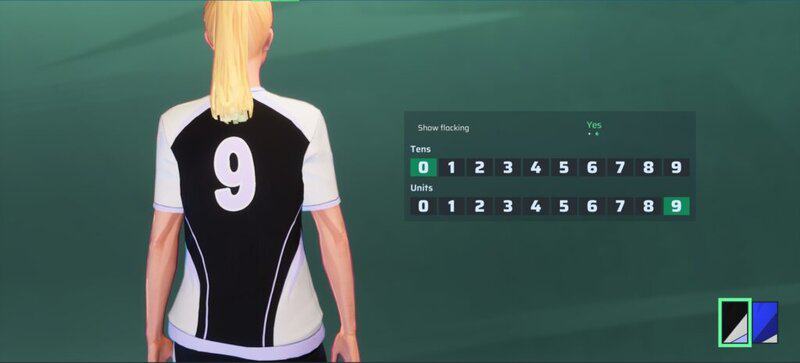
  • On the right side of the screen, click the Flocking option

Via the Flocking screen, you can change your player number to anything between zero and 99. Simply use the tens and units sections to preview the numbers on the back of your character’s shirt before you make your final decision.

Alternatively, you can toggle off the player number and rock a plain shirt by setting “show flocking” to “no.” Whether you choose a number or go without, your selection carries over to both your home and away kits. It’s not possible to have a different player number on each side.

Rematch has free cosmetics you can use on your character. However, if you want to step up your look, you can purchase cosmetics from the in-game store or through the battle pass. The battle pass costs 1,000 Quants to own and 1,100 Quants from the in-game store are priced at $9.99.
Related Guides

how to mute players in rematch
Rematch: How to Mute Players
rematch how to volley
Rematch: How to Perform a Volley
all skill moves in rematch
Rematch: How to do all Skill Moves
Rematch: What is Clutch Time Last Action and Last Shot
Rematch: What is Clutch Time? | Last Action and Last Shot Explained
how to standing tackle and slide tackle in rematch
Rematch: How to Tackle | Standing Tackle and Slide Tackle
how to play rematch offline
Rematch: How to Play Offline
how to dribble and dribble stance in Rematch
Rematch: How to Dribble and Enter Dribble Stance
Rematch how to rainbow flick
Rematch: How to Perform a Rainbow Flick
how to play freeplay mode in rematch
Rematch: How to Access Freeplay Mode
best camera settings rematch
Rematch: Best Camera Settings | Beginner and Advanced

Share this post:

FacebookTwitterLinkedInPinterest

Recent Videos

Nioh 3 - Before You Buy

Nioh 3 - Before You Buy

10 Video Game Theories That Made Everyone MAD

10 Video Game Theories That Made Everyone MAD

10 Upcoming AAA Games We Can't WAIT TO PLAY

10 Upcoming AAA Games We Can't WAIT TO PLAY

Is The Gaming Industry COOKED?

Is The Gaming Industry COOKED?

10 NEW Cyberpunk Games That EXCITE US

10 NEW Cyberpunk Games That EXCITE US

10 Games That Make YOU WEAKER AS YOU PROGRESS

10 Games That Make YOU WEAKER AS YOU PROGRESS

10 WEIRD Gaming Stories of January 2026

10 WEIRD Gaming Stories of January 2026

Cairn - Before You Buy

Cairn - Before You Buy

CRAZIEST GAME EVER, GTA6 PHYSICAL EDITION DELAYED? & MORE

CRAZIEST GAME EVER, GTA6 PHYSICAL EDITION DELAYED? & MORE

Category: FeaturesTag: Guides, Kepler Interactive, PC, PS5, Rematch, Rematch guides gameranx, Sloclap, Xbox Series X/S

Sidebar

Recent Posts

  • The Legend Of Zelda Movie Filming In The Lord of The Rings Filming Locations In Otago, New Zealand
  • Rumor: Black Myth Wukong Is Coming To Nintendo Switch 2 “At Some Point”
  • Nintendo Credits Kirby Air Riders And Pokemon Legends ZA For Switch 2’s Japan Holiday Success
  • Rumor: Final Fantasy VII Remake Part 3 Launching Multiplatform With No PlayStation Deal
  • Strauss Zelnick: A Safehouse In The Hills Proves GTA 6 Is Bringing More Engagement For GTA V/GTA Online

Copyright © 2026 · Gameranx · All Rights Reserved · Powered by Mai Theme