
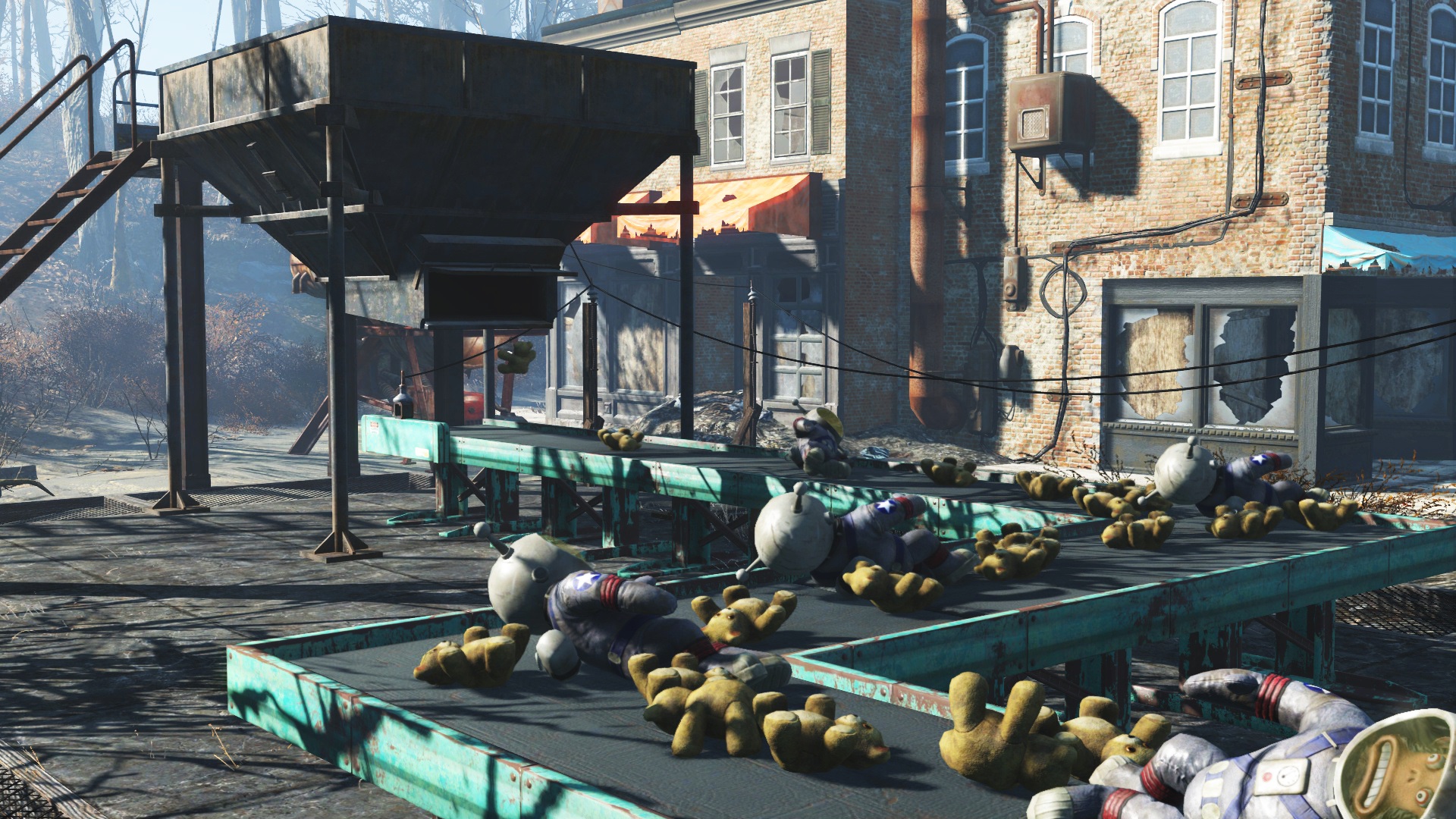
Blow the work whistle because it’s time to get your own personal factory up-and-running in the Contraptions Workshop add-on to Fallout 4.
Expanding your settlement options, Contraptions adds factory machines called builders, conveyor belts, lifts, and all sorts of other moving parts you can maintain to build tons of junk. Yes, you can create an ammo assembly line. Learn how to get your first factory running with the tips and tricks right here.
Explore Gameranx’s massive list of guides, how-to’s, secret locations, and everything else a fresh Vault 111 escapee needs to thrive on the Fallout 4 Ultimate Commonwealth Guide and become a true post-apocalyptic survivor.
Uncover everything there is to know about the Contraptions Workshop DLC with all the guides on Gameranx:
- Fallout 4: Contraptions – How to Display Armor & Weapons
- Fallout 4: Contraptions – How to Assign Settlers to a Pillory
- Fallout 4: Contraptions – All Trophies & Achievements Guide
- Fallout 4: Contraptions – Weather Change Shells – Fireworks Guide
- Fallout 4: Contraptions – Item IDs List | Dev Console Commands
- Fallout 4: Contraptions – How to Get New Power Armor Paint Jobs
- Fallout 4: Contraptions – 10 DLC Facts You Need To Know
How to Use Builders & Make 100 Items
Builders are the big draw of the Contraptions Workshop. If you’ve got the items and components, builders can spew an endless supply of items out, supplying you with an infinite supply of ammunition, a feast of different foods, or other useful objects like weapons, clothes, and armor. There’s even one builder specifically designed to produce fireworks.

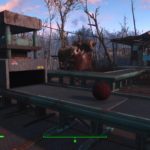
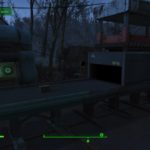
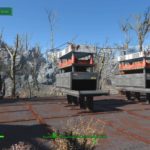
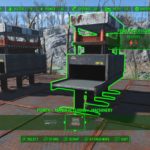
NOTE: Before you get started, be aware that Builders DO NOT continue to construct when you’re away. If you leave the settlement, sleep, rest, or fast-travel, the Builders will not continue to work. Yep, you’ve got to stick around and watch these suckers work.
These machines can be complex. Let’s take it slow. Below you’ll find step-by-step instructions to get your builder working and producing over 100 items to unlock the ‘Mass Production’ trophy / achievement.
- Choose your Builder.
- Builders are found in the Workshop Menu until Power -> Manufacturing -> Machinery
- There are 10 different types of builders with different requirements;
- Builder (Basic Objects)
- Armor Forge (Armor)
- Weapon Forge (Basic Weapons)
- Auto-Loom (Clothes)
- Energy Weapon Forge (Energy Weapons)
- Heavy Weapon Forge (Heavy Weapons)
- Ammunition Plant (Ammo)
- Explosive’s Mill (Mines or Grenades)
- Pyrotechnic’s Mill (Fireworks Mortar Shells)
- Food Processor (Food)
- Let’s start with a Builder without any level requirements — the basic Builder.
- Build With: (2) Circuitry, (3) Gears, (4) Rubber, (10) Steel
- We’re building two Builders to speed-up the process.
- Next, build a Power Generator. We built a large generator and a medium generator — that provides 15 power if everything is connected properly. Make sure every machine is wired together.
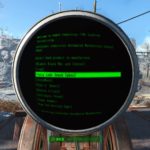
- If everything is working properly, the builder conveyor should be working. Excellent! Now let’s hook a computer terminal to the same power network as the builders.
- Hook the terminal to the builders and wire it to the generators.
- Use the terminal to select what type of products you’d like to manufacture. It doesn’t really matter which you choose! Just make sure you select a type you have plenty of components for.
- We’re going to produce simple things. Steel Balls and Kickballs only require (5) steel or (4) rubber. Fill both Builders will plenty of components.
- NOTE: The easiest way to supply your builders with components and resources is with the VACUUM HOPPER — This powerful item will pull items out of any container, including your Workshop inventory. Place the Vacuum Hopper right next to the Workshop table to easily acquire all the components you’ll need for any project.
- Construct the conveyors so they feed back into each other. That’s right, Builders will breakdown any items fed into them to produce whatever object they’re assigned to produce.
- If you snake your items around back into one (or two!) builders constructing identical items, you’ll create a loop. Just make sure to fill both Builders with components to get them started. The more items you start with, the faster this process will be.
- Now go and mess around until your Builders have produced 100 items. It’s just that easy to have your very own assembly line.
That’s the simplest setup. Continue to experiment for even crazier combinations in your settlement, and let us know what you made in the comments section below.
Need more Fallout 4 DLC guides? Check out these Far Harbor secrets, locations, and walkthroughs:
- Fallout 4: Far Harbor – All New Weapons | Locations Guide
- Fallout 4: Far Harbor – All New Armor & Apparel | Locations Guide
- Fallout 4: Far Harbor – Islander’s Almanac Magazine Locations
- Fallout 4: Far Harbor – 3 Workshop Locations | Push Back the Fog Guide
- Fallout 4: Far Harbor – New Recipes | Just Add Saltwater Guide
- Fallout 4: Far Harbor – Breathe Underwater | Dive Suit Location
- Fallout 4: Far Harbor – Bowling Ball Launcher Location Guide
- Fallout 4: Far Harbor – How to Get 3 New Settlement Guard Dogs
- Fallout 4: Far Harbor – Easy Vim! Unique Power Armor Location
- Fallout 4: Far Harbor – DLC Unique Perks | How to Unlock
- Fallout 4: Far Harbor – Best Gear Guide | Assault Marine Locations
- Fallout 4: Far Harbor – All 5 DiMA Memory Puzzle Solutions
- Fallout 4: Far Harbor – Item Console Codes | Weapons & Armor Cheats
- Fallout 4: Far Harbor – Discover the Secrets of Cranberry Island
- Fallout 4: Far Harbor – Tourism Guide | 10 Essential Locations








