
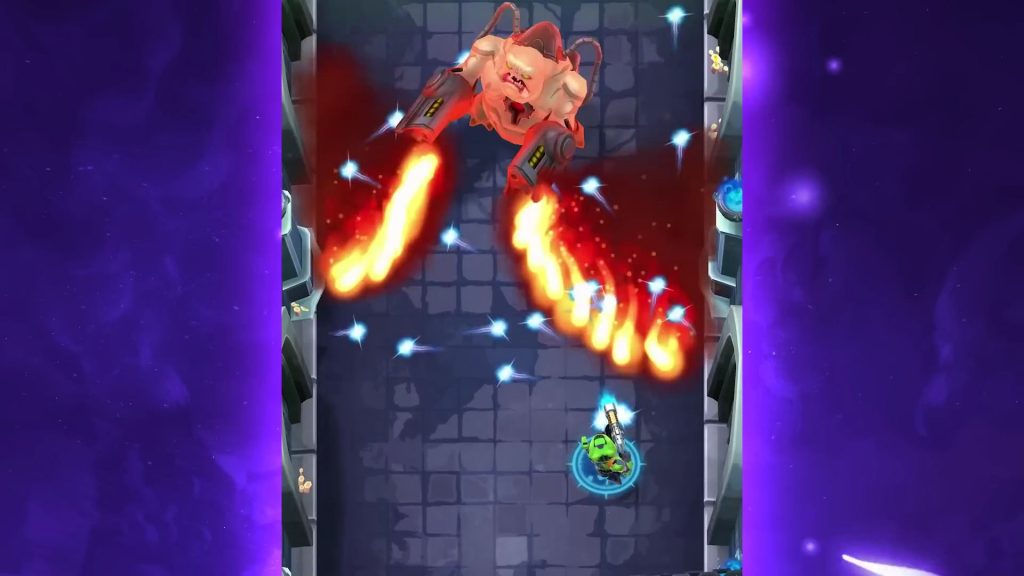
Mighty DOOM is experiencing connectivity issues. Many players attempting to login are met with an annoying Network Error when starting up the app, forcing an exit and restart. While the Network Error is seemingly random, some players have reported methods that work for them. The official support site doesn’t offer many answers, so if you’re stuck and just want to play the game, we’ll try to offer some methods you can use to start playing again.
Before getting into the main section of the guide, it’s important to understand that the login issues may be an internal problem that’s totally unrelated to your connectivity. If too many players are logging in and the developers don’t have enough server capacity for everyone, you may be one of the random players that’s forced out. Bethesda and other developers often don’t display error messages that show the exact error you’re experiencing, instead showing a very generic error message. We’ll walk through all the fixes we know, but you may need to turn off the app, wait 5 minutes, and try again.
Mighty DOOM is available to download FREE here: iOS | Android.
More Mighty DOOM guides:
5 Beginner Tips | Best Weapons | What To Buy With Crystals | Gear Farming Tips | EXP & Coin Rewards Per Level | Ch. 6 & 7: Doom Hunter Base Tips | Ch. 5: Nekroval Tips
Network Error | Unable To Connect To Game Server Guide
When starting the app, you receive a message stating “Network Error: Unable to connect to game server” — this error can be caused by multiple factors, including server side service outages or problems with your wifi connectivity.
- Before attempting any fixes, check for Mighty DOOM Service Outages here. An alert message will let you know if there are currently issues related to logging into the app.
- Check to see if your device is connected to wifi or has access to mobile data. If your normal wifi connection is down, you may need to switch to wifi or vice versa.
Before progressing, make sure you fully close the app. Exiting and leaving the app on in the background won’t work. Let’s start with the most useful methods we’ve used to fix this issue.
- Switch to Mobile Data by disabling Wifi on your device. Many players have reported this method. Go to your smart device’s settings to turn off Wifi — this should automatically enable using your mobile data instead. If it doesn’t, enable mobile data usage separately. By turning off Wifi connectivity, Mighty DOOM won’t default attempt to connect through this method.
- Check for updates. When connected, you may need to update Mighty DOOM. If the latest update isn’t installed, this message may be displayed when attempting to connect.
- Turn off your device fully. Turn off your smart device and turn it back on again. This is obvious but may help.
- Reset your Wifi. Remove the power from your wifi receiver and let the power cycle. This will reset your connection. This normally doesn’t work, but I’m listing it here because the next step is more drastic.
- Delete and reinstall Mighty DOOM. This is an annoying option that has seemingly worked for other players. Delete the app completely, then go to the app store and re-download Mighty DOOM. It’s a hassle, but if your internet is working fine, this is one way to clear up any other strange issues. You will retain your account and won’t lose any progress.
Those are all the basic fixes you’ll want to try to fix Mighty DOOM and start playing again. I have no idea why this problem is suddenly cropping up for so many players, but at least there’s one method that helps — swapping from Wifi to Mobile Data helped us get through our connection issues.








