
Playing a competitive shooter on a console can be a little tricky, especially when playing against people cross-platform using a mouse and keyboard. Unfortunately, aiming while using a controller simply isn’t as accurate as when using a mouse which means that people playing Overwatch 2 on consoles may feel like they’re at a disadvantage when going head-to-head with those on PC.
While there isn’t a single cure-all for fixing aiming while using a controller, there are a handful of settings for you to adjust that may make aiming feel better to you in the long run. One setting, in particular, can make a world of difference for some players without needing to get deep into the weeds of controller settings.
More Overwatch 2 guides:
| How to Unlock the Founder’s Pack | How to Unlock Role Queue | How to Unlock Every Character | Does it Have Crossplay and Cross-Progression? | How to Merge Accounts | Which Characters are Unlocked and Free? | Best Characters in Each Class For Beginners | How to Play Tracer | How to Play Kiriko | What Does MIT Mean? | What Do Endorsements Do & What Do They Mean? | How to Get Golden Weapons | How to Play Orisa | All Role Passives Explained | All Passive Abilities Explained | How to Get a Free Legendary Reaper Skin | Best Reticle Settings | How to Play Sombra | What Are Legacy Credits? | How to Play Moira | How to Turn off Voice & Text Chat |
Aim Technique Settings
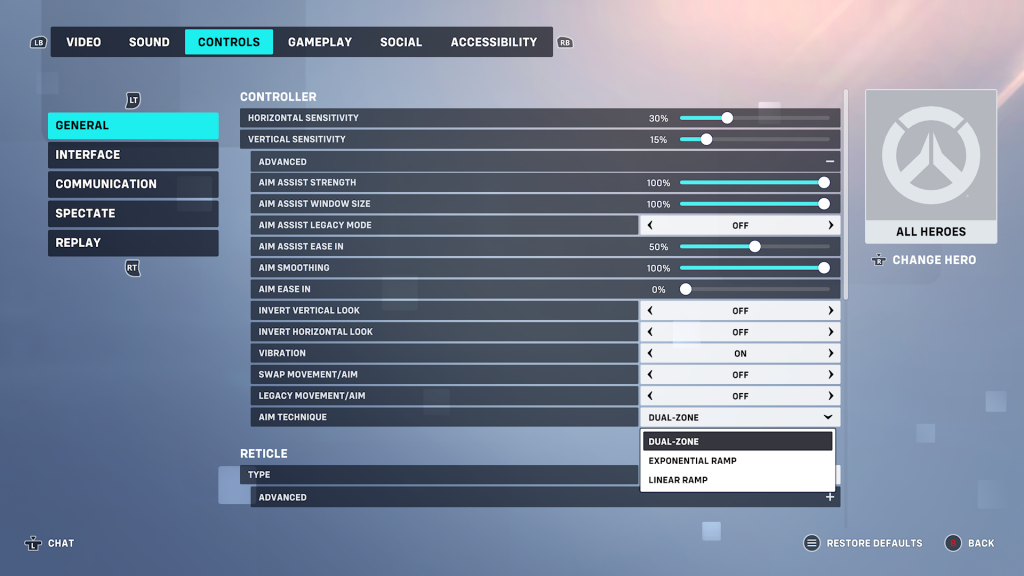
If Overwatch 2‘s aiming feels a little off to you, try to mess around with the “Aim Technique” option in the settings. To find the setting, select “Options” when viewing the start menu then tab over to “Controls.” From there, select “Advanced” under the “Controller” heading under “General.” Scroll to the very bottom of the list of advanced settings and select from “Aim Technique.”
Dual-Zone
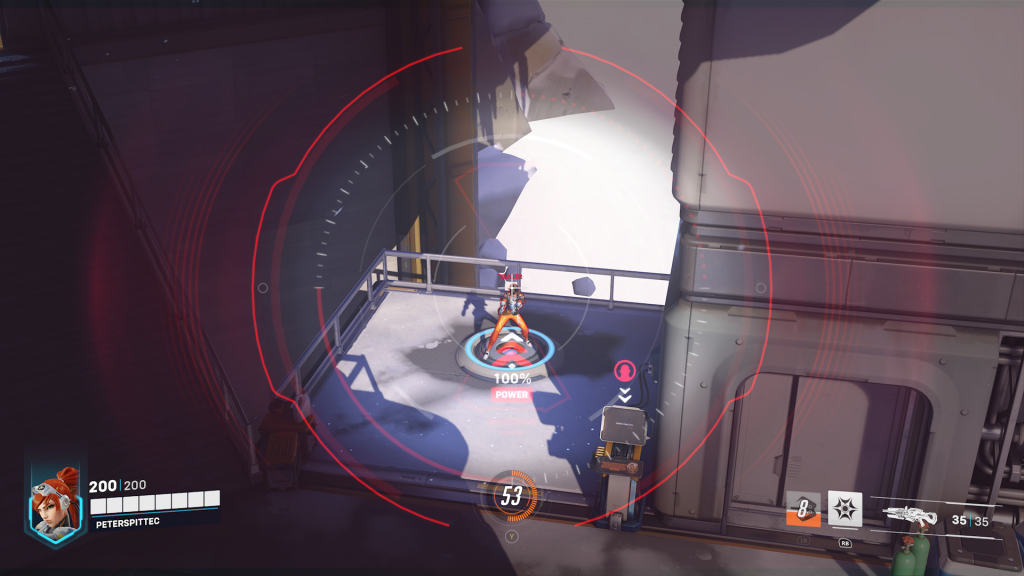
Dual-Zone is the setting that’s selected by default for all heroes. Essentially, it divides the thumbstick into two discrete zones: one that covers the majority (between 80 and 90 percent) of the stick’s inner angles that reside close to the center of the stick and another that covers the remaining area on the outer edges of the stick.
When tilted slightly, the sensitivity stays relatively low and entirely consistent. It means that, in theory, you’re able to make more precise aim adjustments when you’re close to aiming at your target. When tilted drastically away from the center in any direction, the sensitivity is greatly increased while remaining consistent in its speed allowing for quicker turns and more drastic aim adjustments.
Dual-Zone aiming is best for characters that require precision such as Widowmaker, Hanzo, or Cassidy.
Exponential Ramp
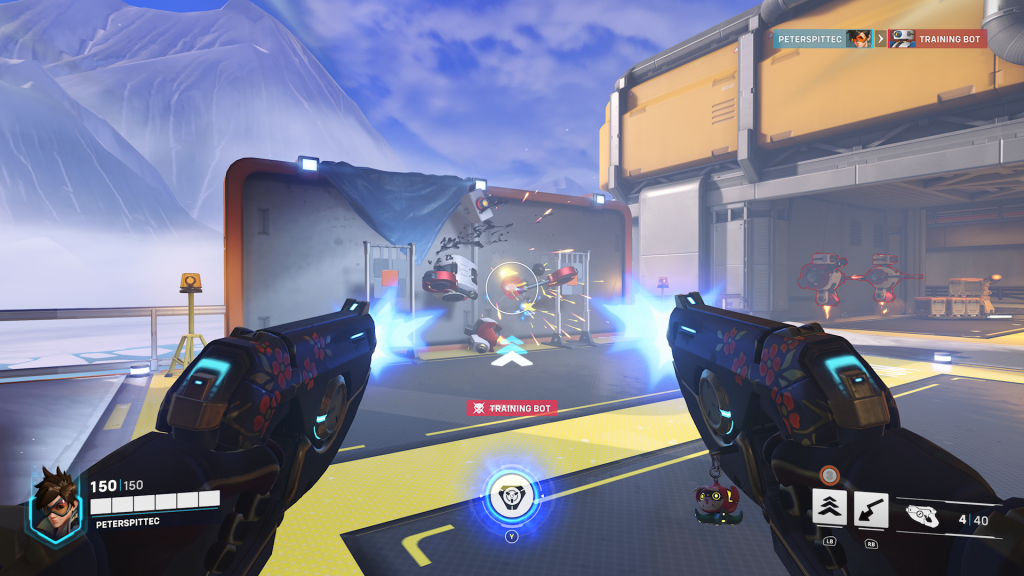
Exponential Ramp has the aim sensitivity grow exponentially with the angle of the stick. This means that as you tilt the stick at a bigger angle, the sensitivity will grow alongside it. It means that precision aiming is a little difficult as the overall sensitivity is pretty high, but it’s great for characters that are fast and need to do quick turns or wield imprecise weapons.
Exponential Ramp aiming is best for characters that move fast or are kitted to take down other fast-moving enemies like Tracer, Reaper, or Roadhog. Make sure to look at Linear Ramp aiming, however, as it’s very similar to Exponential Ramp.
Linear Ramp
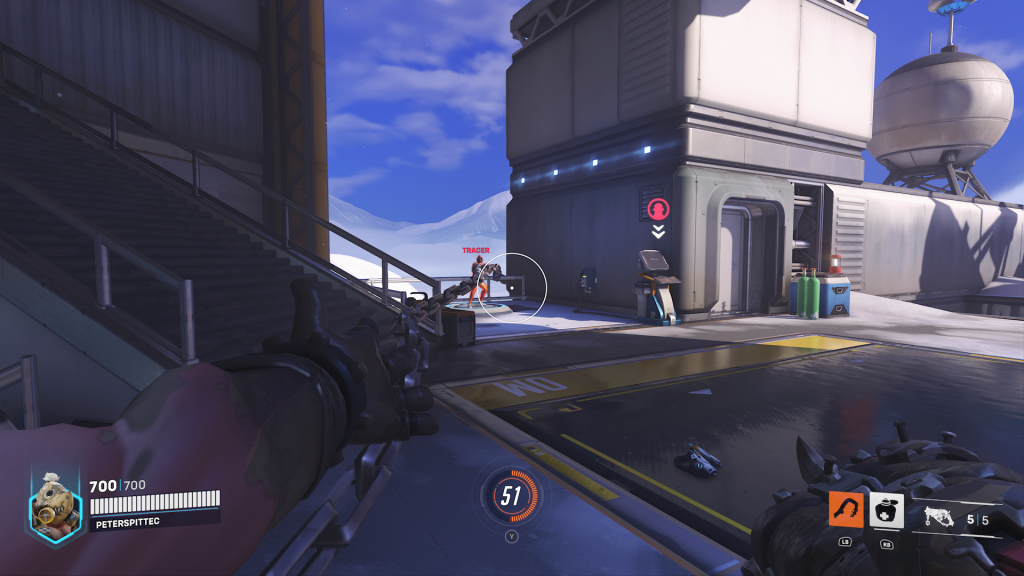
Linear Ramp functions almost identically as Exponential Ramp, but instead of the exponential speed that picks up as you hold down the stick, Linear Ramp’s speed increases in a linear, constant fashion. What it ultimately amounts to is that Exponential Ramp feels like it starts off slower but ends up faster by the time you’ve extended the stick fully while Linear Ramp feels consistently fast throughout.
Because it’s so similar to Exponential Ramp, it’s a good setup for similar, speedy characters, so if you’re playing those types of heroes, it’s worth switching between both aim settings to see which feels best for you.








