
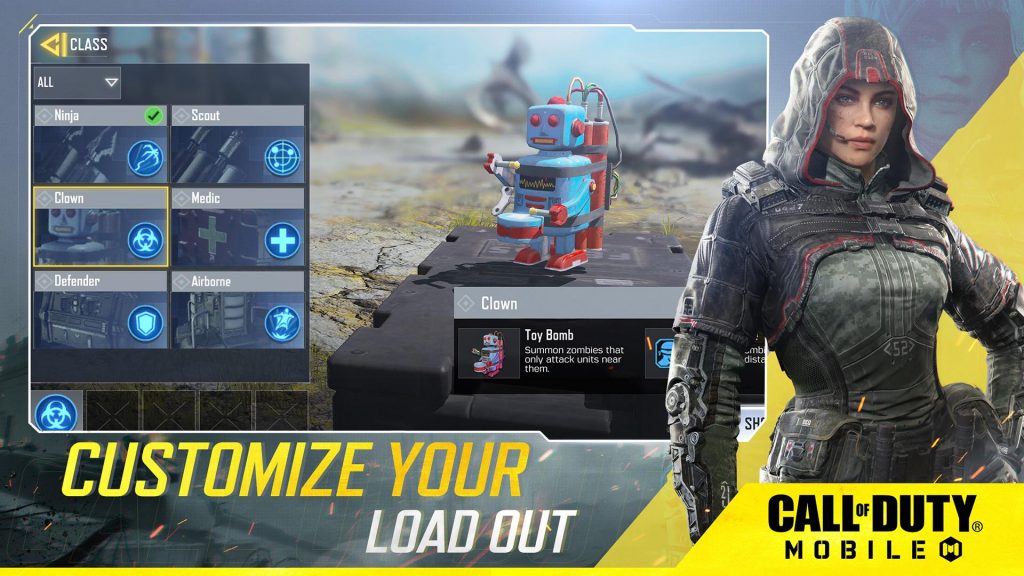
Call of Duty: Mobile is a fast-paced multiplayer shooter on your phone, and because controller support has been disabled (for now) you’re stuck using the touchscreen on your smart device to control everything. That can be pretty tricky for most players, and to compensate for the extra challenge, there are a ton of different control toggles you can play around with in the settings.
The best possible control setting, many players seem to agree, is using the Gyroscope and 3D Touch — and sadly, 3D Touch is a defunct feature on newer iPhones. Android users are in the same boat; Android phones don’t have the 3D Touch feature, which makes aiming and shooting much, much easier. Below, I’ll explain these settings, how they work, and which phones are actually compatible.
More Call of Duty: Mobile guides:
- Call of Duty: Mobile – The Best Guns To Get In Multiplayer & Battle Royale | All Weapon Types Ranked
- Call of Duty: Mobile – 7 Settings You Need To Change Right Now | Tweaks Guide
- Call of Duty: Mobile – How To Level Up Faster | Best XP Farming Maps & Modes
3D Touch & Gyroscope Control Settings Guide
3D Touch and the Gyroscope are features you can use under the Advanced Control Settings on iOS devices. Each one offers a different kind of benefit, and using them can make your gameplay much smoother. Here’s how it works.
- 3D Touch: Turn ON | Set 3D Touch Close: 0-20 / Touch Fire 70-80
- 3D Touch allows you to control what you’re doing depending on the pressure you apply to the screen.
- A ‘stronger’ touch will fire, while a lighter touch allows you to move while aiming or return to Hip-Fire when ADS.
- Gyroscope: Turn ON
- The Gyroscope makes aiming precisely easier. This allows you to move your smart phone and to aim or look.
Depending on your setup, these settings can make precision aiming much easier — I recommend using the Gyroscope to slightly adjust your aim. 3D Touch is amazing when you want to fire, look, and close ADS easily.
3D Touch and the Gyroscope take some practice to get used to — they’re very different than any normal controller setup, but they’re also great at avoiding the dreaded 4-finger claw that comes with playing games like this on a touchscreen.
Unfortunately, many new iOS devices don’t use 3D Touch. Here’s a quick list of devices that DO have 3D Touch.
- 3D Touch Compatible Devices:
- iPhone 6S
- iPhone 6S Plus
- iPhone 7
- iPhone 7 Plus
- iPhone 8
- iPhone 8 Plus
- iPhone X
- iPhone XS
- iPhone XS Max
The iPhone XR does NOT support 3D Touch. iPhone 11 also does not seem to support 3D Touch, though it does have another setting that promises to be similar — check your iPhone 11 models and see if this feature still works.
Android users aren’t totally out of luck. The Android Q promises to use 3D-Touch technology, and there are other methods to install / add 3D-Touch features to your Android, depending on your model. Android Experts out there will have to investigate themselves, but it’s a worthwhile feature to add if you really want to get into Call of Duty: Mobile.
More Call of Duty: Mobile guides:
- Call of Duty: Mobile – 7 Battle Royale Tips To Take You To The Final Circle | Beginner’s Guide
- Call of Duty: Mobile – How To Drastically Improve Battery Life | Tweaks Guide
- Call of Duty: Mobile – How To Change Your Nickname (Without Losing Progress)
- Call of Duty: Mobile – How To Solve Crashes, Freezing & Installation Errors | Fixes Guide







