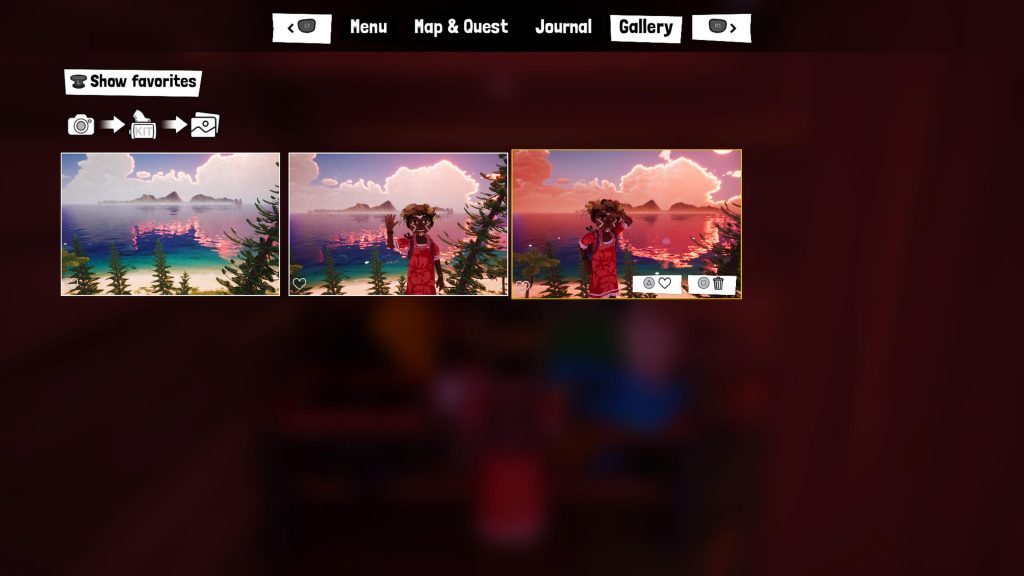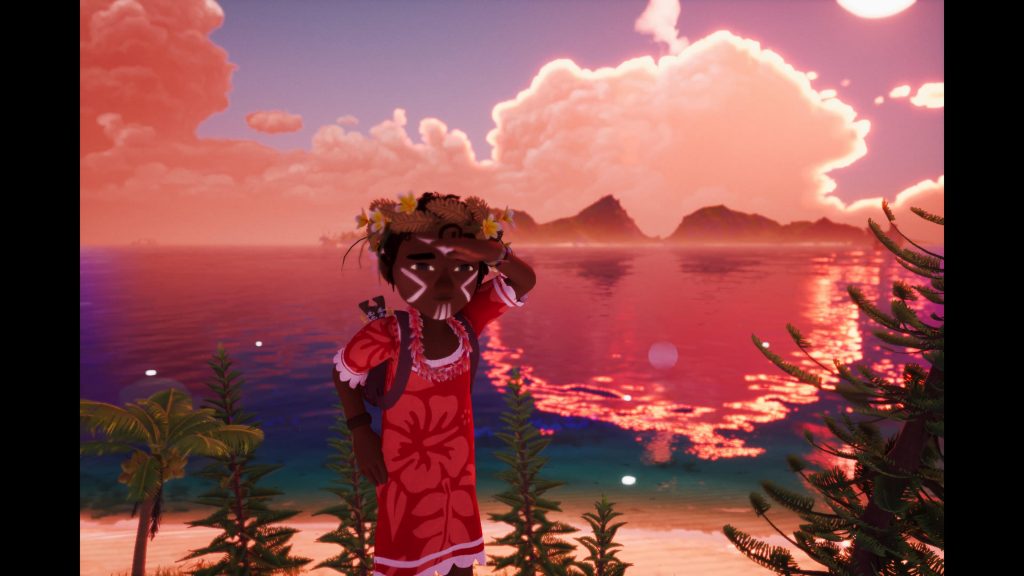
There’s little argument against the fact that Tchia is a stunningly beautiful game. The game’s New Caledonian-inspired setting is full of charm and relaxing vibes thanks to the vibrant tropical flora and fauna that give it a real sense of place and identity. Because of how pretty the game’s landscapes are, Tchia is excellent for taking plenty of screenshots as players explore every nook and cranny of the two main explorable islands.
While Tchia‘s UI is already pretty minimalist, taking high-quality screenshots can be a little bit difficult. That said, there is a photo mode in the game, but players will need to unlock it by progressing through the story. Luckily, getting the camera is pretty simple, you can find a full-length guide on unlocking it here, but on the surface, it seems to be limited to a first-person perspective.
Capturing the game’s beauty like that is certainly possible, but some players will want to have Tchia in the frame of the photos. That’s where the tripod comes in. Here’s everything you need to know about using the tripod to take photos in Tchia.
More Tchia guides:
| How to Get a Chicken Egg | How to Get Pearls for the Coutume with Hunahni’s Chief | How to Increase Stamina | How to Unlock Face Paint | How to Increase and Refill Soul Meter | How to Find a Red Crab for Gaby | All Treasure Chest Locations | How to Unlock Photo Mode | How to Fast Travel | Pirate Outfit Location | Crab Outfit Location | How to Get Clam Pearls | How to Get Braided Trinkets | How to Get Gold Trophies in Diving Challenges | Challenge Trophies Explained | Is There a Point of No Return? | Claw Machine Explained | Pwi Dua Hand Location | “Ca de Wizz!” Trophy Explained |
How to Use the Tripod in Tchia
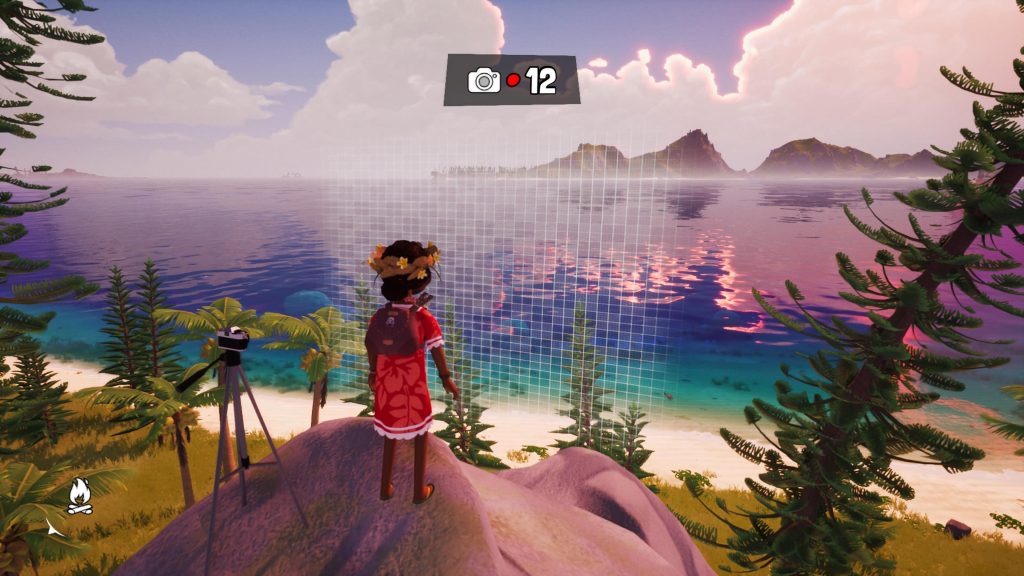
As mentioned above, getting the camera in Tchia requires the player to progress through the story, but using it to take photos of Tchia in the frame isn’t entirely self-explanatory. Players will find loading screen tips that mention using the tripod to capture Tchia alongside the beautiful vistas but don’t offer an explanation regarding how to actually use it.
Given how physics-driven the central gameplay mechanics in Tchia are, many players might assume that the tripod is a physical item that they’ll need to stash in their pack and set up each time they want to take a picture. Luckily, it’s much simpler than that.
In order to use the tripod for Tchia‘s photo mode, all you need to do is pull out the camera and then set the timer using L1 and then capture the image with X. Once you do, you’ll be able to talk in-frame and see where the camera’s focus distance is. Stand close to the focus grid to be in focus. At the top of the screen, you’ll see the countdown timer that tells you how long you have before the photo is taken.
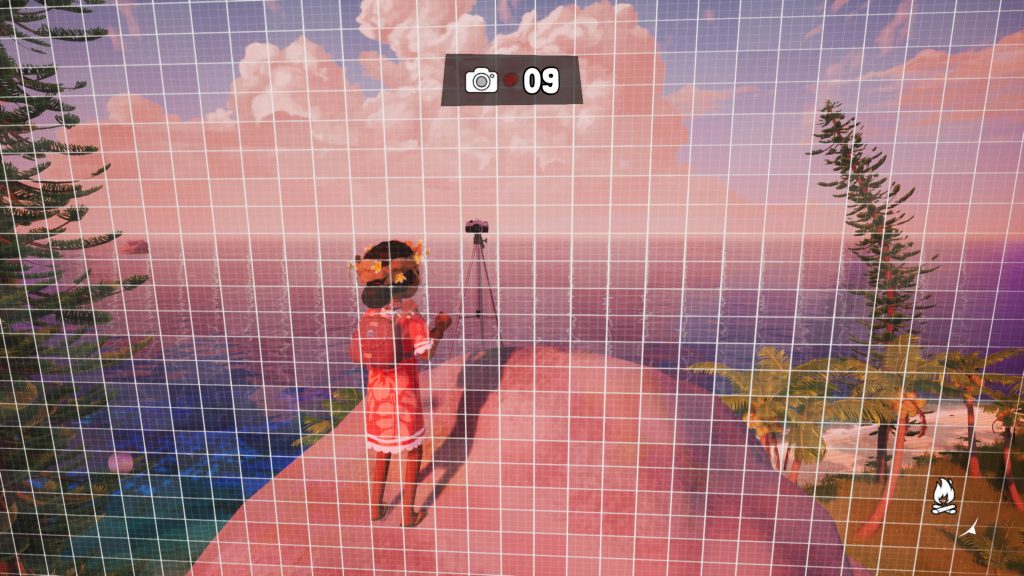
After taking some pictures, return to a photo kit to develop them and they’ll show up in the Gallery tab of the menu.