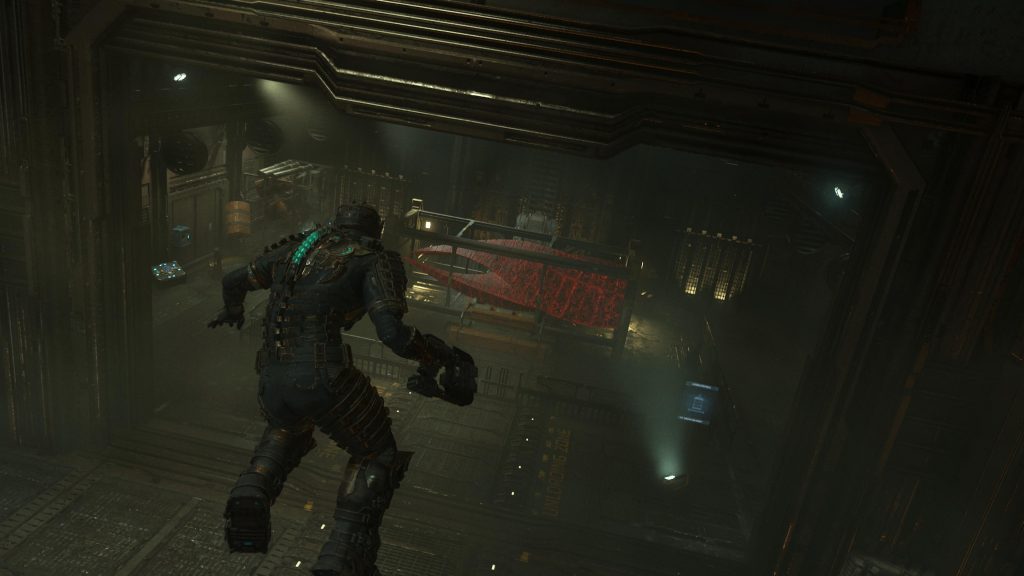
The puzzles in the Dead Space remake make the most out of the game’s unique mechanics such as its zero gravity and kinesis RIG systems. While those mechanics are a lot of fun to use, because they’re so unique, it can mean that solving the game’s various puzzles can be a little tricky, especially for newcomers to the series.
Right as the game is gearing up for its conclusion, players are faced with a puzzle that asks them to manually reposition the Marker so that it can be loaded into an escape shuttle. While it might sound simple on paper, solving the puzzle is much easier said than done. Here’s everything you need to know about solving it.
More Dead Space guides:
| How to Replace the Damaged Tram | Power Nodes Explained | How to Get Security Clearance Level 1 | ‘Scan RIG to Unlock Workstation’ Explained | How to Fast Travel | How to Restart the Centrifuge | How to Find Autopsy Location | How to Get Security Clearance Level 2 | How to Beat the Brute Boss Fight | Is There a Photo Mode? | How to Get the Line Gun | How to Beat the Hunter Boss Fight (First Encounter) | Tissue Sample Location | How to Beat the Leviathan Boss Fight | How to Get Security Clearance Level 3 | How to Destroy Interior Tethers | How to Fix the Comms Array | Front Toward Enemy Trophy Guide | Z-Baller Trophy Guide | How to Beat the Hunter Boss Fight (Second Encounter) | What is Peng? |
How to Reposition the Marker
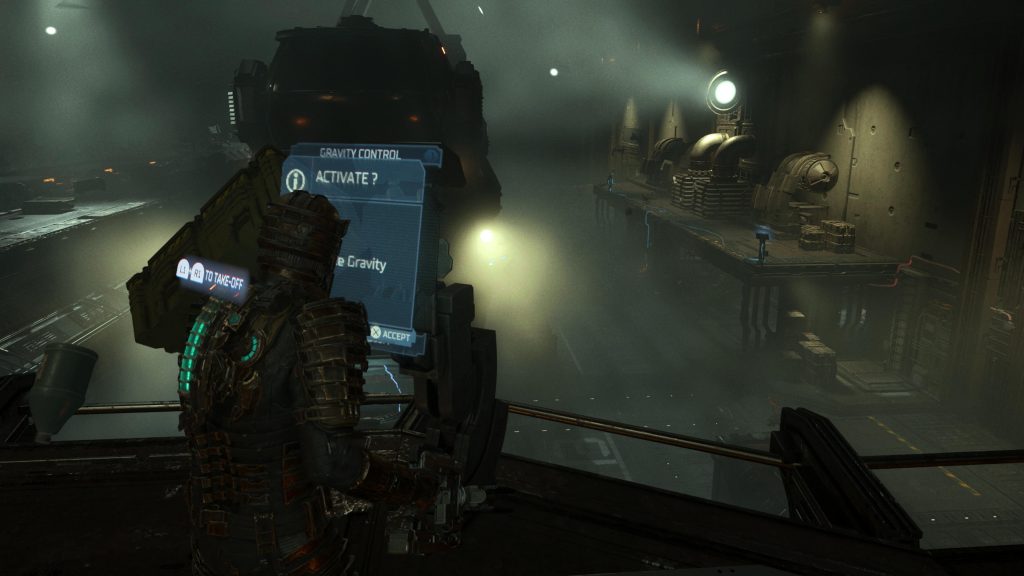
When you finally make it to the hanger bay, Daniels will tell you that you need to manually load the Marker into the ship that she and Dr. Kyne are on. After she tells you that, your objective will change and you’ll be led to momentarily leave the hanger bay to turn off the gravity inside it. Follow the objective marker to the Flight Deck Lower Service Area and then back out into the Main Hanger Bay and interact with the screen that overlooks the hanger to turn off the gravity.
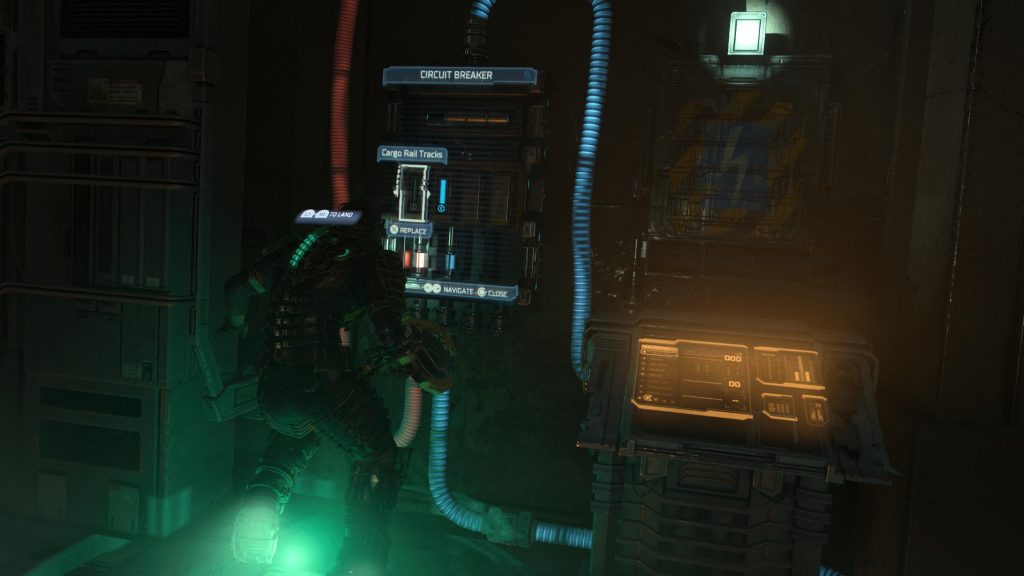
Fly over to the structure on the right side of the hanger and grab the battery and plug it into the circuit breaker in the center of the structure. Power up the Cargo Rail Tracks and then fly over to the open hanger to the left of the structure.
Grab whatever loot you can find in the hanger and then activate the loader controls. Once you do, a few necromorphs will spawn to attack you. Deal with them using your weapons or one of the many explosive canisters floating around the hanger.
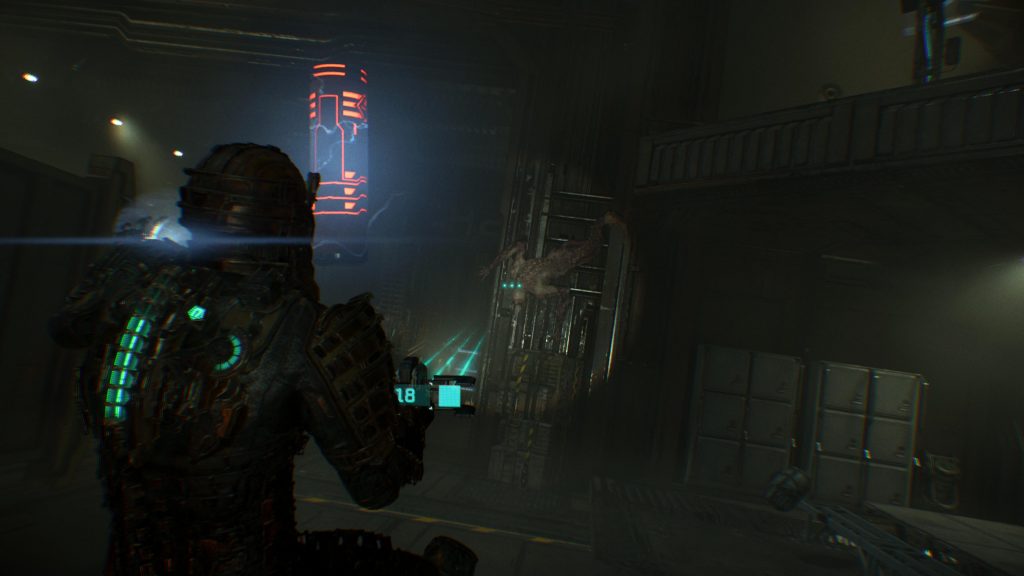
With the enemies dealt with, fly up to the track control modules on the top of the structure that you loaded the battery into. Interact with the screen closest to the marker twice so that continues along the hanger. When you do, more necromorphs will spawn.
Take care of the necromorphs and then guide the Marker all the way to the other side of the hanger so that it’s close to the escape shuttle. Interact with the screen closest to the shuttle once the Marker gets there and it’ll be positioned directly underneath the ship.
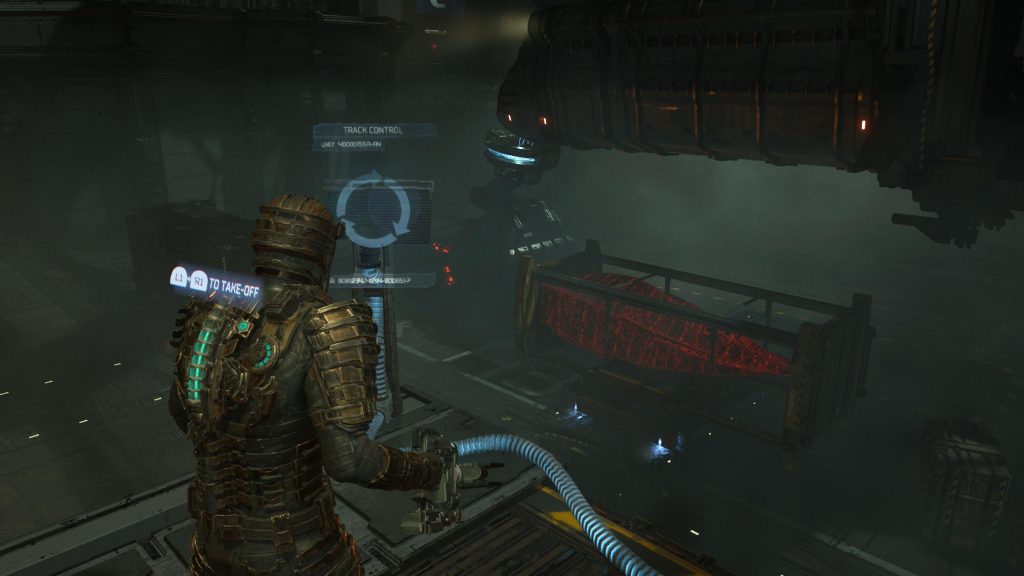
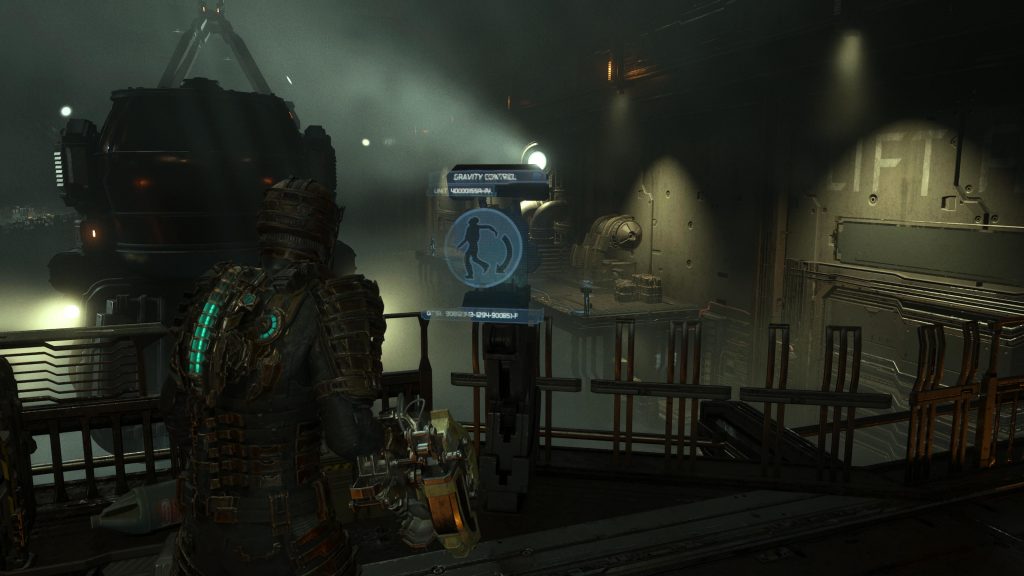
Fly to the gravity controls and turn it back on. Once you do, the Marker will be loaded into the ship and the puzzle will be complete.