
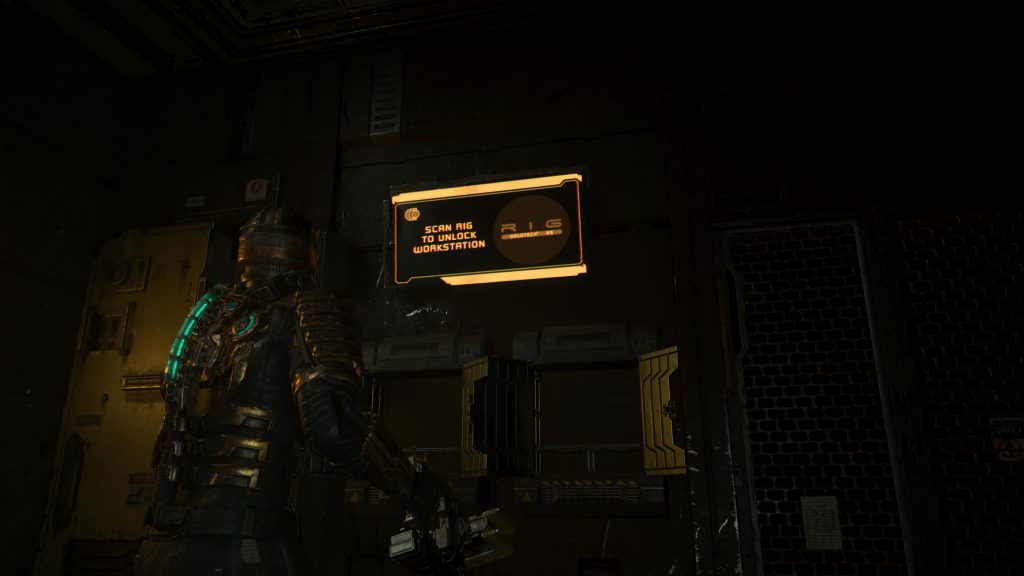
While the Dead Space remake faithfully recreates many aspects of the original 2008 survival-horror classic, there are plenty of great, new additions that have been included to change up the formula and make a fully new experience. Changes such as the addition of security clearance levels, a reworked script, and redesigned environments give the game a fresh coat of paint while also feeling like the Dead Space that everyone is already familiar with.
Many of those exploring the USG Ishimura in the remake, both newcomers to the series and veteran fans of the original, have encountered screens that read “scan RIG to unlock workstation,” but aren’t able to find a place where they can actually scan their RIG to access the station. If you’re wondering how to interact with these screens, don’t worry, you’re not alone. Here’s what you need to know about the “scan RIG to unlock workstation” messages littered across the abandoned space station.
More Dead Space guides:
| How to Replace the Damaged Tram | Power Nodes Explained | How to Get Security Clearance Level 1 | How to Get Security Clearance Level 2 | How to Fast Travel | How to Restart the Centrifuge | How to Find Autopsy Location | How to Beat the Brute Boss Fight |
‘Scan RIG to Unlock Workstation’ Explained
Because of the other additions to the Dead Space remake that make backtracking an important element of the game, when finding the screens reading “scan RIG to unlock workstation” for the first time, many players simply assume that they don’t have the proper item to interact with them. While that logic is certainly sound, the actual solution is far more simple: there is no way to interact with these screens, they’re just a background environment detail.
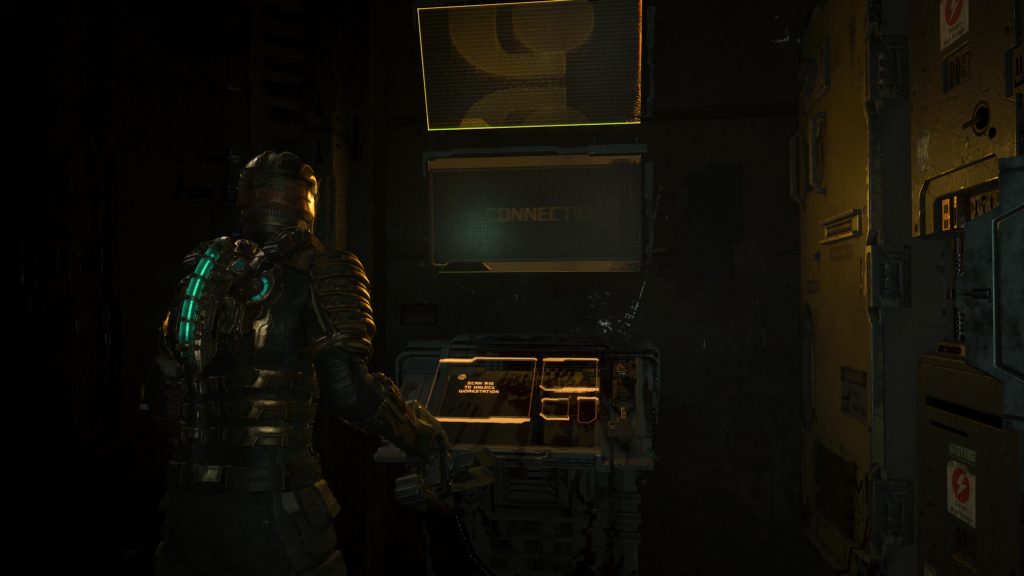
Unfortunately, this means that there aren’t any hidden secrets or major supplies of tucked-away ammo to be found, but it does mean that you can stop keeping track of which rooms you found the message in. The screen can be found all over the USG Ishimura in a lot of its rooms, so now you don’t have to remember every single place it was hidden in.
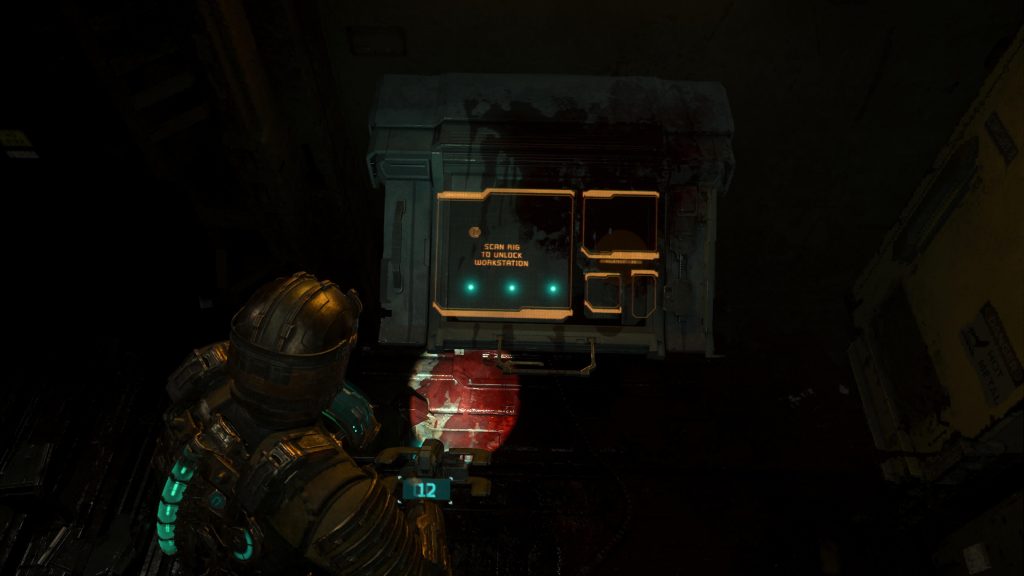
Although these screens aren’t anything you need to worry about, make sure to keep your eyes peeled for other screens such as workbenches, save stations, elevator controls, and other puzzle elements that you may need to interact with. As a general rule of thumb, keep in mind that blue screens can be interacted with, yellow/orange screens cannot be interacted with, and red screens must be activated/powered up to be interacted with.





