
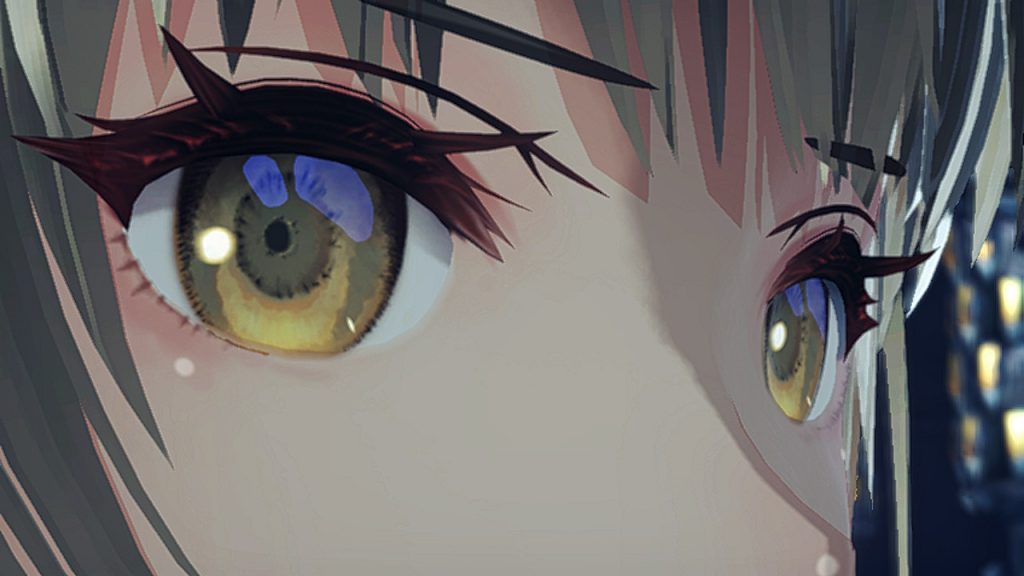
Although it certainly is hindered in some areas due to the hardware limitations of the Switch, Xenoblade Chronicles 3 can be a breathtakingly beautiful game. Its world is stunningly realized and the locations vary so much that loading into a new area is exciting for the simple reason that the player can’t wait to see what the world will look like next. It’s the perfect game for an in-depth photo mode, but it doesn’t have one.
That is, there isn’t a dedicated photo mode similar to what you might see in other games released in 2022. While many games include such modes to allow players to take digital photos of the game and show off its beauty, most Nintendo games don’t feature any sort of photo mode in the menu. Luckily, Xenoblade Chronicles 3 has a photo mode of sorts if you know where to look.
More Xenoblade Chronicles 3 guides:
| 6 Easy Combat Tips | How To Unlock All Characters & Classes | Collapsed Traderpon Quest Guide | How To Unlock All Traversal Abilities | Monster Types Explained | Tactics Guide | Chain Attack Guide | How to Attack Cancel | Heroes Explained | Ouroboros Form Explained | Fusion Arts Explained | What Do You Unlock With Amiibo? | Master Arts Explained | Interlink Level Explained | What Do Nopon Coins Do? | Ouroboros Chain Attack Guide | Aggro Value Explained | Use This Underused Feature to Manage Equipment and Classes Easily | Should You Clean Your Clothes? | Art Follow-Up Explained | Nopon Coin X-Change Location | How Many Chapters Are There? | 3 Best Accessories For Each Class | What Do Ether Cylinders Do? | Use This to Understand the Story | How to Learn New Recipes |
Xenoblade Chronicles 3‘s Hidden Photo Mode
One of the biggest problems when trying to capture nice screenshots of Xenoblade Chronicles 3 outside of cutscenes is the intrusive UI. While it’s crucial for displaying quest and battle information, it’s something of an eye sore when you’re looking to capture the beauty of the game’s world. The lucky thing is that the game gives you the option to take screenshots without it.
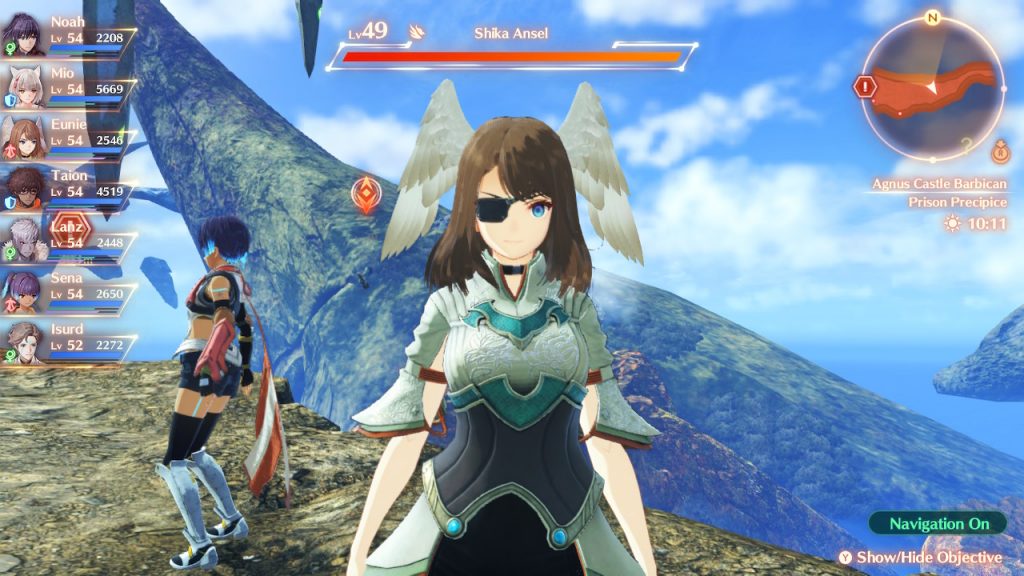
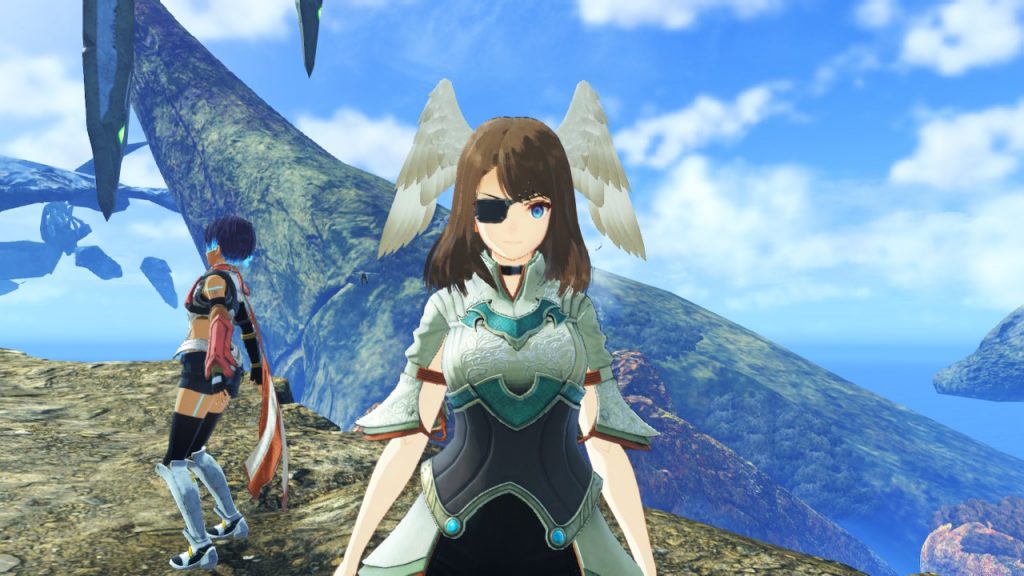
While disabling the UI completely isn’t an option in the game’s settings, you can take photos without it by holding down the L button and then tapping the R button. This will take a clean screenshot free from the game’s UI (you’ll hear the Switch’s capture sound) saved to your capture library. Although it would be nice to have a dedicated photo mode, being able to take photos without the UI is still a major plus.








