
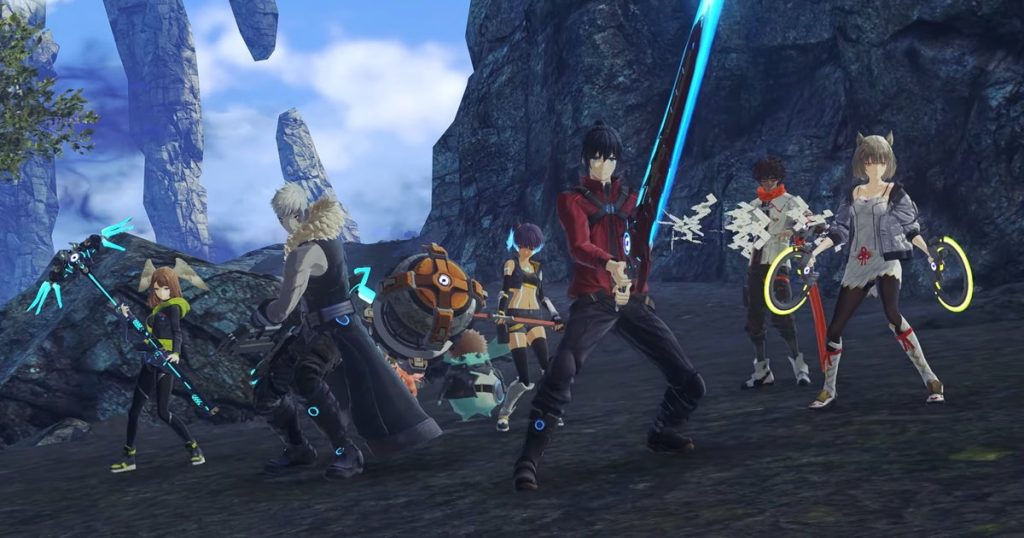
There is a lot of complexity to Xenoblade Chronicles 3‘s combat system which can be both a good and bad thing. It’s good because it provides a deep level of customization within its systems allowing players to dive fully into the many different levels of its combat. On the other hand, the depths of its systems can be a little overwhelming for newcomers to the series as the first ten hours or so can be pretty dry with the frequent tutorials.
Because there are so many systems introduced over the first several hours of Xenoblade Chronicles 3, it can be tough to discern which skills are worth mastering and which are relegated for more advanced play. Attack Canceling is introduced early on in the game and is quickly forgotten about in favor of much more complicated systems despite how integral it can be for every single combat encounter.
More Xenoblade Chronicles 3 guides:
| 6 Easy Combat Tips | How To Unlock All Characters & Classes | Collapsed Traderpon Quest Guide | How To Unlock All Traversal Abilities | Monster Types Explained | Tactics Guide | Chain Attack Guide |
How Attack Canceling Works
Attack Canceling isn’t a new mechanic in JRPGs. Despite what its name might imply, it’s a great way to properly optimize your attacks to deal the most amount of damage possible in quick succession. Essentially, Attack Canceling allows the player to interrupt an attack animation with another attack so that you can perform multiple attacks in succession without needing to wait for their animations to be fully completed.
This is a skill that takes a little bit of practice to master, but once you’ve nailed it, you’ll be doing it for the rest of the game. To Attack Cancel, you’ll need to get into a fight (preferably with an enemy close to your level so that you won’t get completely demolished while you experiment.) Once you’re ready to start giving it a try, select a character that auto-attacks frequently. This doesn’t make a difference in actually being able to Attack Cancel as it’s an option for all characters, but when you’re learning using a character that attacks quicker is easier because they don’t take as long to wind up between attempts.
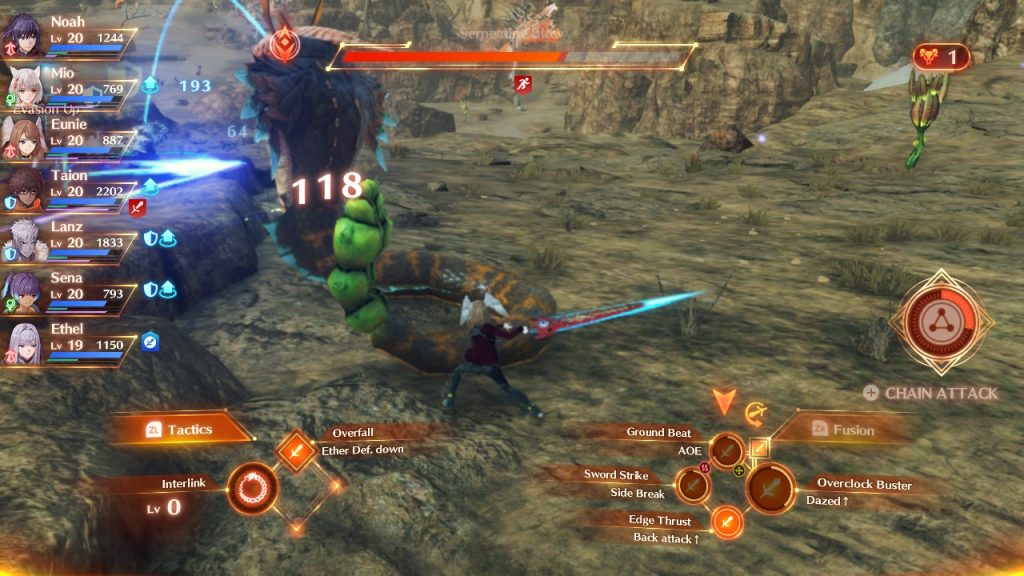
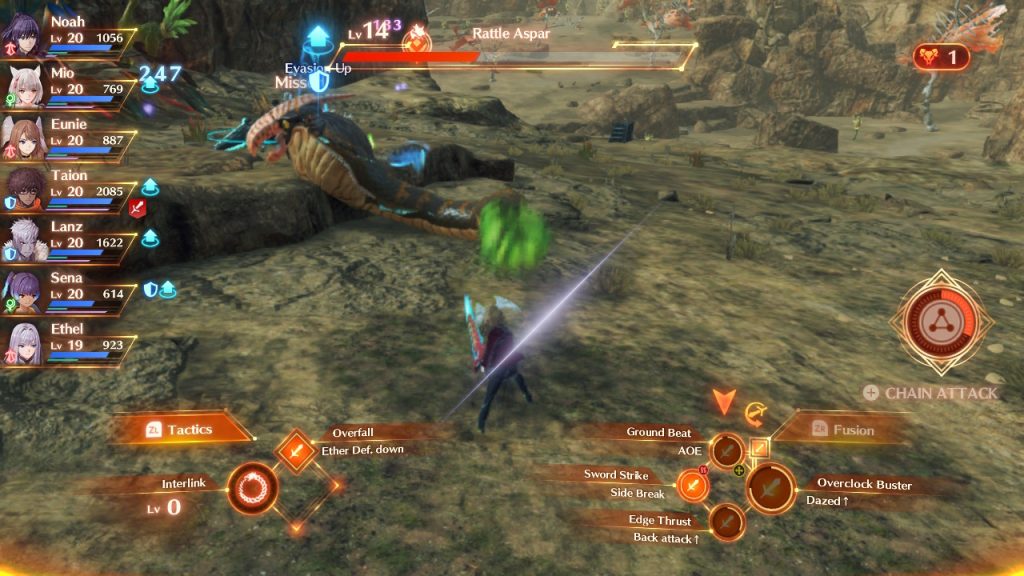
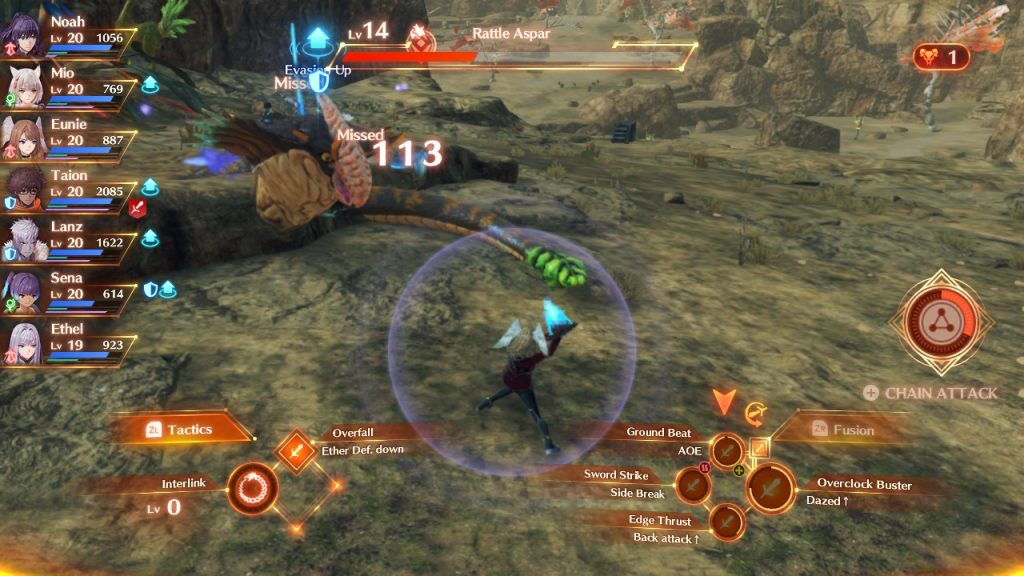
As soon as an auto-attack lands roughly 60-75% of the way through the animation, use one of your combat arts. When done correctly, a blue flash will surround your character and they’ll quickly get in position to perform the Art. This happens much faster than if you were to simply wait for both animations to play in their entirety so you’re going to want to Attack Cancel as often as possible.
If you’re having trouble timing it out (as I was when I first started the game) switch the attack mode into Auto-Battle when in a fight using the Minus button. The game’s AI will likely start using Attack Cancels and you’ll be able to see first-hand when you should be interrupting with your Combat Arts. It’s tricky to get the hang of at first but once you’ve got it, you’ll be able to feel it with just about every character.




