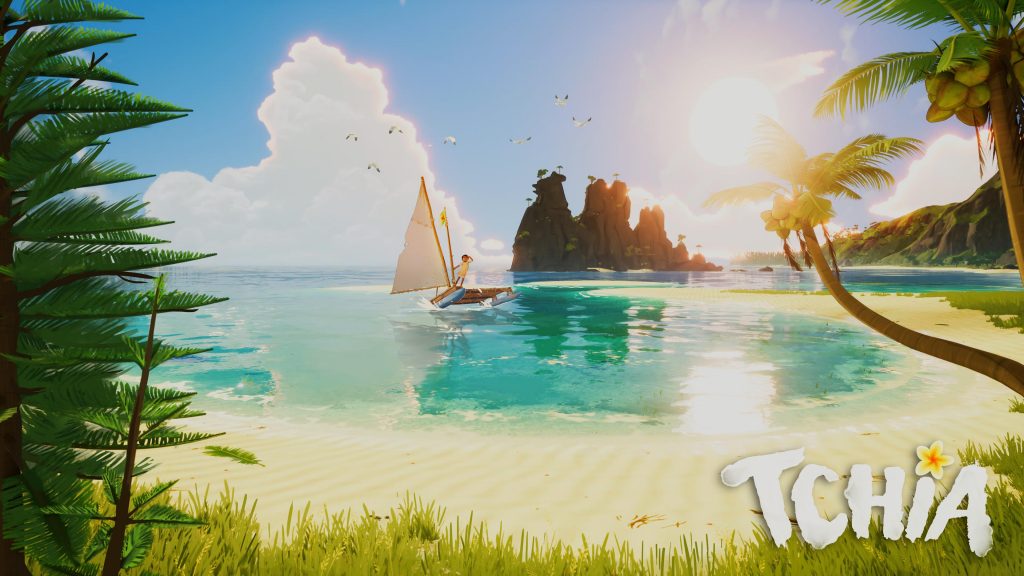
The island setting of Tchia is vast, beautiful, and finely detailed, giving players a real reason to venture off the beaten path and explore to find every secret that’s hidden on the lush pacific islands. Because the game takes a generally hands-off approach to exploration that doesn’t provide much in terms of waypoints or objective markers, the islands can be a little confusing to navigate.
While getting lost as you explore is some of the fun of Tchia, there are definitely times when players will want to book it straight toward the next main objective to continue on with the story. If you don’t want to go to all the trouble of running across an island or sailing to your objective, luckily, there is a way to fast travel between select points.
Here’s everything you need to know about how to fast travel in Tchia.
More Tchia guides:
| How to Get a Chicken Egg | How to Get Pearls for the Coutume with Hunahni’s Chief | How to Increase Stamina | How to Unlock Face Paint | How to Increase and Refill Soul Meter | How to Find a Red Crab for Gaby | All Treasure Chest Locations | How to Unlock Photo Mode |
Fast Travel Explained
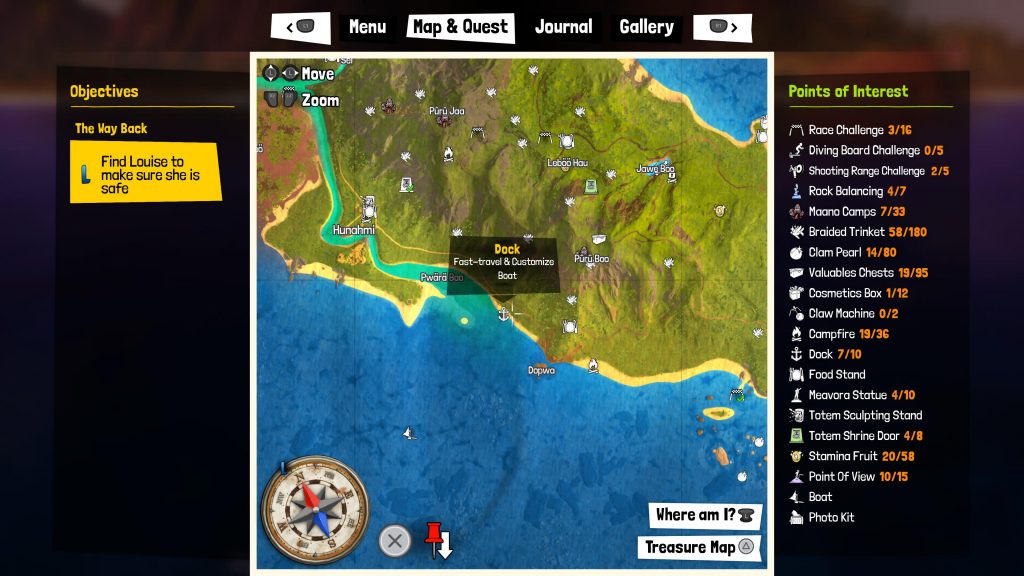
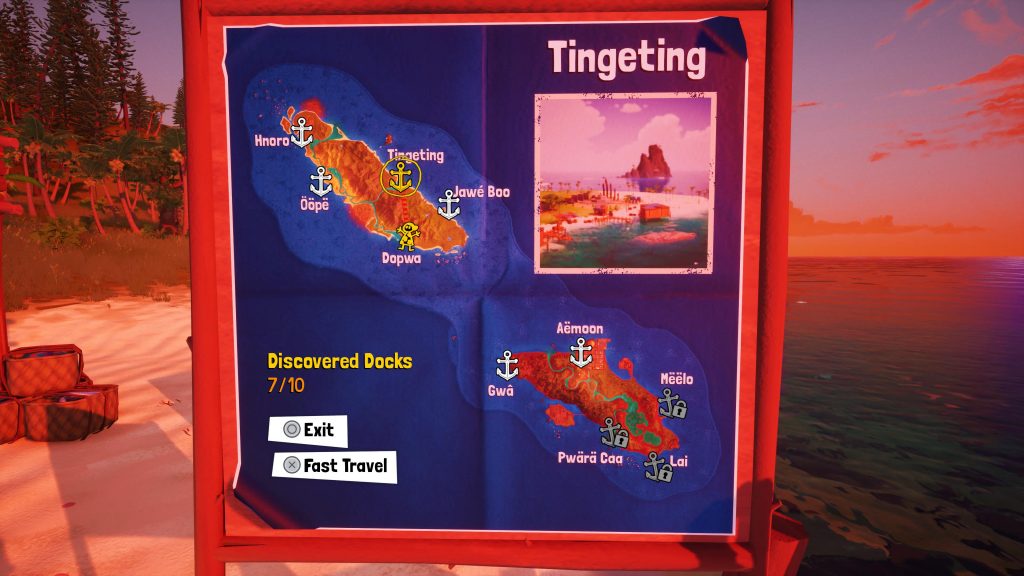
Fast travel can be an extremely useful tool in Tchia, especially when the game requires players to make long treks across the main two islands in order to continue along with the story. Before getting into how it’s done, it’s important to point out that fast travel can’t be done from anywhere to anywhere. Instead, players will need to go to docks and are only able to fast travel to other docks that they’ve discovered.
Discovering a dock is simple: all you need to do is head to one of the ten docks that are scattered across Tchia‘s map and get close to it. When you do, a message will pop up at the top of the screen letting you know that it’s now discovered. When viewing it on the map, you should also notice that the small lock icon that was on it is now gone.
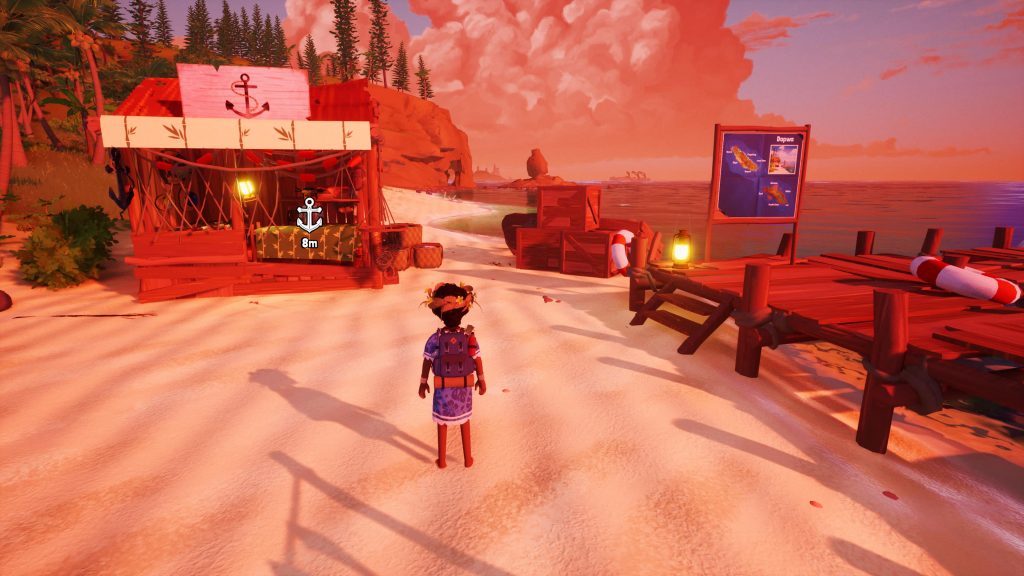
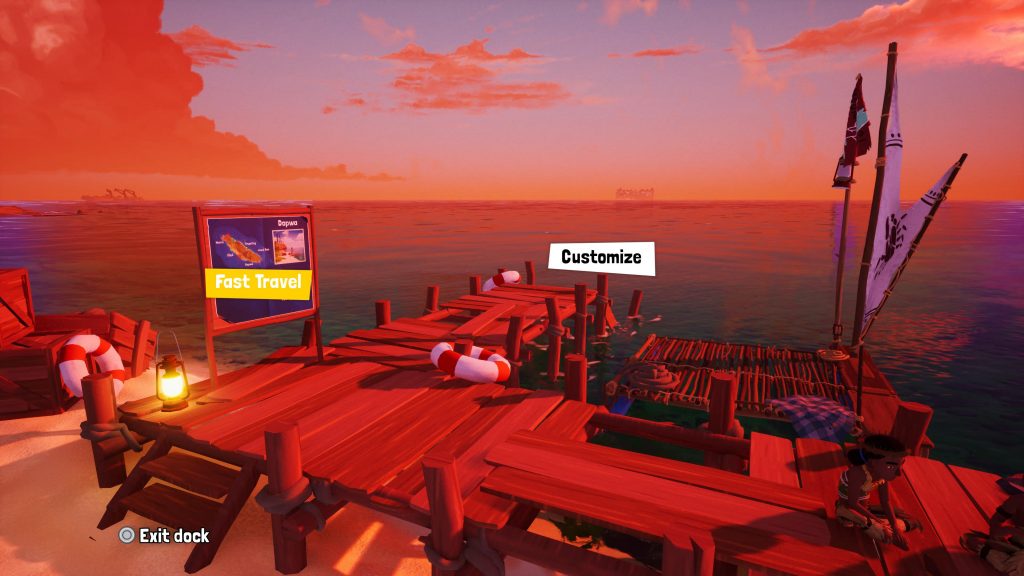
To actually fast travel from place to place, interact with the person in the dock shack and you’ll be given two options: customize your boat (or call it to the dock) and fast travel. Select fast travel and you’ll be able to quickly load from one dock to another. Fast traveling is free, so you won’t need to worry about collecting any valuable items in order to get around with ease.