
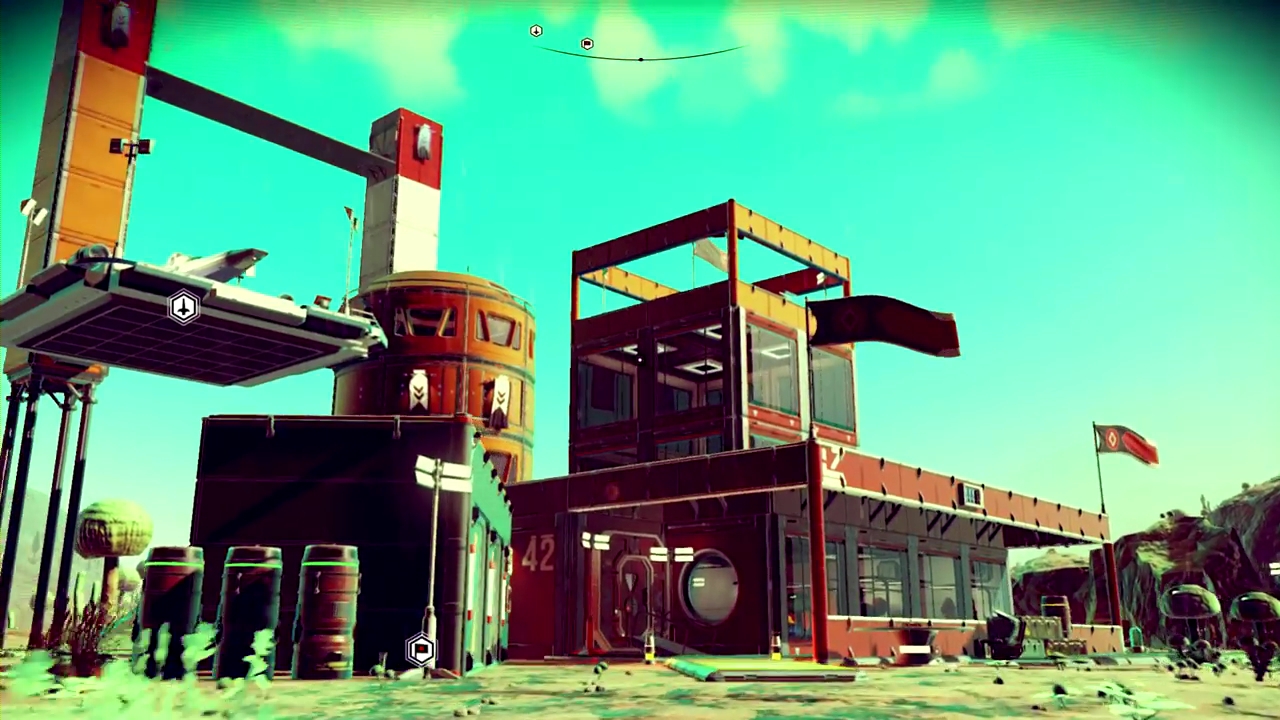
No Man’s Sky is finally delivering on (some) of its promises in the Foundation Update, throwing in features like custom bases and farming. That’s all well and good, but your base can only handle so much in-game geometry before you hit the limit. Then there’s the tiny space you’re allowed to build on — a tiny pre-fab circle on a massive planet.
Let’s change all that. By altering one of the installation files, you can unlock the limitations forced into base building. This method will allow you to build far beyond the ‘Limit Reached’ message, and you’ll be able to place buildings and structures outside the flat circle plot. In a game that’s all about infinite possibilities, shouldn’t you be free of all those limitations too?
This is a PC-only solution, and unfortunately won’t work if you own the game on PS4. For more Foundation Update info, check out our Base Building Beginner’s Guide.
How to Unlock the Base Building Limit
Need more space for your base? Want to build it taller and wider? Hit the ‘Limit Reached’ message but want to construct even more? This is what you need to do.
Warning: Always create a back-up if you’re unfamiliar with altering installation files. Improper changes to files in the installation folder can cause crashes, and may force you to reinstall.
Step-By-Step Tutorial:
- Open your No Man’s Sky installation folder.
- Ex. — …\Steam\steamapps\common\No Man’s Sky\Binaries\SETTINGS
- Open the file TKGRAPHICSSETTINGS in Notepad.
- Any word processor that does not automatically format text will work.
- Search for two text entries and change their values.
- Find <Property name=”RemoveBaseBuildingRestrictions” value=”false” />
- Change “false” to “true”
- This removes the ‘Limit Reached’ message. You can now build using an infinite amount of base parts on your plot.
- Find <Property name=”BaseBuildingLimit” value=”2000″ />
- Change “2000” to “9999”
- This increases the size of your base building plot. Changing this value will multiply the amount of space you can build on.
- Find <Property name=”RemoveBaseBuildingRestrictions” value=”false” />
Change those two properties, then save the file and close. Your base can now accept an endless amount of rooms and hallways, and the base plot will be expanded by a huge amount. Enjoy your new enormous base!














Check out even more No Man’s Sky content on Gameranx:
- No Man’s Sky: Beginner’s Guide – 5 Steps To Get You Started
- No Man’s Sky: Complete Platinum Trophy Guide
- No Man’s Sky: 3 Methods to Get You to the Center of the Galaxy
- No Man’s Sky: Earn Millions of Units With These Easy Farming Tricks
- No Man’s Sky: How to Dupe Items in Your Inventory | Exploit Guide
- No Man’s Sky: Exploit Saves to Get New Ship Skins | Glitch Guide
- No Man’s Sky: How to Delete, Copy, or Swap Save Files | PC Tweaks
- No Man’s Sky PSA: Don’t Install Patch 1.03 For an Easier Platinum
- No Man’s Sky: Explore Four Types of Star Systems For Rare Rewards
- No Man’s Sky: How to Solve Observatory Puzzles | Solution Guide
- No Man’s Sky: Unlock Free Loot With the Atlas Pass Blueprint
- No Man’s Sky: How to Find and Fix Free Ships | Location Guide
- No Man’s Sky: Ultra HD Wallpapers | 4k


