
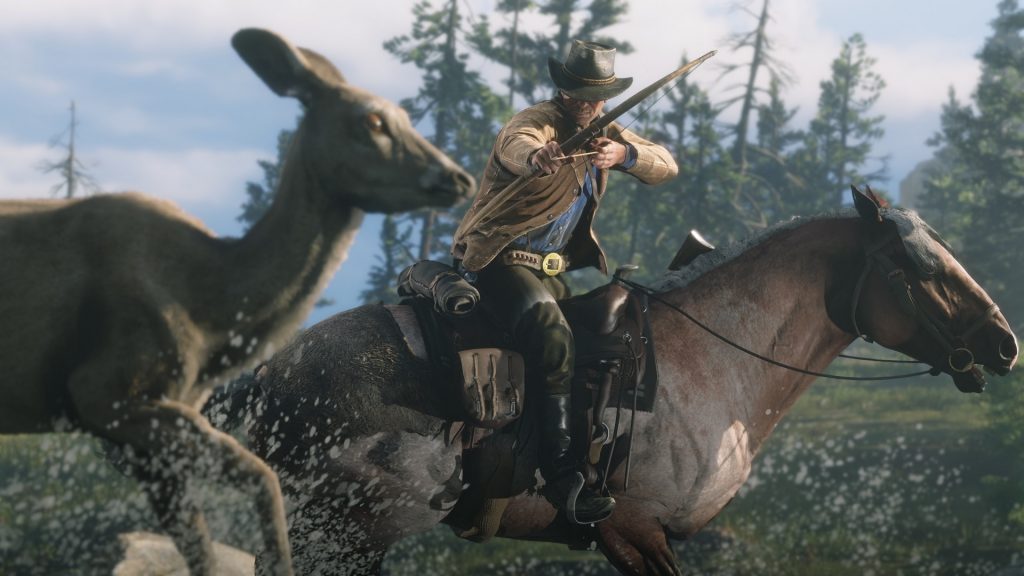
You can escape the tyranny of auto-aim in Red Dead Online by changing a few simple settings on PC. By default, auto-aim is enabled in both singleplayer and multiplayer portions of Red Dead Redemption 2. Even if you’re on PC, you’ll lock-on to enemies (and other players) with perfect accuracy. One nudge of the thumbstick can earn you an easy head-shot.
That’s the major downside of Red Dead Online right now — gunfights are super-lethal, and rifle accuracy is the only factor that matters. Get a headshot, which anyone can do, and you’ll win. Playing with free aim changes everything, and you’ll find enemy players actually missing shots in chaotic free-for-all battles. It’s one of the most-requested changes in Red Dead Redemption 2, and it’s been here all along.
There are hidden lobbies, and by changing your settings, you’ll automatically match-make with players using the same settings as you. Let’s dive into the details below.
More Red Dead Online guides:
- How To Make The Most Money With All Three Roles | Bounty Hunter, Collector & Trader Guide
- Everything You Need To Know | 17 Frequently Asked Questions
- How To Stop Griefers & Hostile Players | Feud & Parley Guide
- Earn 10,000+ XP Per Hour With This Trick | Fast Rank Up Guide
- All Gang Hideouts Locations | Treasure Maps Drop Guide
How To Play On Free-Aim Lobbies | Disable Auto-Aim Guide

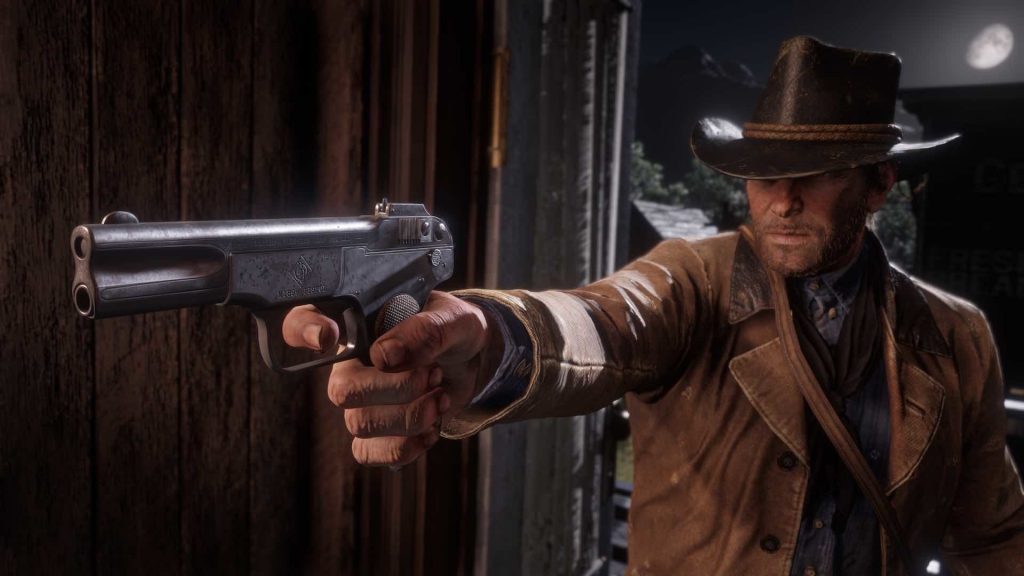
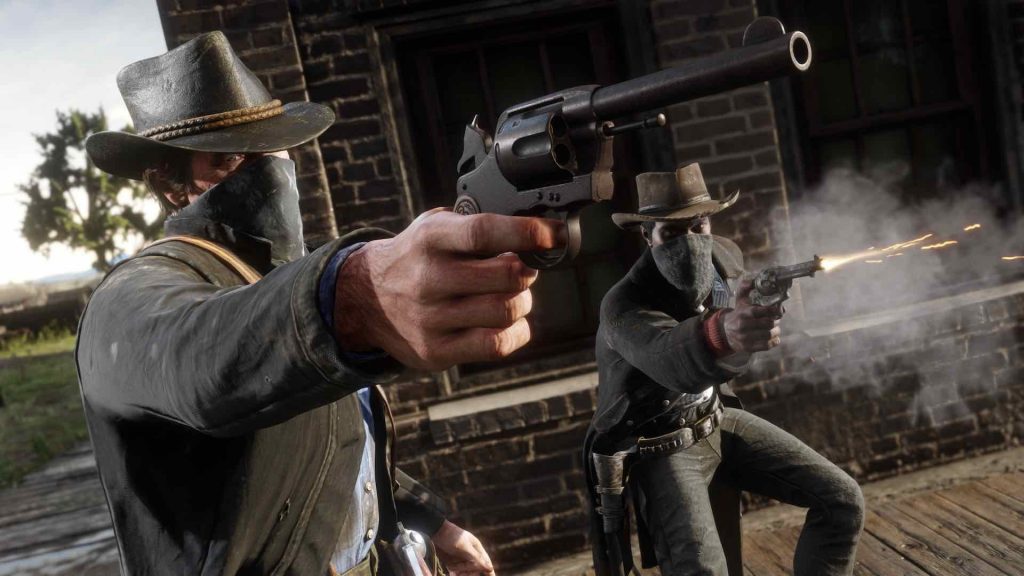
To play in a Free-Aim lobby, you must disable Auto-Aim in the settings menu. Auto-Aim is on by default, even on PC. There are hidden lobbies in this game — when Auto-Aim is enabled, you’ll matchmake with other Auto-Aim players. If it’s disabled, you’ll matchmake with Auto-Aim disabled players. It doesn’t say that anywhere in-game, so if you’re totally confused, I don’t blame you.
- From the main menu and open Controls -> Controller Settings -> Targeting And Weapons
- Change ‘Lock-On Mode (On-Foot)’ to ‘Free Aim’
- Change ‘Lock-On Mode (Mount / Vehicle)’ to ‘Free Aim’
If you don’t change both of these settings, it won’t work. You can only change these settings in Story Mode or from the Main Menu. When you go online, you’ll now enter Free-Aim lobbies where everyone has to aim — no auto-aim allowed. Controllers won’t have a huge advantages, and players on PC can shoot freely. Personally, I think it improves the experience by a huge percentage. Give it a try just to see what it’s like.




