
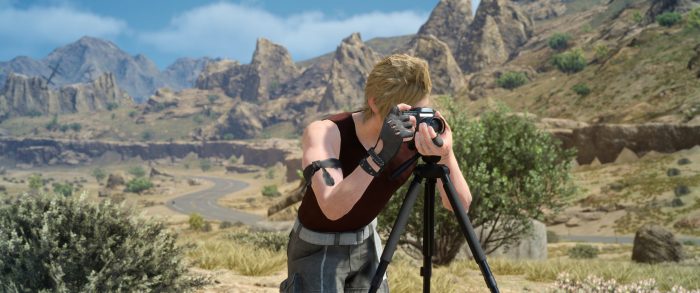
If you’re a fan of Final Fantasy 15, you’re probably a fan of photography too — as you play through the game, Prompto, one of your party members, will constantly snap pictures of your adventures. You can even pause the game to take pictures of your own. At the end, it’s pretty likely you’ll have a whole album of cool pics. Too bad they’re a little tricky to access on PC.
One fan has gone above and beyond to make grabbing pics off your PC super-easy. Using a simple application, you can pull individual images, batches, or complete folders and convert the unusable files into usable images that you can post, share, or edit to your heart’s content. Here’s how to do it.
More Final Fantasy 15 secrets, tips, and guides:
- Final Fantasy 15: All 13 Royal Arms Locations | Faithful Heir Guide
- Final Fantasy 15: Run Infinitely With This Instant Stamina Refill Trick
- Final Fantasy 15: How to Fight Lvl. 99 Adamantoise | Optional Boss Guide
- Final Fantasy 15: How to Get the Regalia Type-F | Airship Guide
- Final Fantasy 15: How to Unlock Chocobo Riding | Mount Guide
- Final Fantasy 15: Max Out Every Skill | Cooking, Fishing, Photos, Survival
- Final Fantasy 15: Sylvester Map Locations | Scraps of Mystery Guide
- Final Fantasy 15: Complete Achievements / Trophies Guide
- Final Fantasy 15: All Classic FF OST Locations | “Memories Of” Guide
How To Convert Photos | PC Guide
To begin pulling photos out of Final Fantasy 15: Windows Edition, download the Prompty image extractor application here.
The application is made by FF15 super-fan SkacikPl. You can check out more mods on his personal website here.
NOTE: This application saves images .jpeg by default. Select “Save as” to convert images to .png / .bmp / .gif / etc.





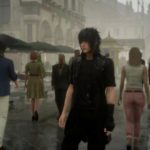




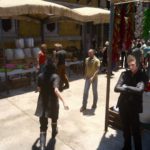


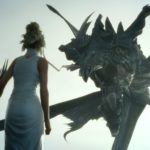



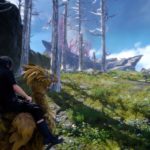



To Convert Singleplayer / Multiplayer Photos:
- Remove the Prompty app from the .zip file and run.
- Select “Load Image” and navigate to the photos folder. To convert an entire folder, toggle to “Batch Mode” and choose “Select Source Folder”.
- Singleplayer Folder: [Your Profile]\Documents\My Games\Final Fantasy XV\ID Numbers\SaveStorage\Snapshot
- Multiplayer Folder: [Your Profile]\Documents\My Games\Final Fantasy XV\ID Numbers\SaveStorage\Multiplayer\Snapshot
- Select the image file / Snapshot folder to convert.
- Select “Save Image” or “Select and Save to Output Folder” to save your selected image path or save an output folder path.
- Select “Save As…” to change the file location and format.
- Press “Ok” to convert and you’re done.
It’s always nice to have a backup, and now you’re free to edit and use the in-game images however you want. Not a bad deal for Prompto’s latest photographic masterpiece.








