
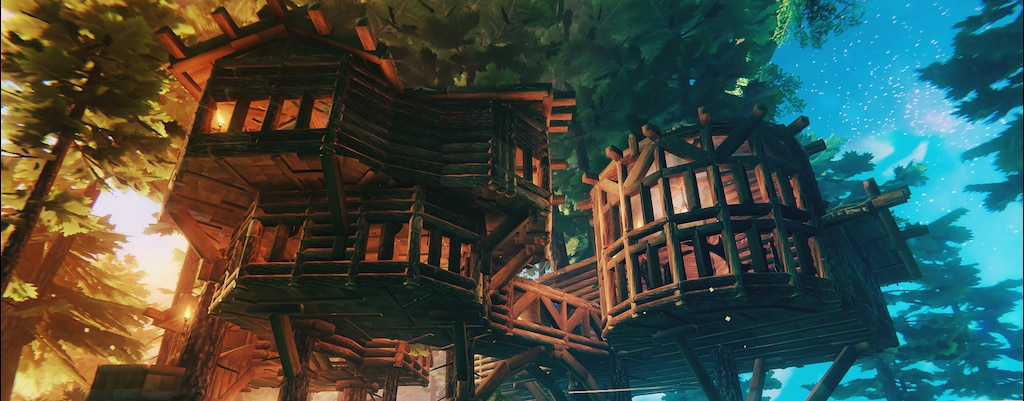
Sick of the limitations of Valheim? Want to build massive temples and sprawling castles with no limits except your own creativity? Want a mode that’s basically Minecraft Creative Mode? There isn’t a Creative Mode in Valheim, but we’ve got the next best thing. By using developer commands, you can create your own version of Creative Mode — it doesn’t give you unlimited Stamina, but it does make building a whole lot easier. And you’ll be able to fly!
This isn’t an in-depth explanation for all the console commands in the game. This is a quickstart guide to get you building your next architectural wonder ASAP. Learn how to get started with console commands, what quick keys you’ll need to know, and a handful of extremely useful commands you can memorize. With this guide, even a beginner can use a limited version of Creative Mode.
More Valheim guides:
12 Tips The Game Doesn’t Explain | Beginner’s Guide | How To Tame & Breed Boars | Comprehensive Healing Potion Crafting Guide | 4 Tips To Improve FPS Performance | 9 Tips To Survive The Swamps | How To Summon All Bosses | Best Mods List | How To Move Loot Easier | Inventory Guide | How To Unlock & Craft Portals | How To Find Haldor The Trader | How To Unlock The Best Weapons
Creative Mode Quickstart Guide
To use “Creative Mode” you need to play Solo or Host a server. If you’re not the host, you’ll need to get the host to follow these steps. First, we’ll unlock the ability to use console commands and debugmode.
- Right-click Valheim in your Steam Library and add [-console] under Launch Options.
- Launch, and in-game press F5 to lower the console window.
- To enable Console Commands type: [devcommands]
- To enable Debug Mode type: [debugmode]
- Once Debug Mode is enabled, we now have Creative Mode.
- To enable building without resources, press: [B]
- To enable flying, press: [Z]
There are some drawbacks to this mode that we can fix with console commands. Here are a few simple console commands you’ll want to remember.
- Useful Console Commands:
- [remove drops]: Removes all item drops in the area around your character.
- [tod .4]: Sets the Time of Day to early afternoon. Change the number to anything between 0-1 for different times of day.
- [spawn bread 99]: Spawns 99 bread. Even in Debug Mode, your Stamina will drain. Fill up with plenty of food.
For more Console Commands check out the complete list here.





