
Table of Contents[Hide][Show]
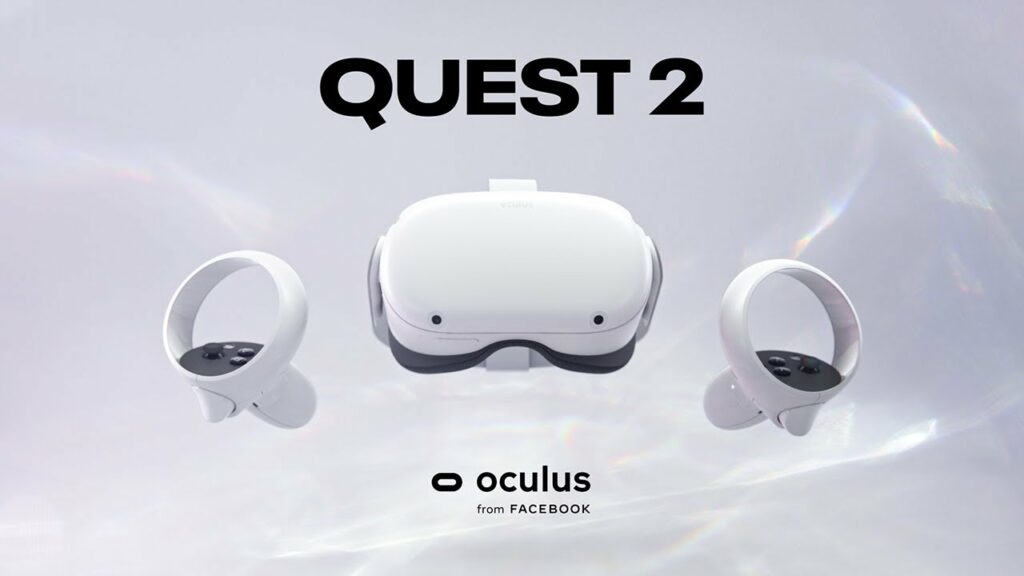
Facebook’s Meta Quest 2 was once formally known as Oculus, it is one of the most versatile virtual reality headsets out yet. This headset is able to work completely by itself, not added console or PC…however, one of the manager big qualities of the Meta Quest 2 is it can be connected to a PC for even more. One of the many features is the ability to play Steam games on your Meta Quest 2.
Something that isn’t really said on the packaging or anywhere else for the Meta Quest 2 is that it can play Steam games…but it is a feature the headset is capable of doing fairly easily. This Meta Quest 2 is supposed to be able to do this feature a lot easier than the Meta Quest did, allowing you to link it to a PC wirelessly and access a library of games from it.
How To Start Playing Steam Games On Meta Quest 2
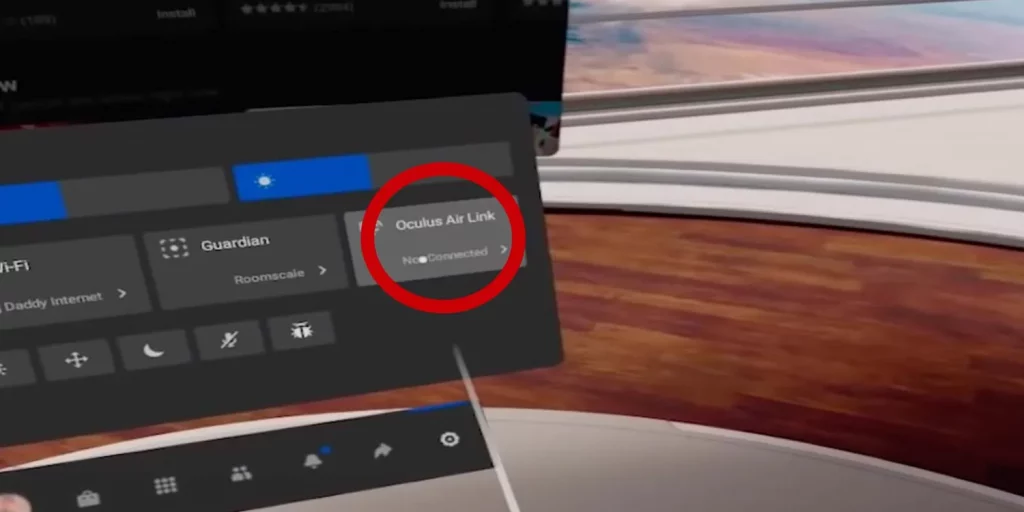
You won’t be able to play Steam games on the headset without following a couple of steps. First, you will need a gaming PC in some form, basically, as long as it is capable of running VR games, they will be able to be played on the Meta Quest 2 headset. Something that is even cooler about the Meta Quest 2 is it supports wireless PC connections through a thing called Meta Air Link. This will allow you to play Steam VR games. Follow the steps below to begin.
- First, you will want to download the Steam VR program from the Steam app, this will enable them to play VR.
- Next, you can set up your Meta Quest 2 and then pair it with the Meta app on the PC.
- After you have the headset paired with your Meta app, the Airlink feature will be able to cast the PC game to the Meta Quest 2.
- Older laptops and PC might not have the capability to run the Airlink, so you might want to look into that beforehand.
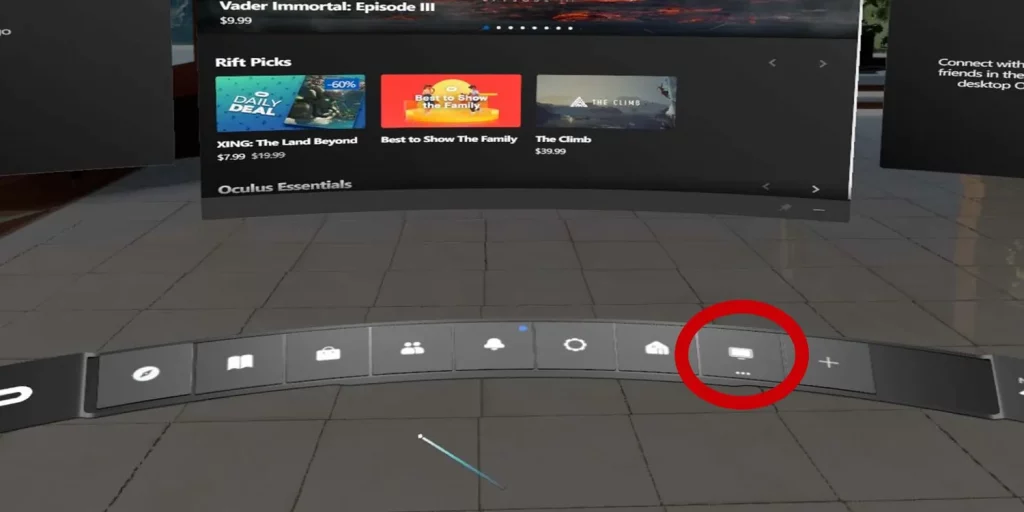
- Be sure to always select the Desktop button at the bottom menu on the new home screen, now you are also ready to go.
How To Use The New Desktop Screen
Now, let’s learn how to play VR games.
- Once the Desktop setup is selected, you can then access your PC apps. This will basically give you a virtual reality look at the monitor of your computer.
- Now you can launch your Steam app and load up the game you want to play.
- If you wish, users are able to connect a USB-C cable from the Meta Quest 2 to the PC, this will give it a better stable connection while you are loading up games and playing them. Do make sure the cord you use has a decent length.
These are all the steps you need to do in order to be able to play Steam VR games on your Meta Quest 2 headset.
Have fun playing all the VR your heart desires!




