
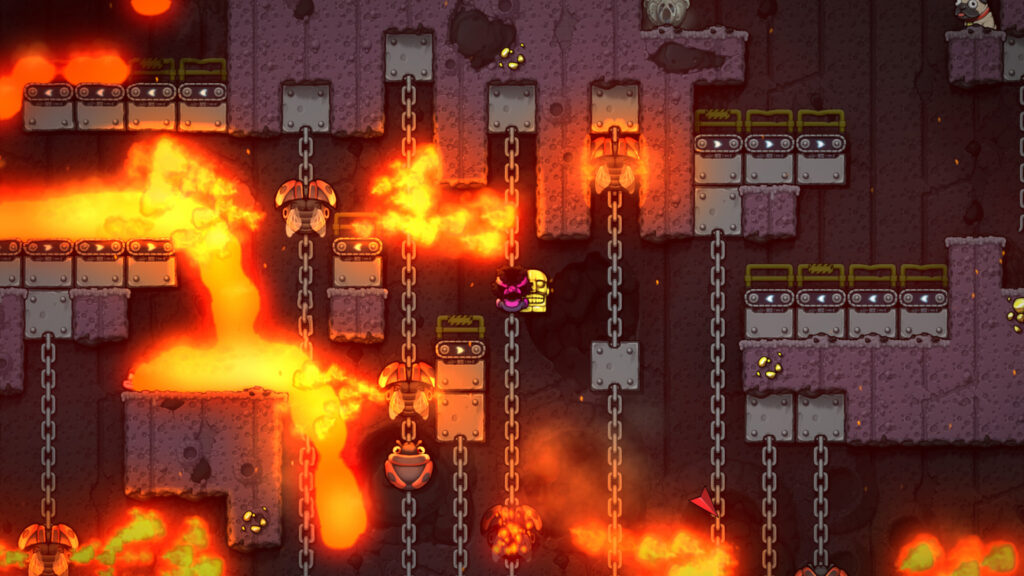
Spelunky 2 is finally out on PC, and you can grab it on Steam right here. Spelunky 2 is the highly-rated sequel to the extremely popular original rogue-like that’s all about dying over and over again.
The game is even harder this time around, as you explore a vast randomly-generated 2D dungeon filled with traps. You don’t get permanent upgrades — you just have to learn how to avoid every enemy and danger as you progress to the bottom.
And performance is a key part of that. Even powerful computers are chugging in Spelunky 2, and there’s a few simple ways you can improve your performance before more patches arrive.
More Spelunky 2 guides:
20 Tips & Tricks For The First Biome | Beginner’s Guide | Safe & Easy Method For Stealing From The Shopkeeper | How To Get The 1-Hit KO Excalibur Sword | How To Get The Healing Kapala Knife | How To Access The City Of Gold & More Secret Money Methods | How To Unlock Every Bonus Character | All Shortcut Locations & Requirements | How To Access All Secret & Bonus Areas | How To Fight The Secret Final Boss | Sunken City & Hundun Location Guide
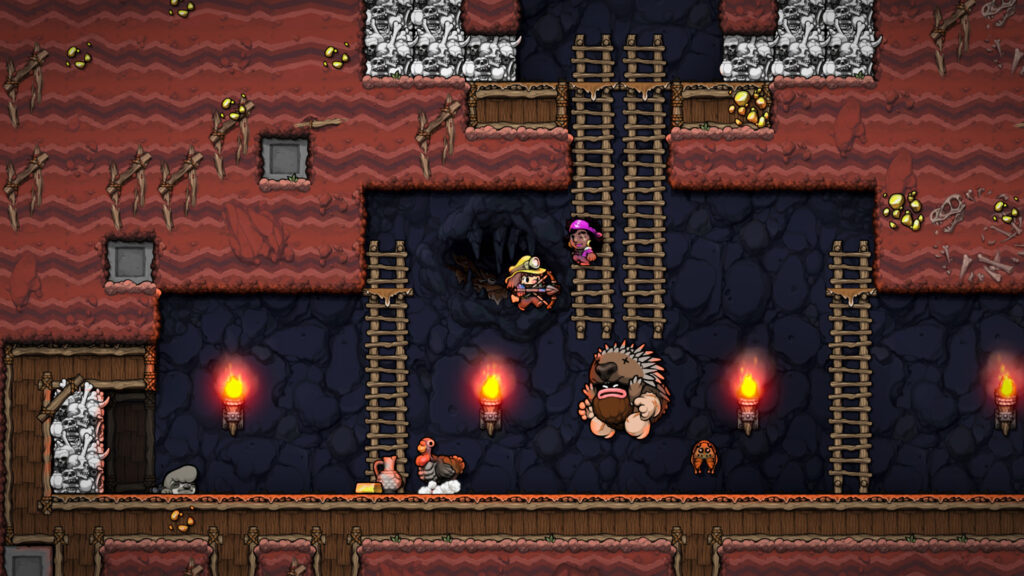
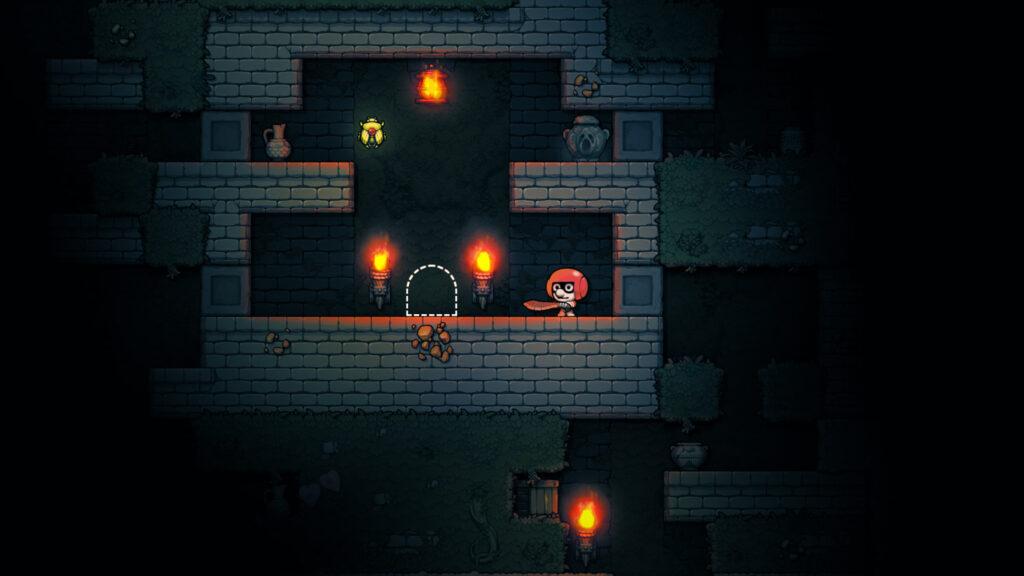
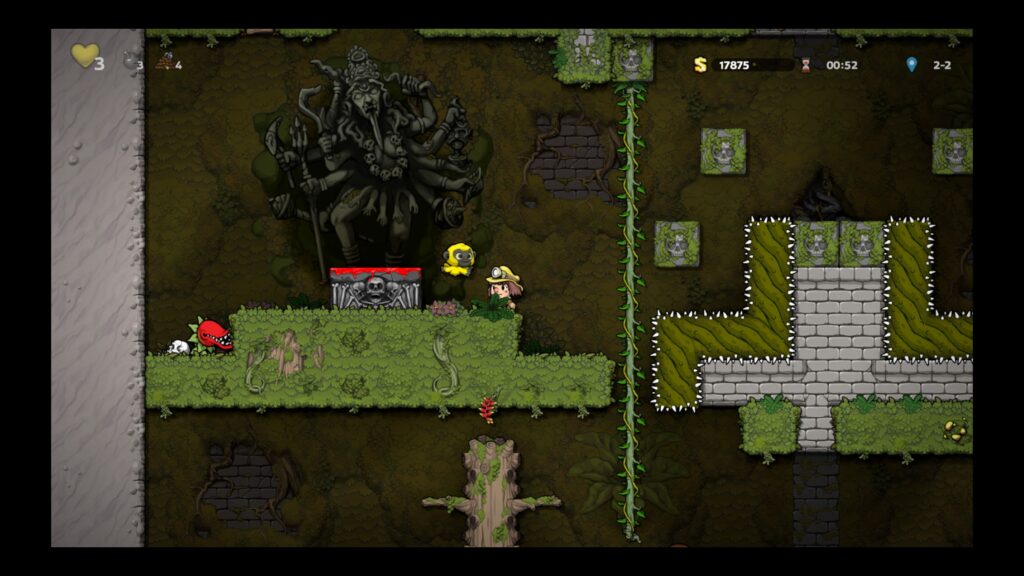
Spelunky 2_20200916201552 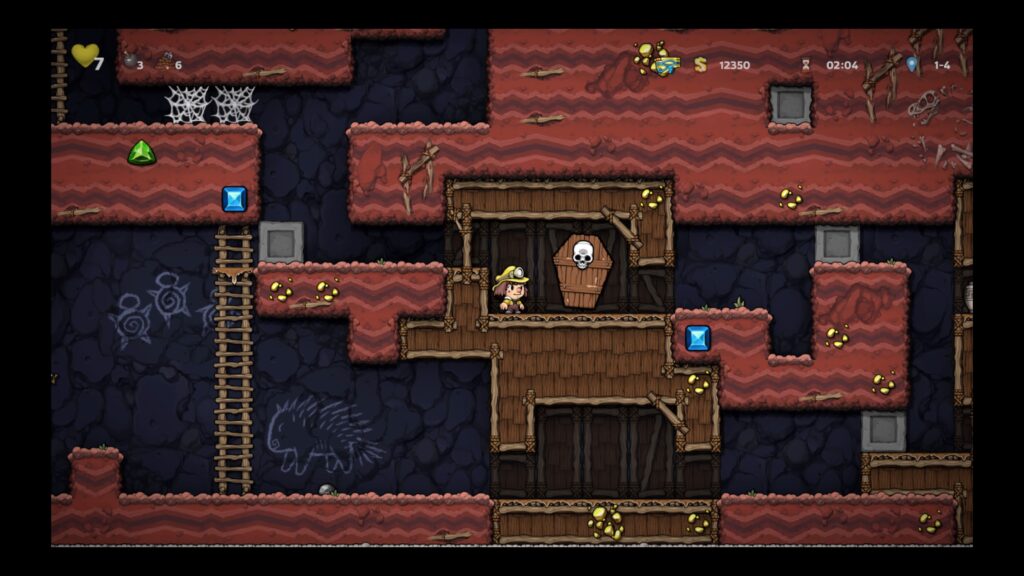
Spelunky 2_20200916163326 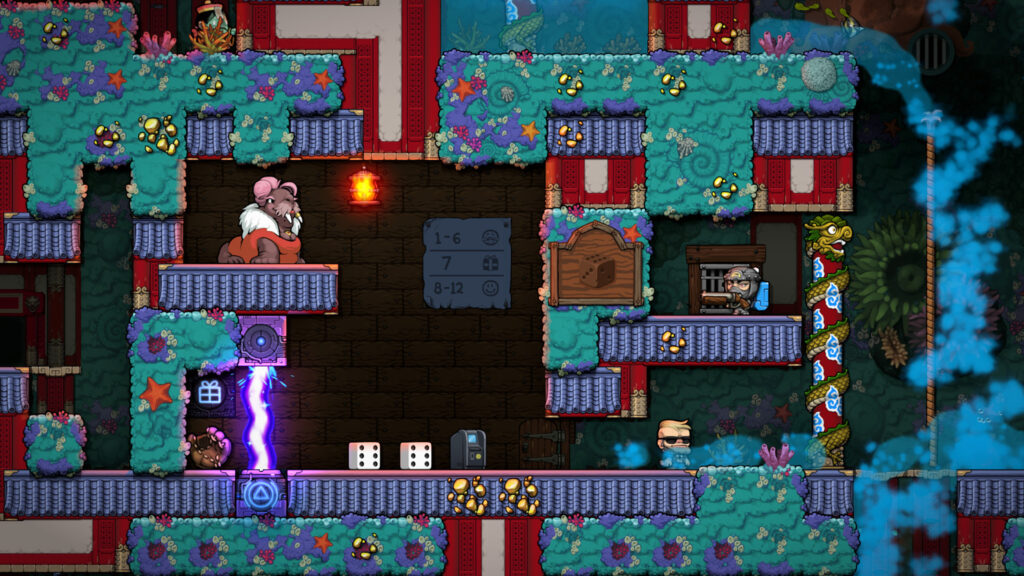
How To Improve Performances | Stuttering Fixes
If you’re experience constant stuttering or poor performance, try these quick fixes to improve FPS.
- Go to Settings and switch to Windowed Borderless mode.
- Lower settings for Reduced Lighting and Distortion Effects. This drastically improves performance in certain areas.
- Close any tabs in Firefox / Chrome / Web Browsers.
- If all else fails, lower the Resolution.
Running the game in Windowed seems to exponentially increase performance. With Windowed Borderless, the game will appear fullscreen.
The biggest problems for low-tier PCs and laptops seem to be dark stages, ghosts, Volcana, and other high-effects areas. Make sure to lower lighting and distortion effects in the settings menu first. This will improve your performance by a lot.


