
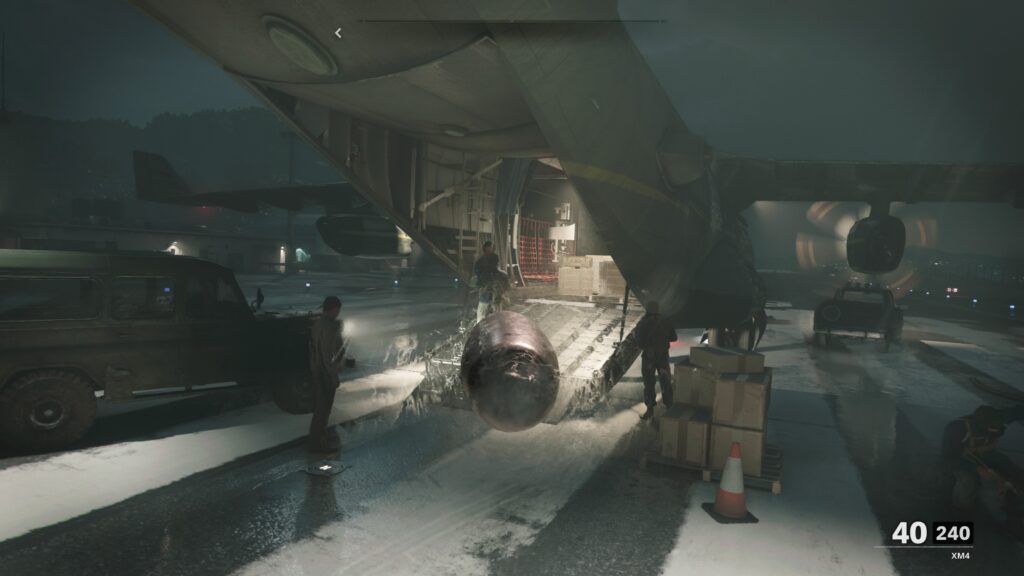
Call of Duty: Black Ops Cold War might be the first Call of Duty on Playstation 5, but that doesn’t mean the game runs perfectly.
With default settings, it actually runs pretty poorly — it runs 60 FPS mostly in the campaign, but when it comes to online multiplayer or Zombies, the game drops frames constantly. It’s hardly stable, and if you’re looking for a better gameplay experience, there are two settings you can change to improve performance.
Many games on the PS5 and a performance mode and a graphics mode — but Call of Duty: Black Ops Cold War doesn’t seem to have this function. This isn’t actually true. There is a setting to swap to performance mode, but it isn’t actually in the game. Yes, really.
More Call of Duty: Black Ops Cold War guides:
How To Unlock All 3 Endings | Best & Worst Endings Guide | How To Play Zork & More Old Activision Games| Easter Egg Guide | How To Unlock Operation Chaos & Operation Red Circus | Side-Quests Solutions Guide | Discover All The Secrets & Easter Eggs In ‘Break On Through’
How To Improve Framerate On PS5 | Low FPS Fix
The default settings on PS5 can cause noticeable slowdown. The game doesn’t run great — but it can be fixed with a little tweaking.
To get started, you can disable Ray Tracing to instantly improve FPS and stability.
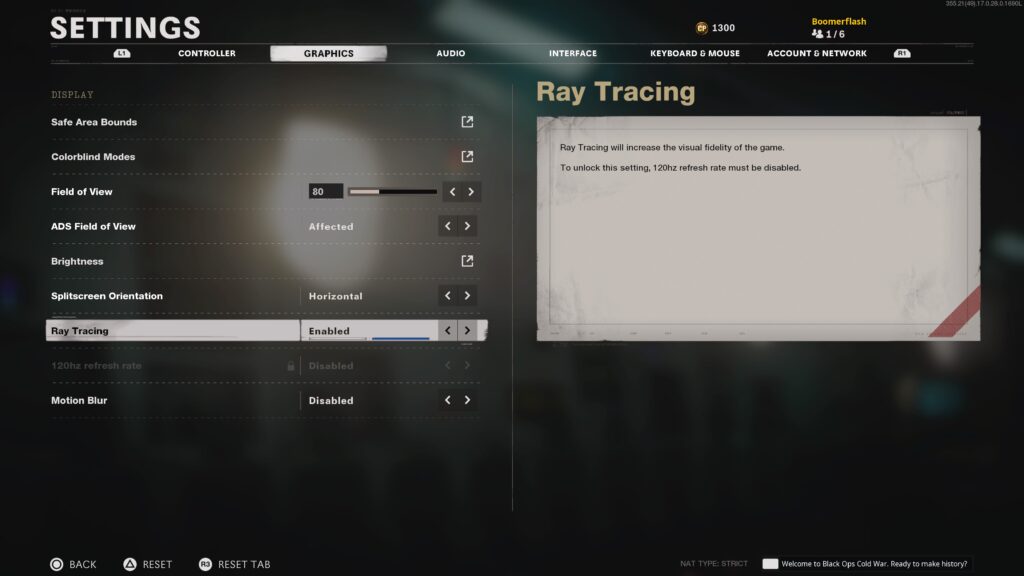
- How To Disable Ray Tracing:
- Go to Settings -> Graphics -> Ray Tracing
- Toggle to Disabled
- Go to Settings -> Graphics -> Ray Tracing
You can also get a noticeable jump in performance by changing the settings on your PS5 console. There is a Performance Mode, but it can only be accessed through the PS5 settings.
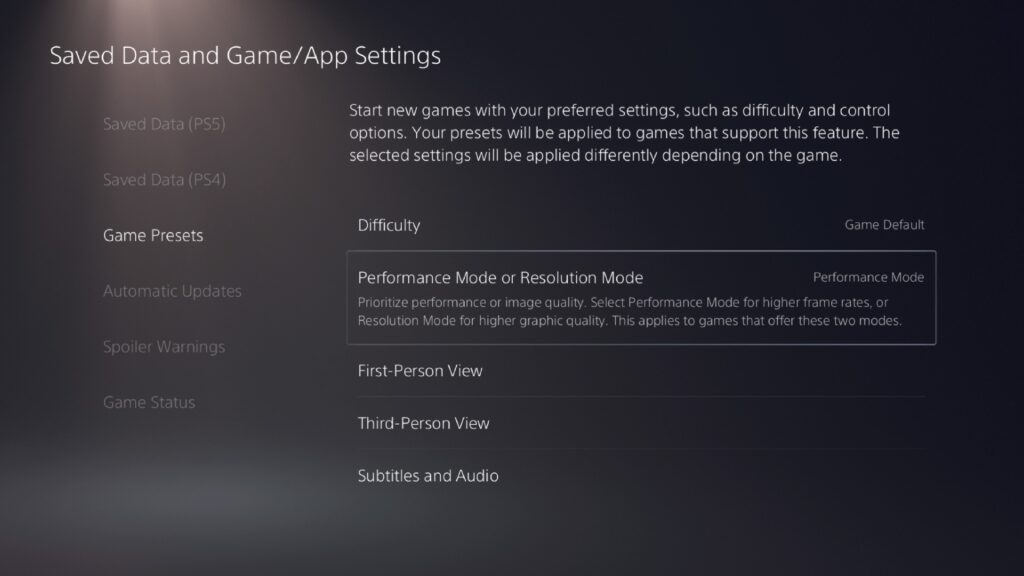
- How To Enable Performance Mode:
- Go to Settings [Gear Symbol – Top-Right Corner] -> Saved Data and Game / App Settings
- Go to the Game Presets tab -> Select ‘Performance Mode or Resolution Mode‘ and set to ‘Performance Mode‘
Setting your global settings to Performance Mode will automatically change the graphics and performance of Call of Duty: Black Ops Cold War, even though it doesn’t appear there is actually a mode select. Why isn’t there just a mode in the game itself? No idea, but changing the settings globally really works.
More Call of Duty: Black Ops Cold War guides:
Die Maschine Easter Egg Guide | How To Complete Every Step | How To Unlock Pack-A-Punch & Upgrade Guns | Die Maschine Guide | How To Get The D.I.E. Shockwave Wonder Weapon | Die Maschine Guide | How To Upgrade To All 4 Wonder Weapon Variants | Die Maschine Guide