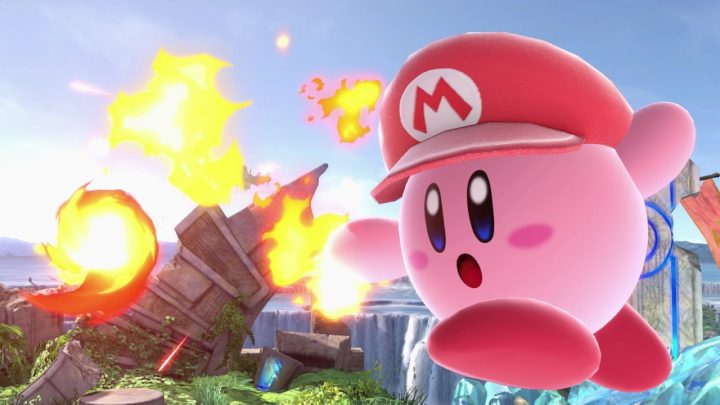
There’s more nuance to the controls in Super Smash Bros. Ultimate than you might realize, and making a few small tweaks can make you a much better fighter. Here, I’m going to go through all the biggest recommendations — both from fans and pros. There are plenty of ways to up your game, and here are a few that make pulling off tricky maneuvers just a little easier.
It should be said that none of these tweaks are required. You might like one of these changes to your controller settings, but not all of them. I recommend experimenting with each change separately, and deciding which fixes work best for your playstyle. Each tweak is (generally) for its own unique use. One setting change can make Tilt Attacks easier, another makes Shorthopping easier, etc. I’ll explain why each change is helpful below. Let’s get into this.
More Super Smash Bros. Ultimate guides on Gameranx:
- Super Smash Bros. Ultimate: How To Unlock Every Character Fast | All Challengers Guide
- Super Smash Bros. Ultimate: Bonus Character Unlock Order | The Complete List
- Super Smash Bros. Ultimate: How To Rematch Unlockable Characters
- Super Smash Bros. Ultimate: Use These Characters To Crush AI Opponents | Easy Wins Guide
- Super Smash Bros. Ultimate: What You’ll Unlock With Every Amiibo | Unlockables Guide
- Super Smash Bros. Ultimate: 20 Tips To Help You Beat World of Light | Spirits Mode Guide
Become A Better Fighter With These Simple Control Tweaks
In the Setting, you can make many, many small controller adjustments. Some of them you might not even realize are an option. Before changing anything, it helps to check out all the options, and think about what you need help with — there are some abilities you might not even realize exist.
Turn Off Tap To Jump
Very simple — in Super Smash Bros. Ultimate, you can tap up to jump, or press a button. Turning “Tap To Jump” to “Off” disables jumping with the movement stick. You won’t be able to press up to jump anymore. This way, you can avoid jumping when you’re trying to pull off a different move. It’s all about preference, but in general this gives you more control, and removes any possibility of accidental jumps.
Map Triggers To Jump
Turning off tap to jump means you’ll be stuck with buttons for your jump. To keep your thumb on those precious Attack / Special buttons, you can simply remap Jump to one of the triggers. By Default, the ZR / ZL triggers are mapped to the same Shield / Dodge move. You don’t need both buttons for the same thing! This change takes some serious getting used to — you can map Jump to any button you want, or just stick with the default jump buttons.
Increase Stick Sensitivity To High
To make Shorthops easier, or even standard Tilt Attacks, you can increase your stick sensitivity. Generally, this means you’ll be able to make short hops easier. Like any change, this takes some getting used to — but it’s highly recommended by pro players. You’ll have more control over, well, everything.
Map Right-Stick To Tilt Attacks
Normally, the right-stick is mapped to Smash Attacks. These are attacks you can charge. While moving, you can also do Tilt Attacks, where you tilt the d-pad just slightly then attack. They’re tricky to pull off without practice, so if you’re finding it difficult, just re-map the right-stick to only use Tilt Attacks. Smash attacks are, in general, much easier to pull off. You just need to hold down the attack button, and you can still do that with the re-mapped right-stick.
Got more useful controller tweaks? We’ll add more as we keep playing through Super Smash Bros. Ultimate.