
Sonic the Hedgehog is famous for its impeccable music. Sonic Racing: CrossWorlds gives players a chance to use some of the most popular tracks from the franchise’s history in the Jukebox. While the game starts with an expansive range of music options, there is a way to unlock new music. Players can also assign these tracks to play during their races. This guide will show players how to unlock Jukebox Music in Sonic Racing: CrossWorlds.
How to Unlock Jukebox Music in Sonic Racing: CrossWorlds
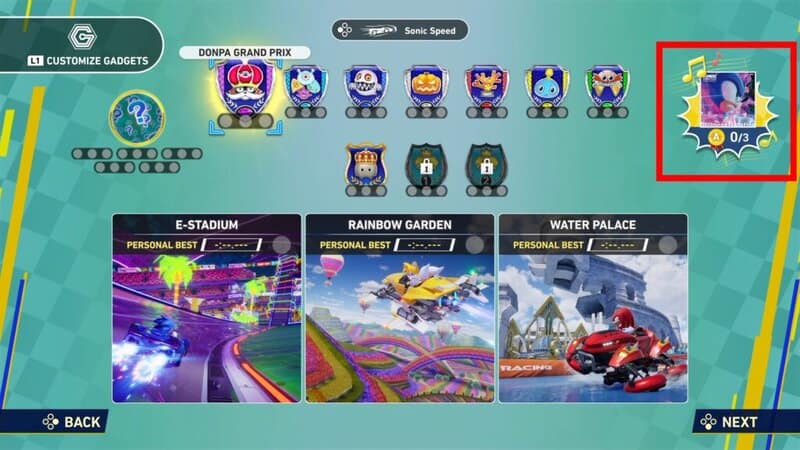
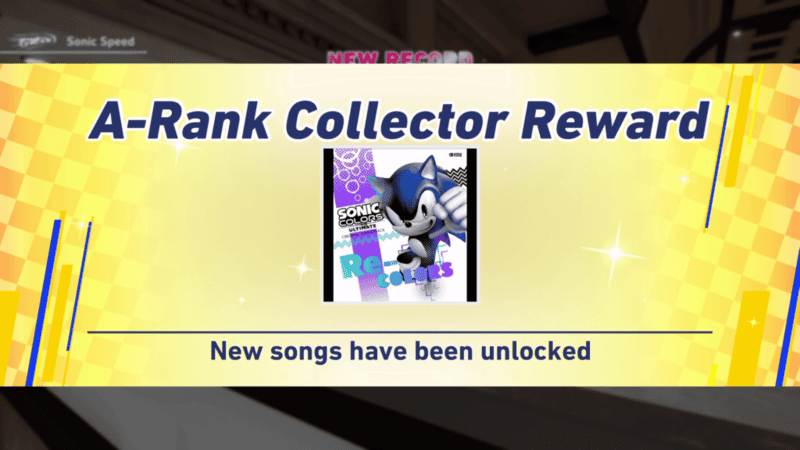
You can unlock new music for the Jukebox by completing the Time Trials. You will need to get an A Rank on 3 separate courses to get a new album from the history of the Sonic franchise. Every time you get 3 A Ranks, you will get a new album.
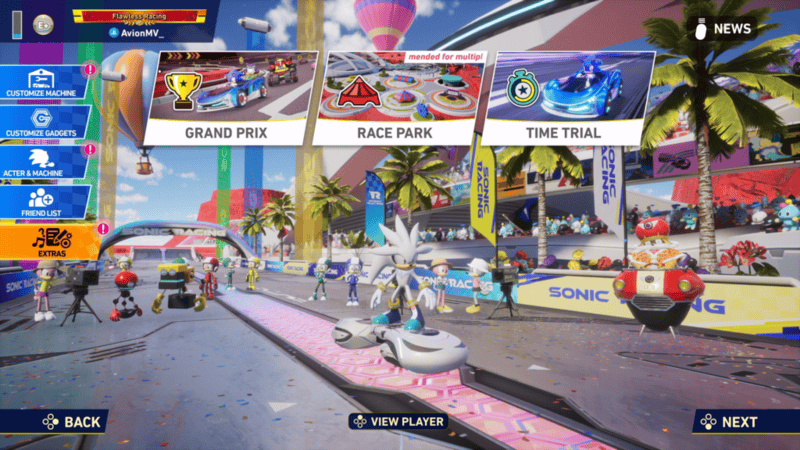
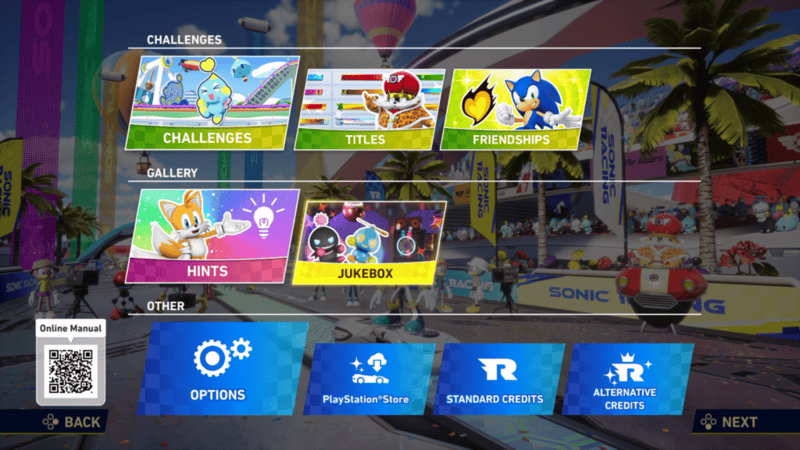
The menu for the Jukebox can be found in the Extras menu. By going into this menu, you will find a list of
The menu for the Jukebox can be found in the Extras menu. By going into this menu, you will find a list of albums which you can go into to listen to the songs. You can also select albums and set them as the songs for the first, second, and final laps of each race. You can’t directly choose which songs play during your races, but if you set an album, a random song from that album will play during the lap it is set to. You can add songs to your Favorites album and set that album for your laps, meaning you are given some control over which songs play during your race.

You now know how to unlock new music for the Jukebox in Sonic Racing: CrossWorlds. Stay tuned to Gameranx for more news, updates, and guides for Sonic Racing: CrossWorlds as well as other great games in the future.