
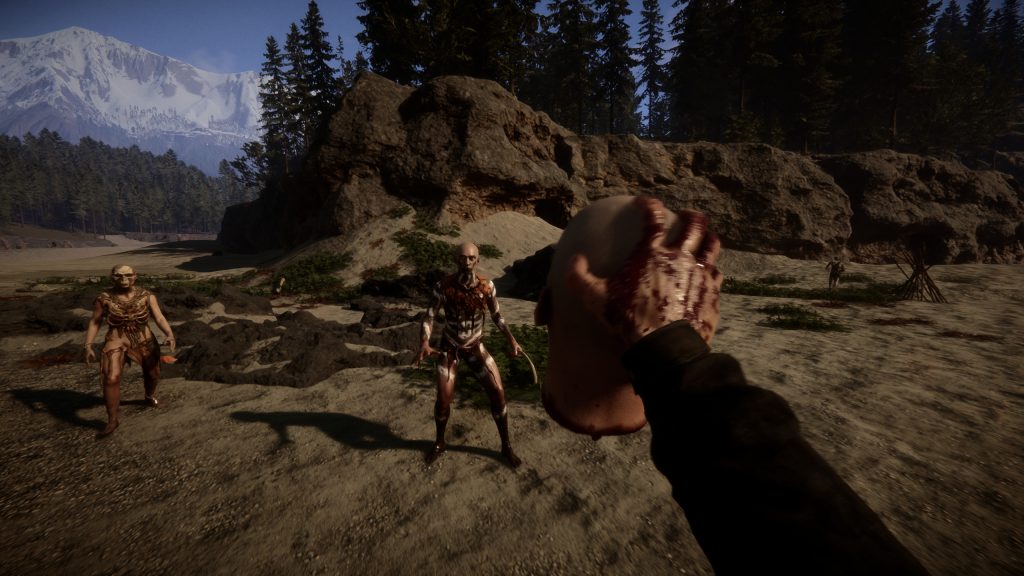
The second patch for Sons of the Forest includes a feature we’ve all been clamoring for — cheats. Don’t mess with external programs when there’s an extremely simple built-in way to give yourself invincibility, all items, and much more. Cheats work in both singleplayer and multiplayer modes, but you must be the host to activate cheats in multiplayer. Activating cheats is extremely simple and still works as of the latest patch. Check out how to activate cheats and a list of useful codes you’ll want to use.
More Sons of the Forest guides:
How To Escape The Island | Ending Guide | How To Get The Shovel & Unlock Hidden Underground Locations | How To Unlock The Mysterious Door | How To Find A 3D Printer | How To Get The Pistol | How To Get The Machete | Where To Find The Best Weapon | All Keycard Locations | Silencer Location | How To Make Bone Armor & Farm Bones | Flashlight Locations | How To Catch Animals | Can Opener Location | How To Stay Warm | Winter Jacket Location
How To Use Cheats | Admin Panel Guide
The Admin Panel is a cheat menu available to the Host of an online session. This is only available as of Patch 2 — make sure your copy of Sons of the Forest is fully patched before attempting to use cheats.
- How To Use Admin Cheats: Host a Mulitplayer session or start a Singleplayer game. If you’re playing Multiplayer only the host can use the Admin Panel.
- Type: [cheatstick]
- Press [F1] to open the Admin Panel window.
Type cheatstick without brackets. Type it in-game while you’re not interacting with objects. There is no confirmation window. If the code was input correctly, press F1 and an Admin Panel will appear.
Now that cheats are enabled, type the following commands to unlock special effects in-game. There are cheats to become invincible, respawn Kelvin, get all items in your inventory, and much more. Here’s a list of all the most useful commands.
| Admin Panel Command | Cheat Effect |
| godmode on | Become invincible. Type ‘godmode off’ to disable. |
| addallitems | Adds all items to your character’s inventory. |
| removeallitems | Removes all items from your character’s inventory. |
| invisible on | Become invisible. Type ‘invisible off’ to disable. |
| additem [name] | Spawns item. Replace ‘[name]’ with the name of the item. |
| freecamera on | Enables free camera. Camera flies independent of the character model. Type ‘freecamera off’ to disable. |
| buffstats | Increase all stats. |
| killradius [###] | Kills all enemies in a given radius. Replace ‘[###]’ with a number. |
| save | Brings up the Save menu instantly. |
| regenhealth | Fully heals your character. |
| aipause on | Pauses all AI interactions. This includes allies and enemies. Type ‘aipause off’ to disable. |
| instantbookbuild on | Enables instant building when selecting a blueprint from the building manual. Type ‘instantbookbuildoff’ to disable. |
| cavelight on | Enables bright light sources in caves. Makes cave exploration easier. Type ‘cavelight off’ to disable. |
| showhud off | Remove the HUD for better screenshots. Type ‘showhud on’ to return. |
| speedyrun on | Enables faster sprinting. Type ‘speedyrun off’ to disable. |
| superjump on | Enables higher jumping. Type ‘superjump off’ to disable. |
| addcharacter robby | Adds another Kelvin helper to the map. |
| addcharacter virginia | Adds another Virginia (3-legged woman) to the map. |
| aigodmode on | Enables god mode for AI companions. Type ‘ai godmode off’ to disable. |
| aighostplayer on | Enables invisibility for AI companions. Type ‘aighostplayer off’ to disable. |
| seasonsummer | Switches to the Summer season. |
| seasonwinter | Switches to the Winter season. |
| seasonautumn | Switches to the Fall season. |
| seasonspring | Switches to the Spring season. |
| locktimeofday morning | Locks time to morning. |
| locktimeofday night | Locks time to night. [Dangerous!] |
| forcerainsunny | Switches weather to sunny and clear. |
| forcerainheavy | Switches weather to heavy rain. |
| settimeofday [#] | Sets time of day to a specific time. Replace ‘[#]’ with a number. Set the time by hours. Go by 1-24 to easily set the time. |