
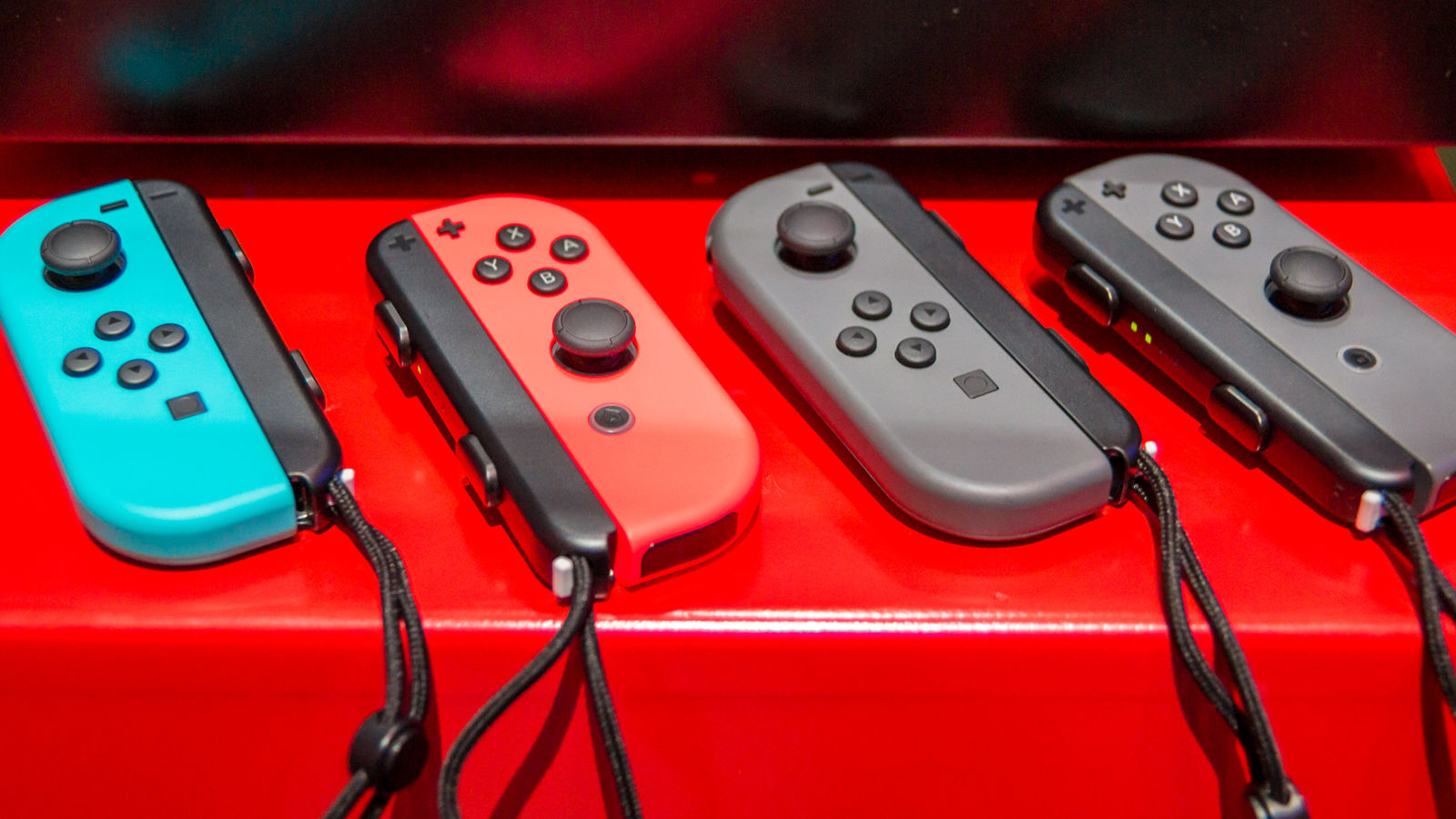
Don’t make this simple mistake and get your joy-con wrist straps stuck!
There’s a big problem with the Nintendo Switch joy-con wrist straps — they’re easy to put on backwards. Each of the wrist straps is designed to lock into the left or right joy-con, and accidentally slotting the wrong wrist strap into the wrong joy-con is an easy mistake to make.
Messing up results in a trapped joy-con wrist strap, and the only way to remove the plastic strap-holder is to strip it off your joy-con. It’s basically stuck, and there’s no way to smoothly slide it off. It’s never a good idea to strip interlocking plastic pieces. While the wrist straps and joy-con controllers are pretty sturdy, ripping them off risks breaking the smaller bits that make it so the joy-con can connect to your main Switch console.
How to Avoid Breaking Your Joy-Con Wrist Straps
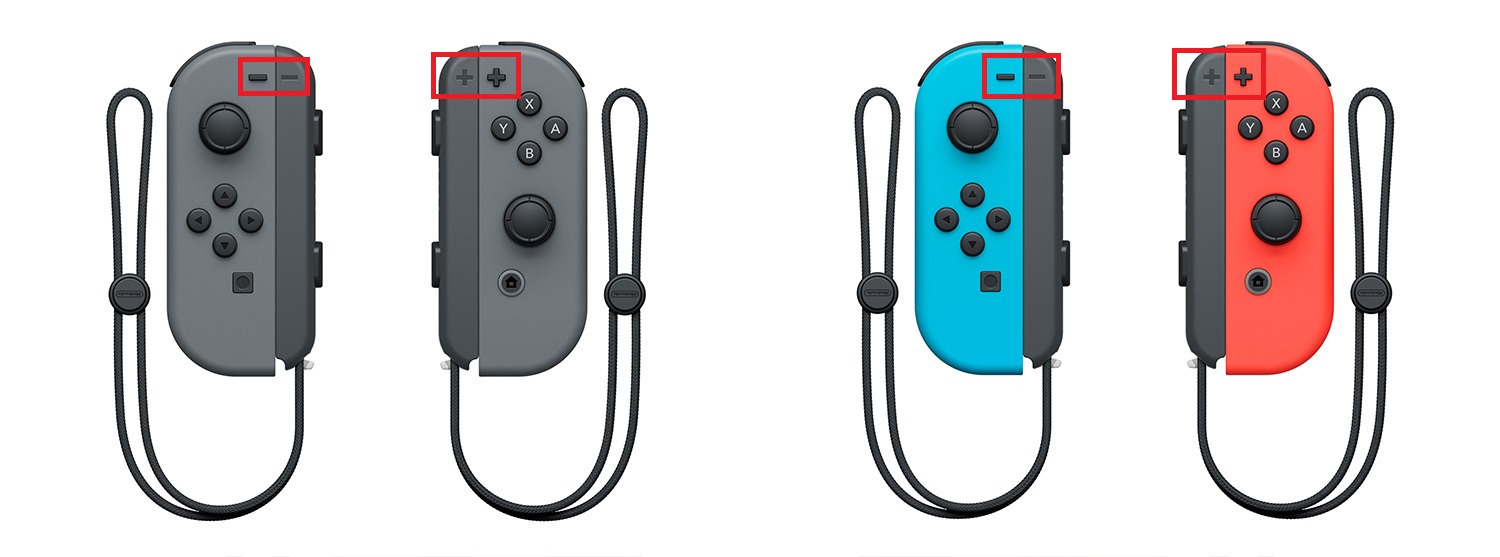
NOTE: See the areas marked in red? That’s where the +/+ or -/- symbols align.
- Before sliding the wrist strap onto the joy-con, make sure you’re using the correct wrist strap.
- On the side, along the upper corner of the plastic, there is a symbol. Either a plus (+) or minus (-).
- The + wrist strap fits onto the left joy-con, and the – wrist strap fits onto the right joy-con.
- Slide the joy-con into the place, checking to see if the +/+ and -/- is aligned before snapping into place.
- Inserting a misaligned wrist strap makes it very difficult to remove.
It can be easy to overlook these symbols, especially when you’re chatting with friends or still in the afterglow of excitement post Switch purchase, but don’t make the that mistake! It’s frustrating, and there’s (currently) no good fix to unstuck an improperly aligned joy-con wrist strap.
More Nintendo Switch info on Gameranx:
- Nintendo Switch: Upgrade Your Storage With These MicroSD Best Buys
- Nintendo Switch: Every Game Available on Launch Day (And Beyond!)
- Nintendo Switch: How to Add Friends & Send Friend Requests
- Nintendo Switch: How to Access Regional eShops | Japan, US, UK, Etc
- Nintendo Switch: 12 Awesome Little Features You Might Not Know About
- Nintendo Switch: There’s An Easter Egg On Startup, Check It Out Here
- Nintendo Switch: How to Take (And Share) Screenshots
- Nintendo Switch: Price, Release Date, Specs, Games & Everything Else You Need To Know
- Nintendo Switch: 8 New Features (And Games) We Know About So Far





