
The Nintendo Switch comes with 32 GB of internal storage, and while that might be enough for gamers that plan on only purchasing physical copies of their games, digital-only buyers are going to have to upgrade — and upgrade fast. Legend of Zelda: Breath of the Wild alone requires 40% of your starting storage, taking up a grand total of 13.4 GB if you buy online.
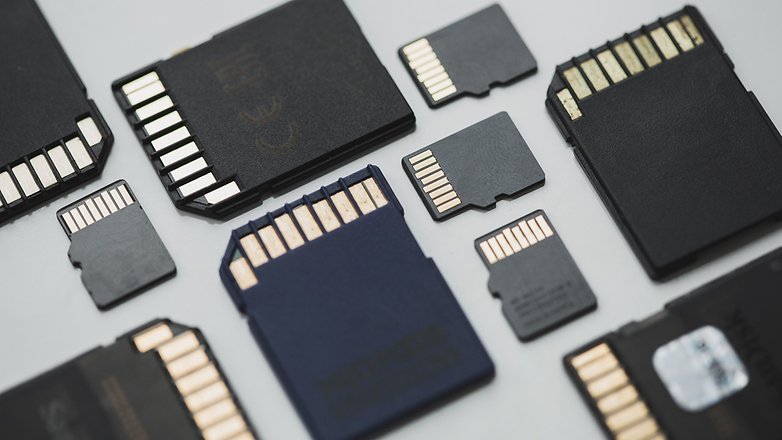
Thankfully, upgrading the Switch with a microSD (or microSDHC / microSDXC) card is super easy. Anyone can do it, and most microSDs are extremely affordable — if all you want is a little boost to your storage. If you’re looking for a massive upgrade, those can cost you. To help figure everything out, we’re here to provide all the info you’ll need to know when upgraded your Nintendo Switch system storage; what cards are compatible, and where you’ll find some good deals.
Upgrading With MicroSD — All the Facts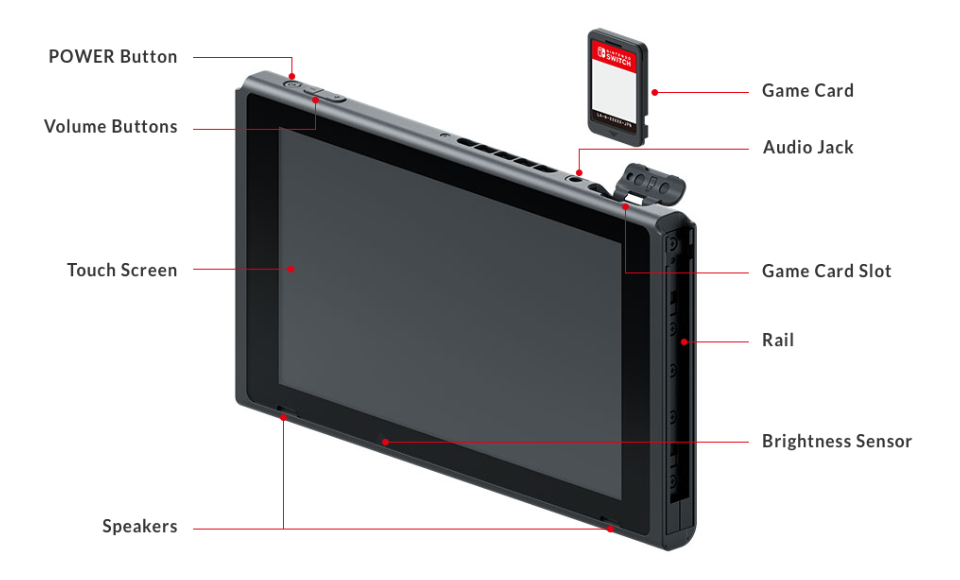
The Nintendo Switch can be upgraded with an external (removable) microSD card. The slot is found on the back of the console, located beneath the kickstand.
There’s no need to unscrew or open the console. The microSD is easy to replace, and you can pop the card out whenever the console is turned off.
The microSD can be used to save downloadable games, save screenshots from your album, or keep game saves.
There’s really no limits on the microSD — it’s like a secondary storage you can easily plug-in and continue playing. No setup is required either. All you need is compatible microSD — but most types are compatible.
What Types of microSD Card Are Compatible With The Switch?
MicroSD/MicroSDHC/MicroSDXC are all compatible with the Switch. UHS-I standard is supported with UHS Speed Class 1.
Are UHS-II microSD Cards Supported?
Yes and no. MicroSD cards that are classified with UHS-II are compatible on the Switch — meaning they’ll automatically convert to UHS-I. You won’t find the read/write speed any faster than UHS-I when using the Switch, but the cards can still be used like any other microSD.
What About UHS Speed Class 3?
Same. Basically, there’s NO need to purchase a microSD card in a higher speed class than UHS-1. All cards are compatible, so don’t waste money on a more expensive card that won’t get you any extra benefit.
What’s The Difference Between microSD Cards?
Basically, it all comes down to capacity.
- SD: 2 GB Limit
- SDHC: Between 2 GB t0 32 GB
- SDXC: Between 32 GB to 2 TB
Yes, you can get up to 2 TB of additional memory. While the Switch will be compatible with microSDXC, you’ll need to update the console once before they work.
MicroSD Best Buys
[Work-in-Progress: Check back soon for new microSD recommendations.]
The two most important factors when purchased a microSD are: the storage amount (GBs) and the read speed. A fast read speed is important, but so is the extended size. Also, make sure your microsSD comes with an SD adapter.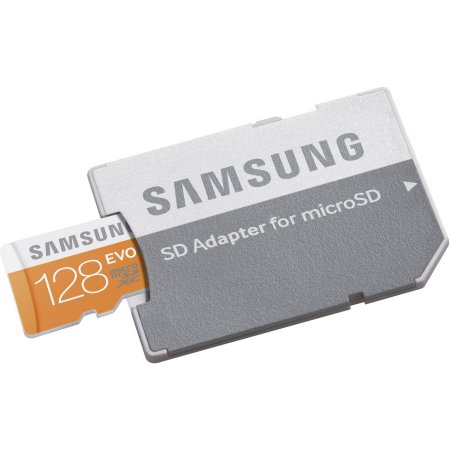
Samsung 128GB microSDXC EVO Memory Card
- Cost: $34.88 (Walmart — Often on sale in brick and mortar stores.)
- Pros: Lots of memory. 128 GB for a low price.
- Cons: Only 48 mb/s read speed. 80 mb/s is the preferred speed.
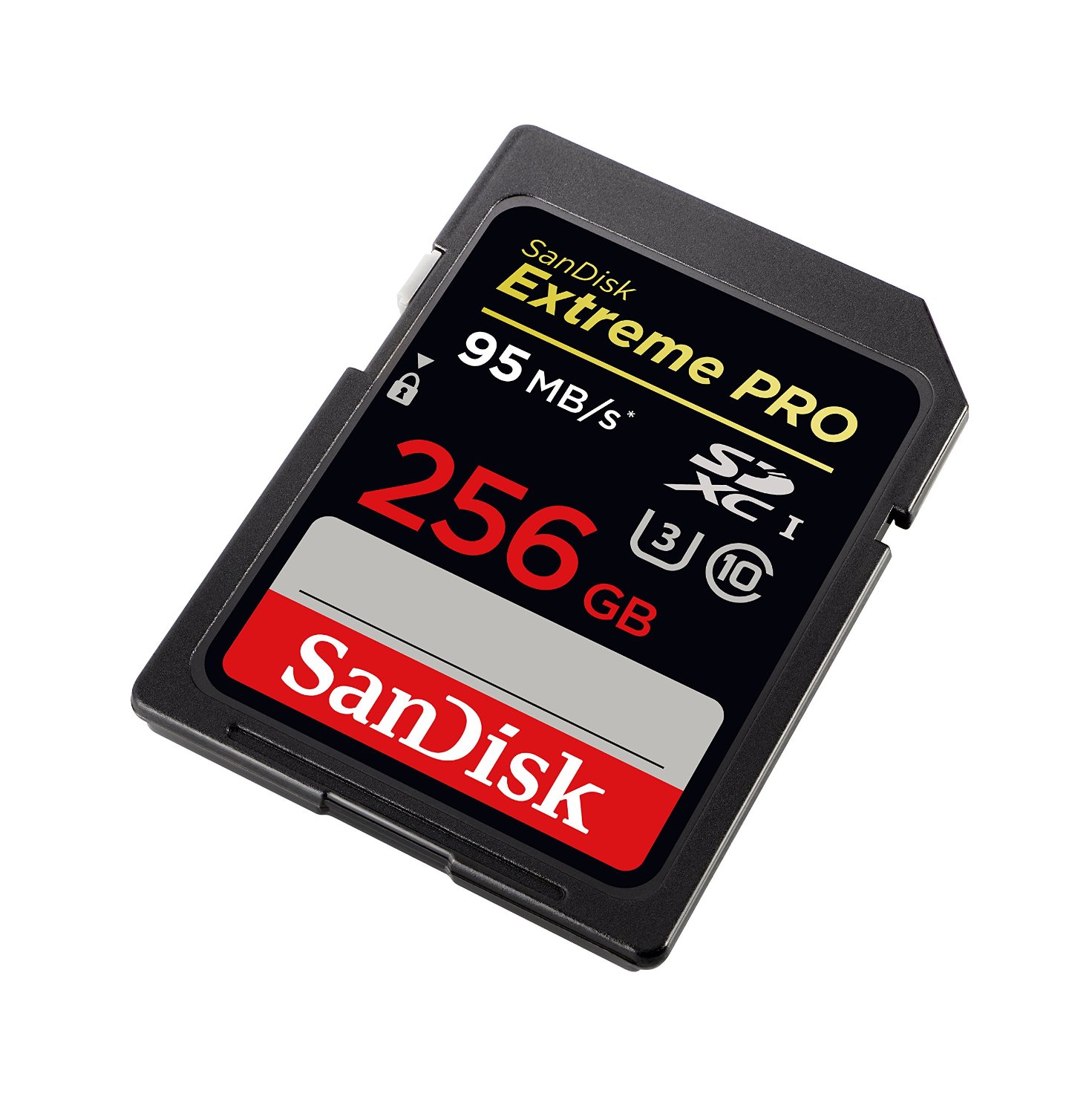
SanDisk Extreme PRO 256GB Memory Card
- Cost: $144.15 (On Amazon.com)
- Pros: Double the memory, with 95 mb/s read speed.
- Cons: More expensive than two of the previous version combined.
Lexar High-Performance 64GB Memory Card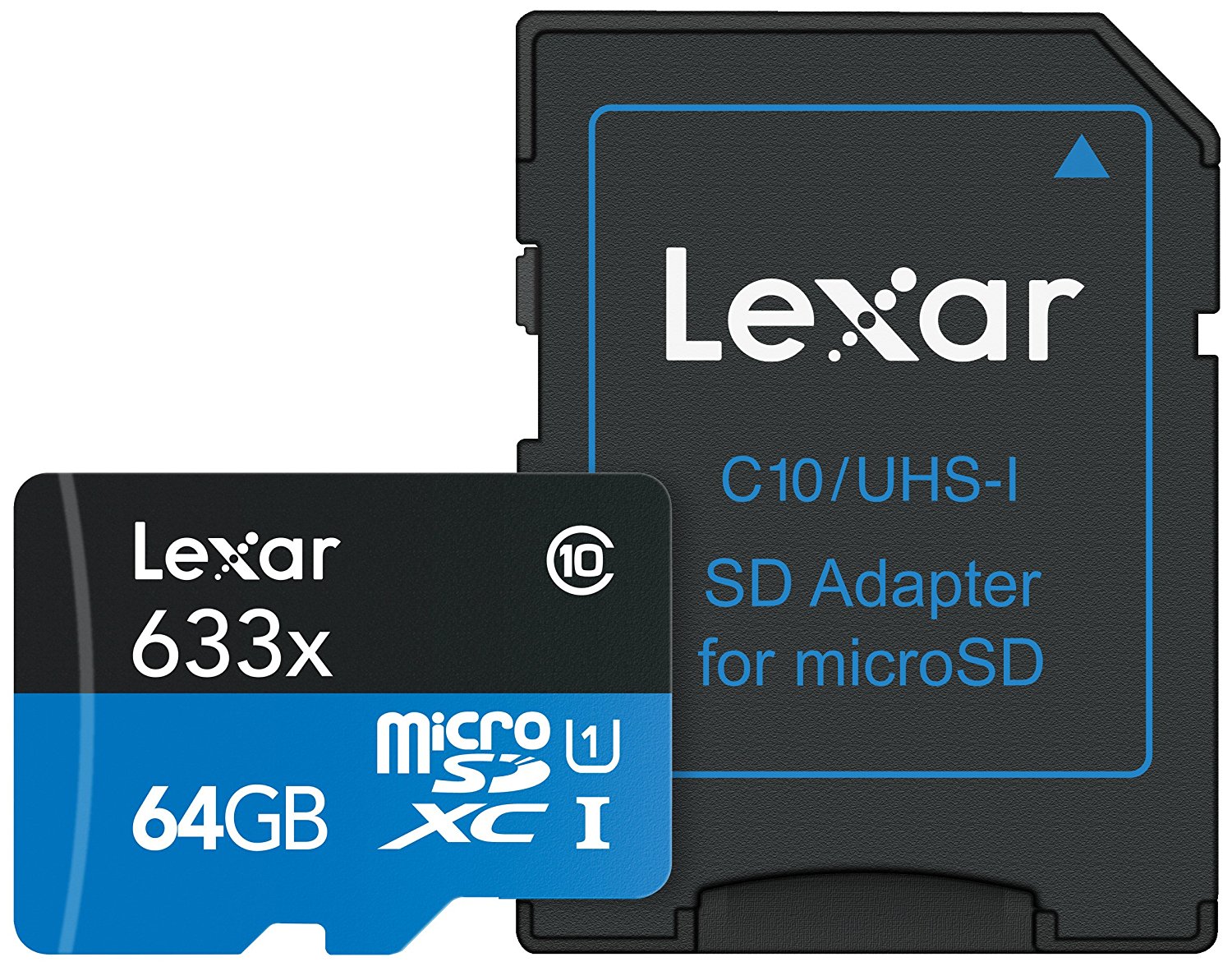
- Cost: $24.95 (On Amazon.com)
- Pros: Low price for 95 mb/s read speed.
- Cons: Less capacity than other cards, but still adds 200% more capacity to your Switch over the standard 32 GB storage.
There are endless cards available, just make sure your card comes with an SD Adapter. The Switch will be compatible with future (not yet released) 2 TB SDXC cards, so keep a look out when those drop in the future.








