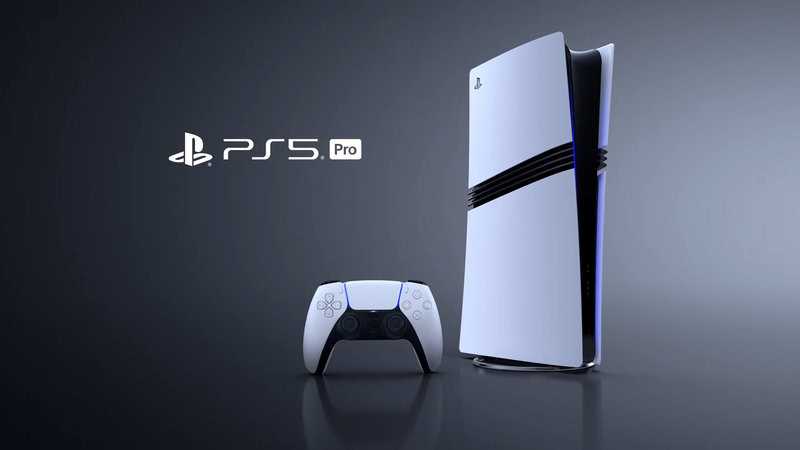
The PS5 Pro adds new benefits to backwards compatibility — the new Game Boost feature doesn’t just improve framerate and resolution on PS5 games, it also boosts a whole bunch of older titles on the PS4. These aren’t games with PS5 upgrades, they’re PS4 games you can run on PS5 Pro that are improved. These aren’t PS5 upgrades. These games don’t require additional downloads. The technology improves framerate — usually to stabilize, but Sony says it can actually improve FPS. On certain games, you’ll even get a boost to graphical fidelity. That “boost in graphical fidelity” can mean a lot of things, and higher resolutions is one of the options. It’s all different depending on the game and how much of the game is tied to locked FPS or specific resolutions. Some games might get a huge graphical boost. Others might get nothing.
W
T
The PS5 Pro Game Boost for PS4 is an optional feature you’ll need to activate to see any benefits from — it isn’t on by default but turning it on is simple. The Game Boost feature on PS5 Pro can apply to more than 8,500 backwards compatible games, and while we don’t know all the benefits for every game, we’ve seen plenty of games that are instantly improved. Here’s everything you need to know.
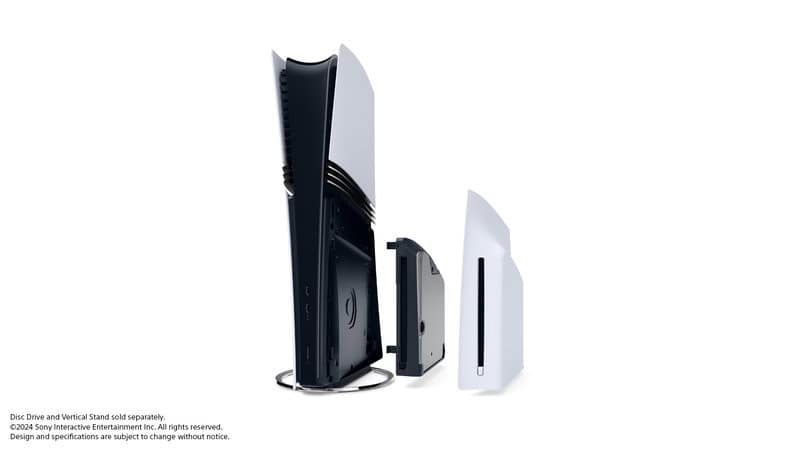
And if you’ve got a big physical media backlog of PS4 games, here’s how to install a disc drive on the PS5 Pro.
How To Turn On PS5 Pro Game Boost For PS4
Game Boost is a new feature that enhances both PS5 and PS4 games on your PS5 Pro console. The PS5 Pro is fully backwards compatible with the PS4 — so every PS4 game in your library will work on the PS5. The PS5 Pro Game Boost works automatically on PS5 games, instantly improving framerate and resolution on select games, but the experimental PS4 Game Boost feature needs to be activated.
T
- Game Boost for PS4 can be activated or deactivated at any time in the PS5 Pro settings — if you experience a problem on a PS4 game with Game Boost activated, you can always disable it for normal functionality.
To turn on Game Boost for PS4, follow these steps.
- Open the PS5 Pro console settings menu by selecting the gear icon in the upper-right corner of the screen.
- Go to Screen and Video -> Screen tab and scroll down to Enhance Image Quality for PS4 Games.
- Toggle ON Enhance Image Quality for PS4 Games.
A
The option has a full paragraph of explanation on your console — basically, this feature may enhance the graphics quality of games that aren’t explicitly supported with PS5 upgrades by developers. These are games that haven’t been patched but can still get a boost.
This feature may apply boost to over 8,500 PS4 games on PS5, which sounds amazing. But it might not work for all of them. If the boost does something unexpected, or the boost causes a PS4 game to look better but run slower, you’ll want to disable the feature in the settings menu described above.