
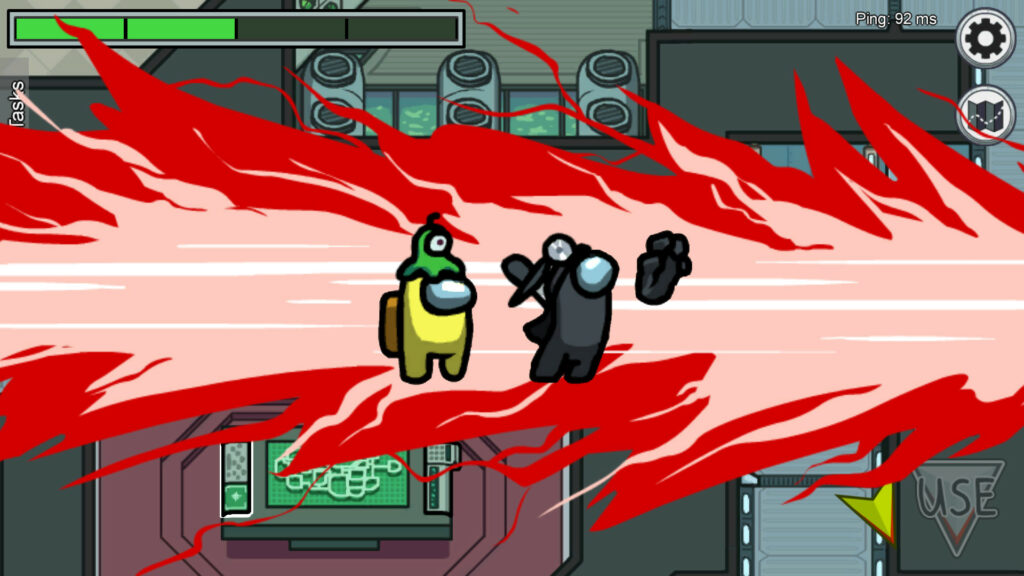
Among Us was designed for mobile controls — so if you’re playing on PC where it’s super-popular, you’ll probably want to switch to keyboard controls for much more precision. You can control movement and actions with the keyboard, but you can’t change the keybinds just yet officially. You’ll have to use alternate means — which I’ll explain below.
Among Us actually came out in 2018, but it didn’t find popularity until 2020 where the game has become a streaming sensation. If you’re familiar with the mod Trouble In Terrorist Town, Among Us is kind of like that with a The Thing twist. An alien has infiltrated your space base, and it looks just like all your little space people. Your job is to figure out which of the little guys is the alien — and red looks pretty sus.
Swapping to the keyboard should give PC players an extra little edge. You don’t have to be so fast with the mouse — and your fingers are right at the keys, ready to announce an Emergency Meeting and start typing.
More Among Us guides:
Use These Settings For A Perfectly Balanced Game | Community Settings You Should Use
How To Switch To Keyboard Controls
By default, controls in Among Us are with mouse to match the touchscreen of mobile devices. You can swap to the keyboard instead to make performing actions faster.
- Go to Settings -> Select ‘Mouse + Keyboard’
You can still use the mouse, but this setting adds keyboard controls. The controls are as follows:
WASD / Arrow Keys: Movement
E / Space: Use, Sabotage Or Vent
TAB: Map
Q: Kill
R: Report
ESC: Exit terminal
ALT+Enter: Fullscreen
How To Change Keybinding
Until there’s a patch, there’s no way to change keybinding in Among Us officially. You can use programs to change the controls. Programs like AutoHotKey are best for this — but they take a little scripting knowledge to use.
- Download AutoHotKey here.
- Create an .ahk file and fill in the text below.
#IfWinActive, Among Us
{
NumPad8::w
NumPad4::a
NumPad5::s
NumPad6::d
NumPad7::q
NumPad9::e
NumPad1::r
return
}
WASD are movement keys. Q is the kill / attack key, E is use, and so on. Just swap the keys with your preferred settings to easily make custom keybinding. Find a full list of key names from the AutoHotKey key list here.
Source: [1]