
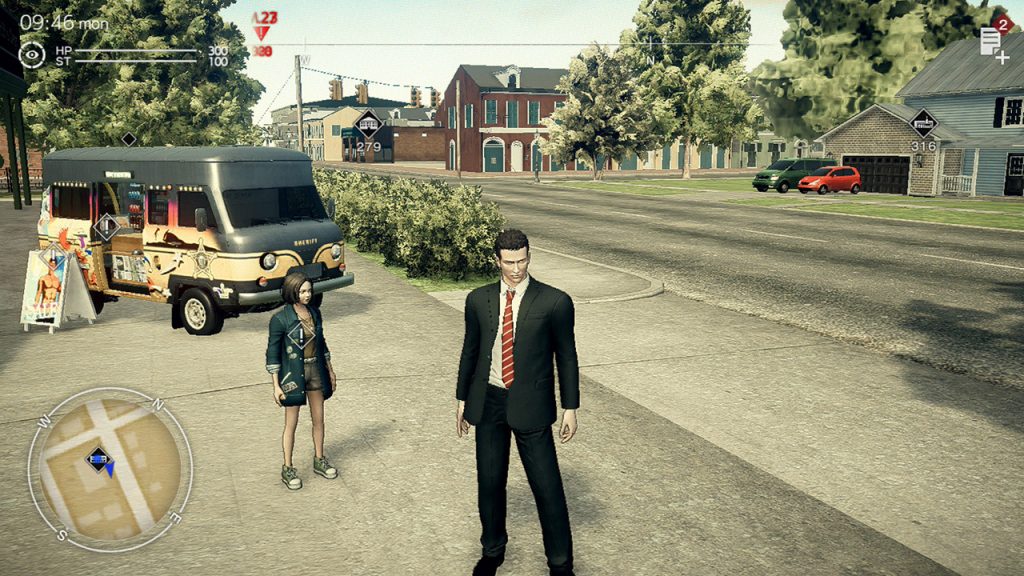
Deadly Premonition 2 has some problems. The original game exploded in popularity despite its creaky performance thanks to a cast of memorable characters and a narrative that goes far above and beyond other games in the same low-budget category.
We’re all after the strange atmosphere and quirky characters, but the sequel seems to have even more problems than its predecessor. In a short amount of time, we’ve experienced terrible FPS, multiple crashes, blackscreens, controller unresponsiveness, and more.
That’s a lot of problems, and if you’re struggling with a framerate even worse than the normal (and absurdly low) 15 FPS, or any of the other problems we have, there are a few tips you can keep in mind to fix things. Here are five tips to keep in mind.
One tip you won’t find here involves money — learn how to earn money, and why you don’t want to punch any children, on our guide here.
Bug Fixes & Ways To Improve Performance
#1: Disabling Auto-Save seems to help fix the random blackscreen issue many players are experiencing. Just watch out — game crashes aren’t rare, so make sure you manually save often.
#2: Don’t reset to default settings! If you select to reset to default settings, the game will revert to Japanese text — and, as you can imagine, changing it back to English is a lot trickier after that.
#3: Turn off the game and restart to improve performance. Due to memory leak issues, the performance gets worse the longer you play — don’t blame Swery too much for this one, games like Skyrim and Fallout 4 have these problems too. If you’ve been playing too long, close the game and re-open it.
#4: Try to reload a save file or enter / exit a building to reset controls. Controls will lock sometimes — there are a few things you can do to fix things. Either reload a save, enter a building to go through a loading screen, or get hit by an enemy. Otherwise, you’ll have to turn off the game and reset.
#5: Upgrading your skateboard speed drops the FPS drastically. At least, when you’re riding your skateboard. If extremely low FPS gives you nausea, you might want to opt for a slower skateboard ride and avoid getting this upgrade.







