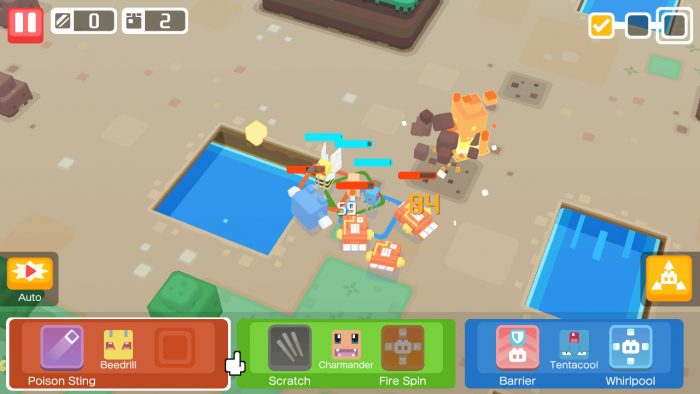
If you’re planning to migrate to a new IOS or Android smart device, and still want to retain your Pokémon Quest save, that’s totally possible thanks to the ‘Transfer Data’ feature that’s been added to the app post-launch. This handy feature isn’t exactly a cross-play solution, but it is useful if you don’t want to stay stuck on an old iOS or Android phone. Learn how the ‘Transfer Data’ button works in the complete guide below.
Just to spoil things, I want to make clear that this feature does not work for Nintendo Switch. You will not be able to transfer data to or from your Nintendo Switch, so if you want to play Pokémon Quest on your phone, that’s currently impossible, and it doesn’t sound like The Pokémon Company are about to change that feature.
More Pokémon Quest guides on Gameranx:
- Pokemon Quest: 10 Tips To Help You Get Started | Beginner’s Guide
- Pokemon Quest: How To Earn Free PM Tickets | Premium Currency Guide
- Pokemon Quest: How To Build The Best Team & Crush The Final Boss | 12-Boss Guide
- Pokemon Quest: How To Get Legendary Pokemon | Ambrosia of Legends Recipe Guide
How To Transfer Save Files | iOS & Android Guide
Before going forward, you need to know what devices can transfer data.
- iOS can transfer to Android.
- Android can transfer to iOS.
- Nintendo Switch CAN NOT transfer to iOS or Android or vice versa.
Pokémon Quest released first on Nintendo Switch before launching on iOS and Android — if you started on Nintendo Switch, you won’t be able to transfer your data to iOS or Android. If you want to play, you’ll need to start over from the beginning.




























If you picked up Pokémon Quest on iOS, you can transfer data to the Android version, and vice versa. You’ll retain all in-app purchases and progress you’ve made.
- How To Transfer Data
- After starting a new game, close the App then re-open it. On the title screen, you’ll see a small icon in the to-right corner that says “Transfer Data”.
- Tap the “Transfer Data” button to begin the process. Follow all instructions!
- You’ll need to input the “Backup Key” and “Backup ID” to transfer your data. Make sure to go to the Settings in your original device to obtain the Backup Key and ID.
Once you transfer data, you won’t be able to transfer again for a one-day period. You’ll also lose access to your data on the original device — this is a one-way trip for your data, so make sure you only swap devices if you plan to use another smart phone exclusively.
This will also work to transfer data from iOS-to-iOS, or Android-to-Android, naturally. This isn’t exactly the best possible solution if you want to play on multiple devices, but it is possible to swap data multiple times, back-and-forth, even if it’s completely inconvenient.