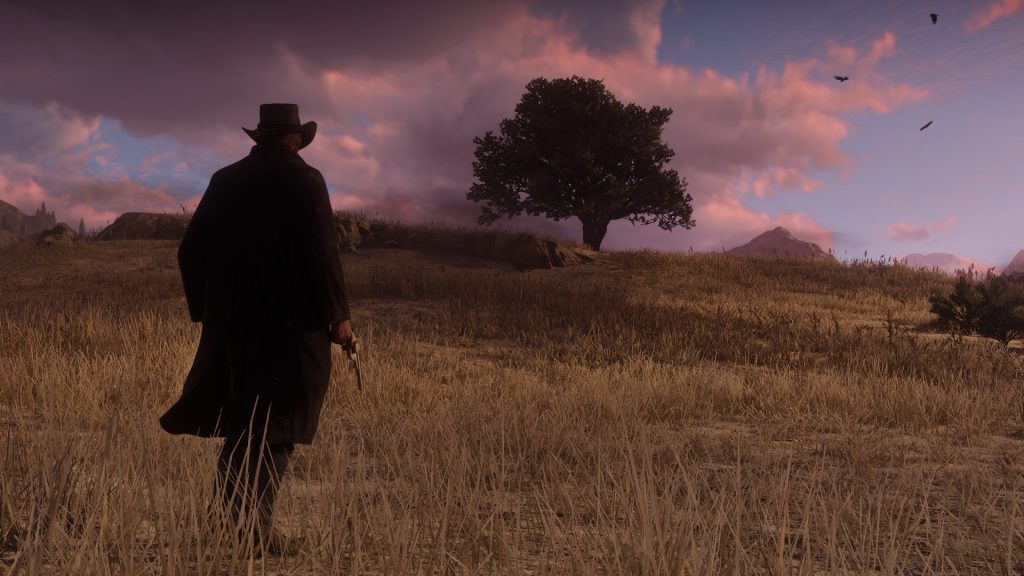
Red Dead Redemption 2 is beautiful on PC — and it’s also a little unstable. Many players are reporting constant crashes on start-up. That’s an incredibly annoying problem, so here we’re going to explore all the different fixes the community has found so far. Scroll down to get the info you need.
Red Dead Redemption 2 is an extremely ambitious game on consoles — and now it’s the first RDR on PC. It’s absolutely stunning, and even some of the most powerful rigs around can’t run the game on full settings. Not that you need to crank everything up to Ultra for a mind-blowing experience. There’s even some new stuff to explore in the game, so we’ll be covering everything we can here on Gameranx.
More Red Dead Redemption 2 guides:
36 Tips, Tricks & Hidden Mechanics | Get Unlimited Ammo, Super Horses & More | Cheat Codes List | How To Solve Every Treasure Map | Locations Guide | How To Earn Money Fast | Easy Cash Guide ($3,000+) | How To Get A (Free!) Elite Horse | Taming Guide | How To Unlock Free Fast-Travel | All Legendary Hunting Locations | Master Hunting Guide | Where To Find The Legendary Fishing Map | How To Get Perfect Pelts | Hunting Guide
How To Fix Constant Crashes On PC | Tweaks Guide
Constant crashes should be patched on PC in the near future. If you’re not interested in waiting days (or weeks) for an official fix, here are some community solutions fans have discovered so far.
Quick Checklist Of Solutions
Here’s a few quick things you can do that might repair any installation issues.
- Verify Files
- Set RDR2.exe and Rockstar Launcher to launch as admin.
- Right-click the file and select ‘Run As Administrator‘
- Download DirectX directly to the Installation folder.
If none of these help your issue, scroll down for more fixes.
Turn Off Antivirus
Some antivirus programs are blocking RDR2 when it launches. If you’re experiencing crashes at the opening logo, disable any antivirus programs and restart your computer.
Here’s a quick list of programs you’ll want to look out for.
- Windows Defender
- Avast
- Emsisoft
- Bitdefender
- And more.
You can also add RDR2.exe to your Exceptions list in most Anti-Virus programs, or on your Firewall.
Download Nvidia Drivers
Updating your graphics card with the newest Nvidia Drivers is doing the trick for some players. You can find and download latest Nvidia Drivers here.
Update Your B.I.O.S.
[NOTE: This is a last resort solution. Try everything else out first!]
The BIOS is an integral part of your system, and for whatever reason, updating it seems to fix RDR2 crashes for some users. Updating your BIOS is different for every PC.
Updating your BIOS can also cause problems. Make sure you do not shut down your computer while the BIOS is updating, and make sure it is plugged in securely. Failing to update the BIOS mid-installation can practically ruin your computer.
Learn more about how to update your BIOS here.