
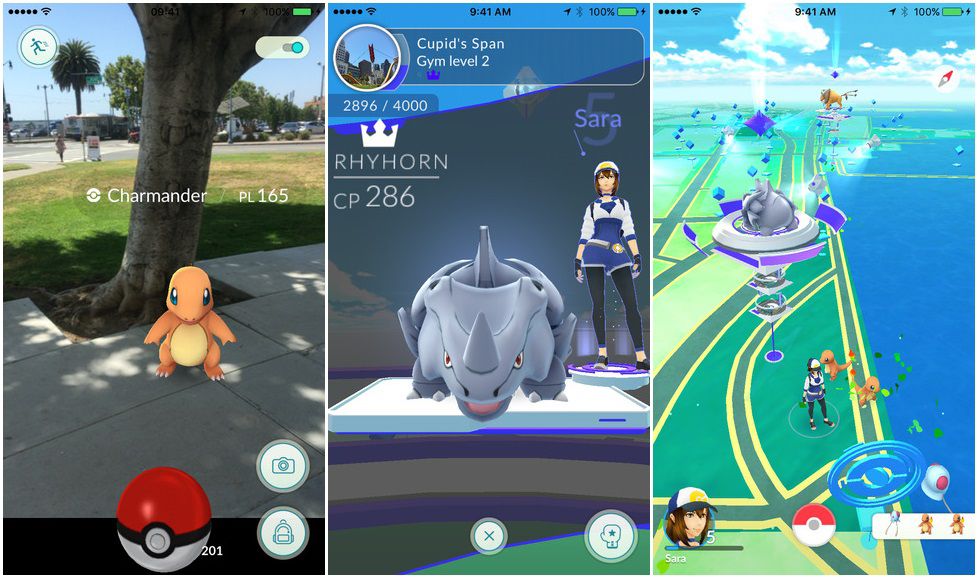
Tired of losing Pokeballs while trying to capture in Pokemon GO? Want to throw with a perfectly straight line every single time? Try using the AssistiveTouch feature available to anyone on iPhone.
This method was discovered and shared by clever iOS mastermind jzburnett on Reddit, and takes advantage of an iPhone feature most of us are probably unfamiliar with. This is an ingenious way to get Pokemon early in your journey, and will absolutely help if you’re struggling to get those straight lines. If you’re walking, moving around, or suffer from loss of small motor control in your hands and need a solution, this is a great method that can help anyone play Pokemon GO.
Android users can download their own version of AssistiveTouch on the Google app store here.
Keep abreast of all the latest Pokemon GO news on our anthology of info from all over the internet.
More Pokemon GO tips, tricks, and FAQs:
- Pokemon GO: 9 Essential Tips, Tricks & Answers To Your Questions
- Pokemon GO: Get All 3 Eeveelutions Every Time
- Pokemon GO: How to Become A Gym Leader
- Pokemon GO: How to Earn Coins (Fast) & What They’re Used For
- Pokemon GO: Where to Find (And Catch) Pokemon | Spawn Locations
- Pokemon GO: iOS & Android Compatibility – Which Versions Work
- Pokemon GO: Easy Ways to Earn XP & Level Up Fast
- Pokemon GO: How to Take In-Game Screenshots
Get Perfect Pokeball Throws With AssistiveTouch
Pokemon GO is all about catching Pokemon. To catch Pokemon, you’ve got to throw Pokeballs — not all of us can perform a ‘Great!’ throw. We’re walking around, standing in the wind, or have any number of other issues than can lead to imperfect Pokeball tosses.
An imprecise Pokeball throw leads to a lost ball and a wasted item. That’s a problem everyone can solve thanks to a little accessibility option on iPhone called AssistiveTouch.
Using AssistiveTouch, you can set touch strokes to the push of a button. Get a friend or relative to help make the perfect straight-line stroke, or do it yourself in a better environment — then customize it to a touchscreen shortcut button press and unleash that perfect identical throw every single time. Here’s how to get started.
How to Turn On AssistiveTouch [iPhone]
- Settings -> General -> Accessibility -> AssistiveTouch [Access settings here.]
- Settings -> General -> Accessibility -> Accessibility Shortcut [Access settings to turn on here.]
- Turn on SIRI -> Say “Turn on AssistiveTouch”
For more details on Assistive Touch, check out the official Apple support site.
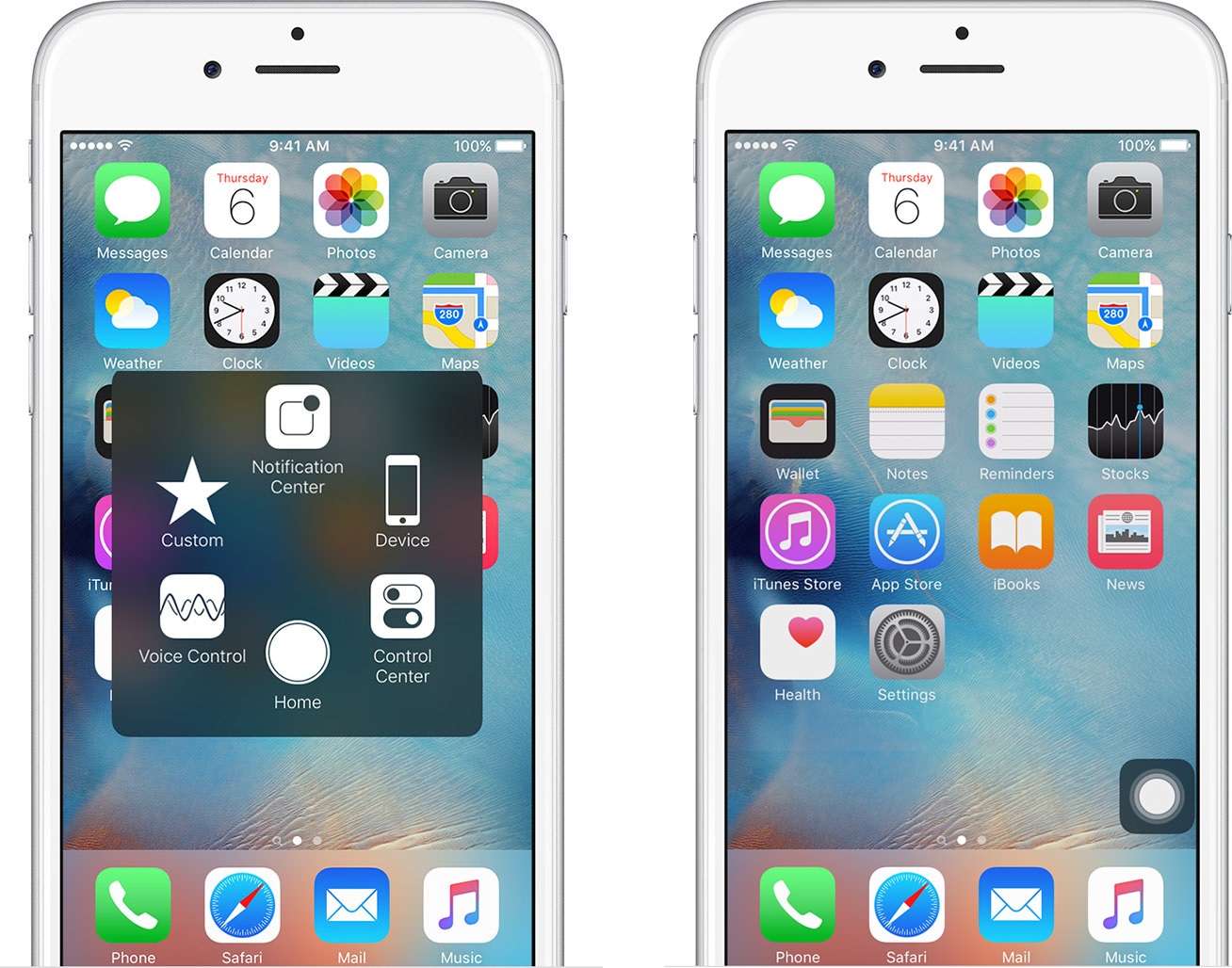
AssistiveTouch is accessed by tapping the ‘Home’ button three (3) times quickly, or by tapping the white circle available in the corner of your screen. This quick menu can be dragged and placed on any corner of your iPhone screen.
To create a new gesture for use in Pokemon GO, follow these steps.
- Open Settings -> General -> Accessibility -> AssistiveTouch -> Create New Gesture [Follow the instructions on screen to create and save your gesture.]
- OR
- Open the AssistiveTouch quickmenu -> Favorites -> Tap any empty slot to save a new gesture.
Once a gesture is saved in ‘Favorites’ you only need to tap the button (where you saved the gesture) to reproduce the identical touch gesture.
Creating a Perfect Throw – Two Gestures To Create
There are two types of gestures you’ll want to save.
- From the bottom (center) of the screen, stroke directly up to the middle (center) of the screen. [Short Throw – Ground]
- From the bottom (center) of the screen, stroke directly up to the top (center) of the screen. [Long Throw – Flying]
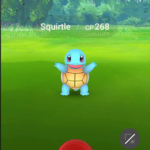
The first type is for throwing Pokeballs to regular ground-based Pokemon. The second is for capturing flying Pokemon.

To help make your stroke perfectly straight, try using a ruler and placing your finger on the straight edge. By placing tape on your phone screen, you can also get the same perfectly straight gesture.
This method, if done correctly, will always get you a ‘Nice’ or ‘Great’ throws. Pokemon can still dodge, so don’t expect a catch every single time. This method saves you the trouble of fumbling throws or losing Pokeballs due to accessibility issues.







