
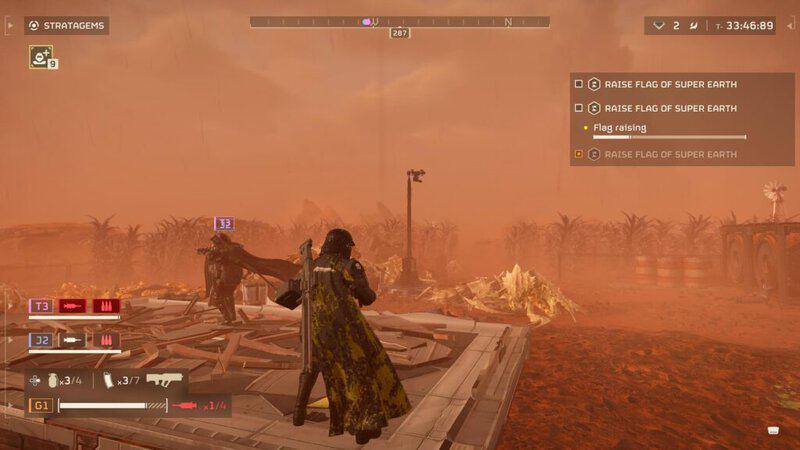
If you’re the type of gamer who prefers not to use a headset and mic while playing, then the ping ability ought to be right up your street. This handy strategy allows you to share key bits of information with your teammates with the simple press of a button. It’s an incredibly useful tool regardless of whether you’re using a headset or not, but it’s especially useful if you’d rather turn the mic off for a bit (or permanently) while playing Helldivers II.
Other Helldivers II Guides:
How to Unlock New Weapons and Other Perks – How to Level Up Quickly – How to Join or Host a Public Game – How to Get Super Credits For Free – How to Destroy Fuel Silos – How To Take On Missions Solo – How Many Active Players Are There? – How to Get the Jump Pack – How to Use Emotes
How to Use Ping in Helldivers II
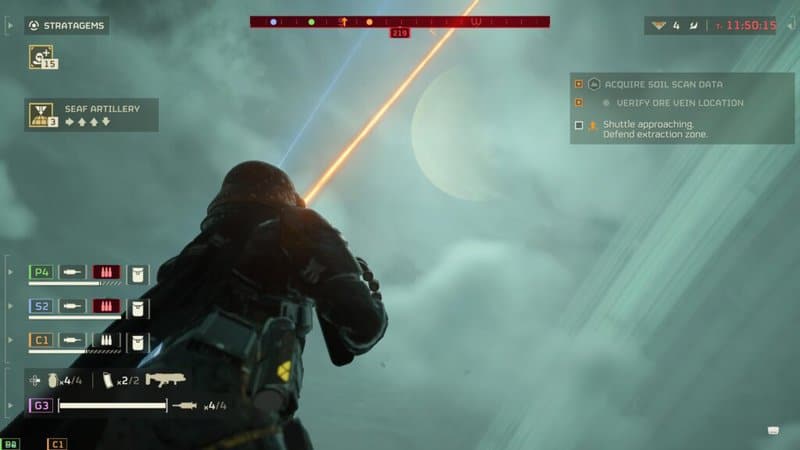
As is the case with many functions in Helldivers II, it can be a bit difficult to figure out that you can ping at all, let alone how to do it. However, it actually only requires the push of a single button (R1 on PS5, Q on PC). You can use this function to draw attention to anything you want, whether it’s an important part of the mission or not.
For instance, let’s say you find a handy cache of samples at a point of interest or the bug nest at the heart of your current mission. Either way, you can ping your teammates to let them know what you’ve found without having to actually talk to anyone. To make the feature even more helpful, you can also hold down the button to specify what kind of ping you want to send out.
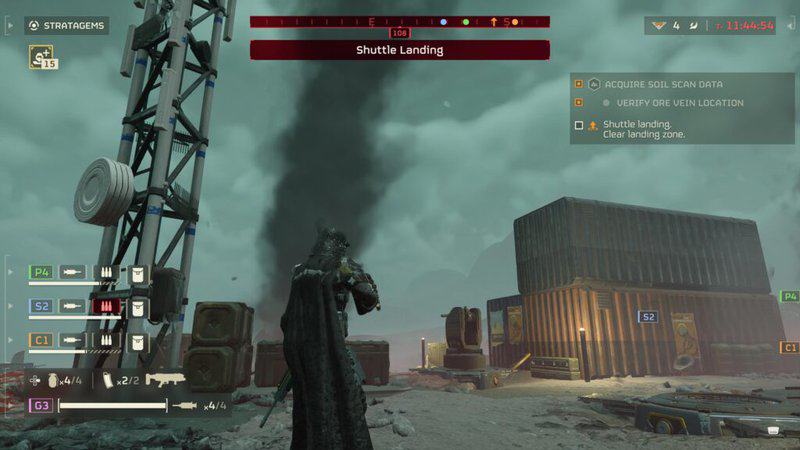
You can also ping to find out what kind of enemies or useful pick-ups are nearby. Furthermore, though you may be the only one pinging these locations, they will also unlock the information you find on the maps of other players in your squad.
The available ping options are as follows (clockwise from the in-game circular menu).
Location Marker: Self-explanatory, standard ping.
Wait: For warning your squad mates about a potential threat.
Yes: This is meant to be used to confirm that you have received information/will follow up.
Thanks: This one is obvious enough: a way to show your gratitude to a vital teammate.
Supplies: Signal to a squad member that you need additional supplies.
Sorry: This is for when you accidentally shoot or blow up a teammate.
No: The opposite of Yes pings suggests you won’t follow or disagree with the ping.
Follow Me: This one is only meant to be used when you want to take control of the squad.
Anyway, that’s all there is to it when it comes to the ping function. Now, you can ping away to your heart’s content.