
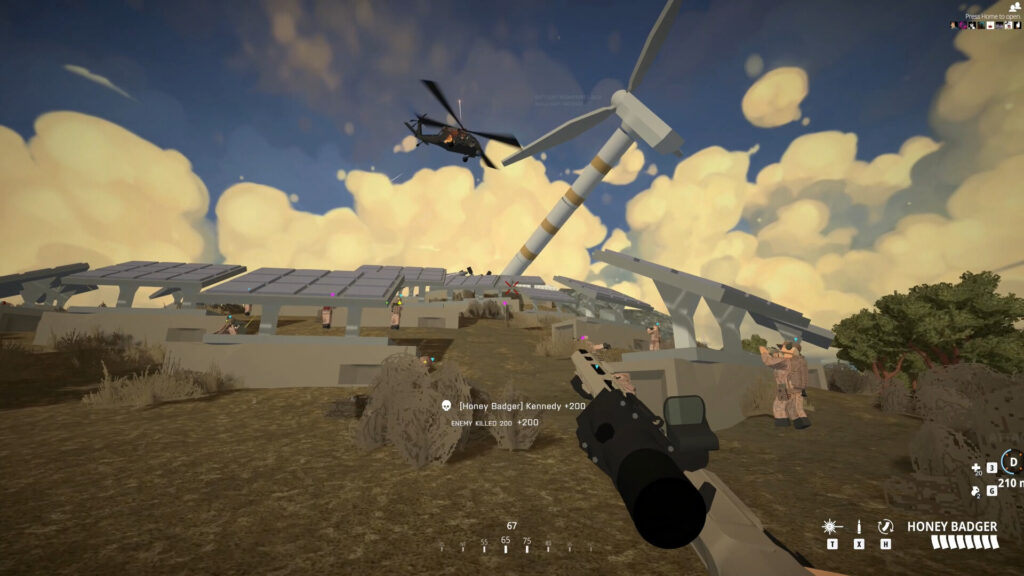
Unlock your true combat potential with these incredibly useful BattleBit Remastered keybinds. Despite the graphics, BattleBit in an in-depth military FPS with some surprisingly complex systems. Remembering all the buttons can be a challenge, so we’ve put together a list of all the keybinds beginners won’t know — or that you’ll easily forget in the heat of battle. Learn how to swap sweats, change optics mid-fight, zero your sights or toggle leaning. Just managing how many bullets your warrior has can be challenging without understanding the keybinds below.
More BattleBit Remastered guides:
How To Earn More XP | All Weapons & Gadget Unlocks | Recon Class Guide
Keybinds You Need To Know
BattleBit Remastered is more complex than it looks. To help you navigate the massive maps, you’ll want to know every subtly of the controls — and there are lots of keybind controls the game doesn’t explain. Here our all the keybinds we think you need to know.
- [Middle Mouse] – Used to ping. Ping objectives to help guide your team. Ping enemies and vehicles to easily target specific problems on the battlefield. This also gives you extra XP.
- Hold [Middle Mouse] – Open the build menu. Everyone can use the build menu, not just the Squad Leader. Right-click to exit the menu. Regular troops can deploy sandbags as cover, while the Squad Leader can place a Respawn Beacon.
- [Alt+Scroll Wheel] – Change the sights on guns for accurate shots at longer range. Especially useful for Recon. Use with a Rangefinder accessory to accurately zero your sights.
- While ADS [Scroll Wheel] – Switch optics. If you have multiple optics equipped, you can rapidly switch between them while Aiming-Down-Sights.
- [C] – Default crouch toggle. You can set other keybinds to always toggle crouch, or stick to [C].
- Toggle [Q] / [E] – [Q] and [E] are default keys for leaning. You can also change settings so leaning is a toggle. Incredibly important so you don’t have to hold even more keys at the same time.
- [F] – Default key for dragging. Keybind healing item use to [F] to heal and drag at the same time. Incredibly useful.
- Tap [R] – Standard reload. You’ll remove your magazine and place it in your pack to be reused later.
- Double-Tap [R] – Quick reload. You’ll dump the magazine on the ground instead of storing it. While reloading, you can walk over it to recollect.
- [P] – Combine magazines. Press to take the bullets from used magazines and combine them so you have a full (or more full) magazine.
- [H] – Check magazine. Press to check how many rounds are in your current magazine.
- [X] – Switch firing mode. Toggles between full auto, burst and semi auto.
- [Space] – When dead, you can tap [Space] to respawn. Select a teammate then spam Space. You’ll respawn as soon as your teammate is out of combat briefly.
- [F1 – F8] – Used to swap seats in vehicles. Easily swap to the gunner seat if the gunner has been downed.
- [L] – Toggles on Headlights when driving vehicles. Not very useful unless you’re on a night map. Turn off headlights when approaching enemy-controlled area or you’ll be easy to spot.
- [M] – Opens the map. Basic but incredibly important tool when planning.
- [V] – Proximity chat. Speak only with players in close proximity. Your enemies can hear you if they’re close..
- [B] – Squad chat. Over the radio, only your squadmates can hear you. This is the most common chat you’ll want to use.
- [N] – Leader chat. Talk to the Squad Leaders if you’re a Squad Leader to coordinate strategy.
- [T] – Toggles on / off flashlight attachments. Not required for Tactical Flashlight — the Tac Flashlight automatically activates when ADS. Use this to blind enemies in close combat.
- [N] – Toggles on / off nightvision. Important for night maps. Watch out for enemy flares or flashlights — they’ll blind you with NVG on.
That’s 21 keybinds we think are vitally important — let us know if we missed any! This is a deceptively complex game, and this is just the start. Try learning how to fly a helicopter without crashing and you’ll quickly see how many more keybinds you need to know.








