
Prologue 05: Jump-Start is one of the simpler tutorial levels in Humanity. The level introduces a new command ability: jump, which allows the player to tell a stream of people to jump over objects or to jump in the air to collect Goldies.
As the game goes on, players will be given more and more new abilities that alter the people’s behavior, so this is a step toward making the levels even more complex. Luckily, Prologue 05 is pretty simple since it’s the jump tutorial, however, it also introduces multiple streams of people as well as multiple exit goals.
Here’s everything you need to know about how to solve Prologue 05: Jump-Start in Humanity.
More Humanity guides:
| Prologue 01: To Begin With… Puzzle Guide | Prologue 02: Goldy Retriever Puzzle Guide | Prologue 03: Baby Steps Puzzle Guide | Prologue 04: Switch Hitter Puzzle Guide |
Prologue 05: Jump-Start Puzzle Solution
Prologue 05: Jump-Start is a simple tutorial level in Humanity. The level essentially functions as an introduction to the jump ability that causes the mass of humans to jump once they step over it. In that regard, it functions similarly to how the turn direction works. Prologue 05 also teaches you how to handle two streams of people at once.
When you gain control in the level, jump across the way to the platform to your right and pick up the jump ability. To equip it, use L1 or R1 to cycle through your different commands (so far you should just have turn and jump.)
There are two pre-laid turn commands that the streams of humans will be following as they walk around the edges of the level. After picking up the jump command, lay two turns in each of the stream’s paths so that they turn to walk toward the center of the level.
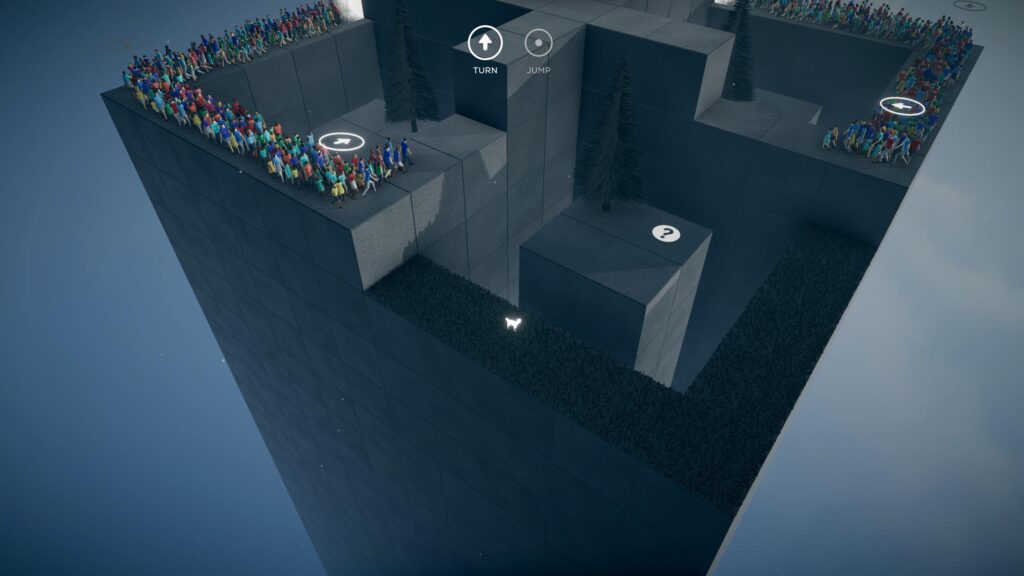
With them walking into the wall, place a jump command in front of the walls to have them jump up to the next level. Once you do, they’ll cross paths in the center of the area and then continue forward, walking into another wall.
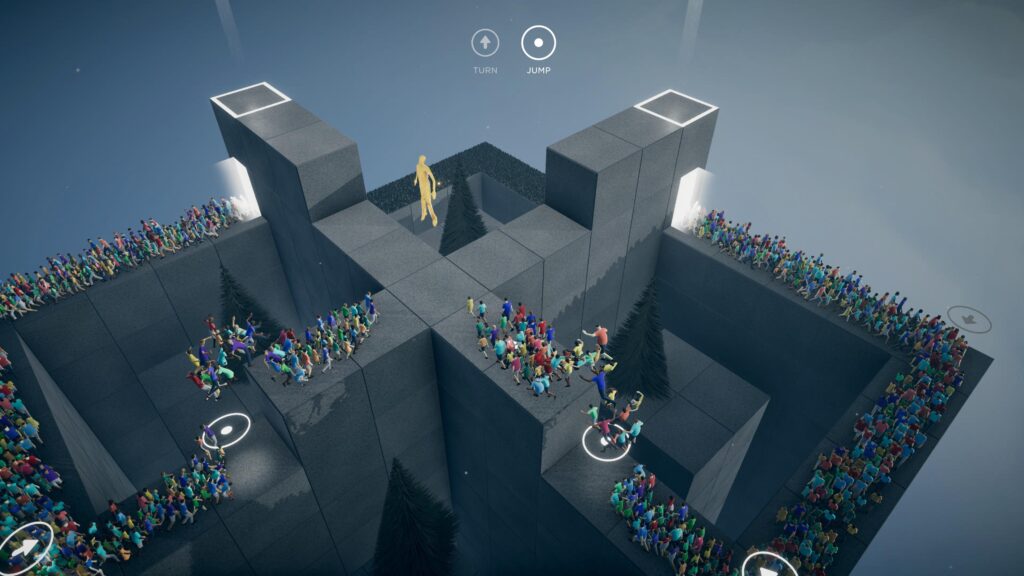
Place a jump command in one of the blocks before the two lines interact to get the Goldy and then put two more jump commands at each of the walls that the streams are running into to have them jump up to the exit squares above them.
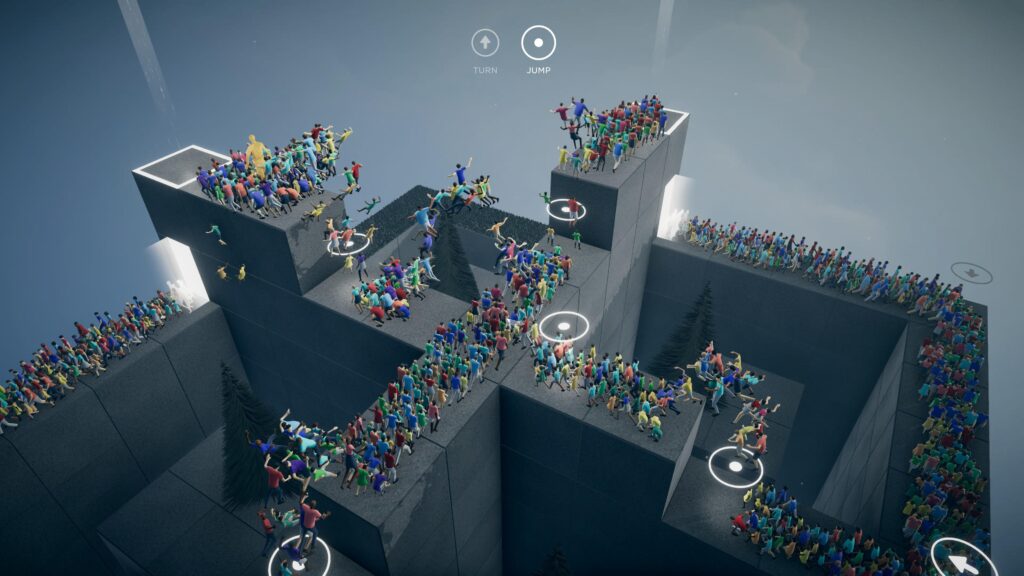
Once both lines reach the squares, the level will be complete.