
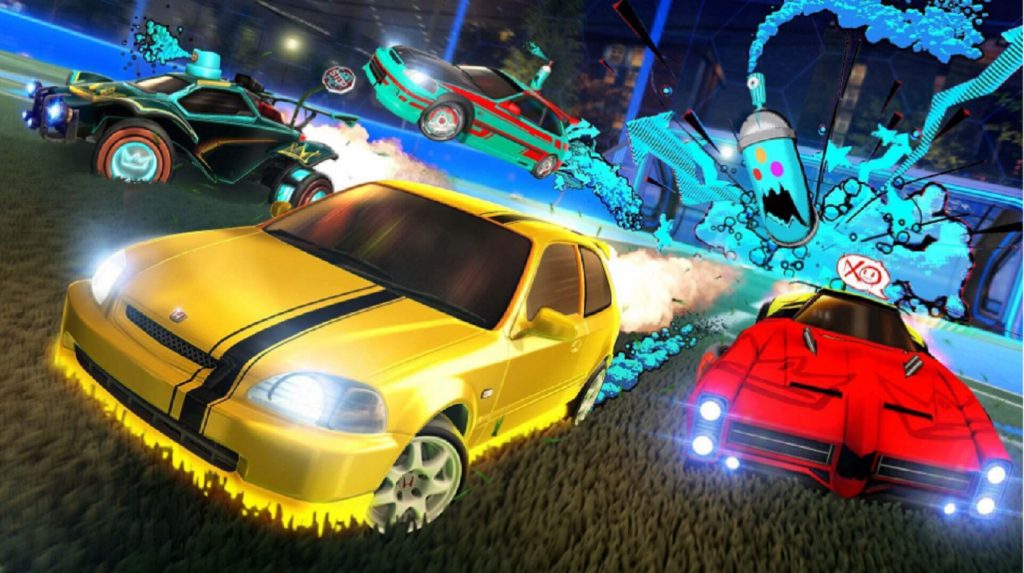
Rocket League blends the world of soccer with rocket-powered cars. It is no wonder that it has become one of the most popular games. Using your car, you will have to hit a huge soccer ball and to try and score as many goals as you can in the enemy net. However, you are required to accept a license agreement before you begin playing. This is certainly true if you have just launched the title for the first time, or if you haven’t played it for a while. The license agreement should appear on your screen when you first log into the game. Unfortunately, players have reported encountering a bug when trying to accept the license agreement in Rocket League which causes it to not appear at all. Moreover, it is easy to accidentally skip past it all together.
You may have accepted the license agreement before, so you may be confused as to why you could have to accept it again. Every time the terms change, you have to read and agree to them again. If you don’t agree to the license agreement, you will face some issues when trying to play Rocket League, especially when trying to join an online match. To prevent any problems from happening, this guide will show you how to read and accept the license agreement.
More free-to-play guides
16 Best Free Competitive Games you can Play on Nintendo Switch | Top 50 Best Free PC Games Available Now | 18 NEW Free to Play Games of 2022 | 23 Best Free RPG Games of All Time |
How to accept the license agreement in Rocket League
If you have trouble with the license agreement popping up on your screen automatically, there is a way you can do it manually. To read and accept the terms of the license agreement, all you have to do is follow these steps:
- Navigate to the main menu and click on the settings
- Select the Extras tab and scroll down until you see a Legal Agreements option
- In Legal Agreements, open the EULA, Terms of Service, and Privacy agreements
- Click OK to accept the agreement
- Repeat this for all three agreements
The developers do update the Rocket League license agreement every so often and now you know how to accept them when they do. If you do not read and accept the license agreement when you are required to do so, you will be presented with a warning message. Also, you will not be able to play online without accepting the terms. As Rocket League has crossplay, you will not want to miss out on playing with your friends. In addition, the game has both casual and competitive online game modes, meaning there is something for everyone to enjoy.







