
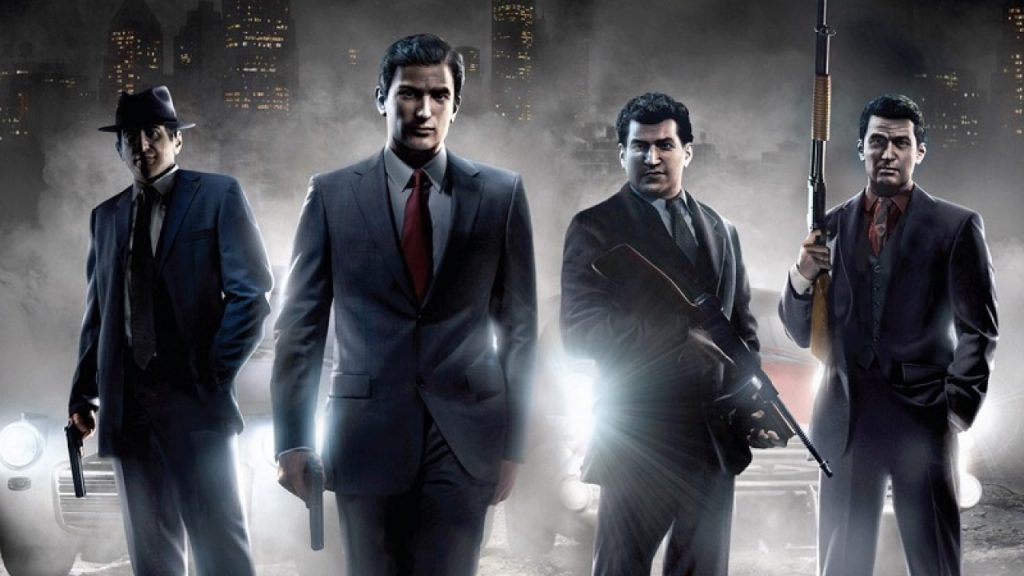
The Mafia Trilogy is available right now — you’ll just have to wait for the Mafia 1 remaster, releasing later this year. You can dive into the version of Mafia 2, and just like the original, it isn’t exactly perfect in the PC department. The original version experienced a myriad of issues on release, even if it was totally beautiful at the time. The new version still looks great, but you might need to make a few tweaks to make it perfect.
Lots of new players are experiencing annoying issues like low FPS, strange physics, flickering smoke, and more. We’ve been searching for our own solutions to these problems, and we’re collecting all the PC Tweaks you need together in one place. Most of these solutions are very simple, but they’re weirdly tricky — you probably won’t figure out these solutions on your won without a whole lot of experimentation. Here’s the collective knowledge of the internet, shared with you.
PC Tweaks Guide
How To Fix Bad Performance
Some computers and GPUs are getting much worse performance than they should in Mafia 2 DE. There’s a strange fix that seems to actually work — give it a try.
- While in-game, press Alt+Enter twice.
Alt+Enter switches between windowed and full screen. Pressing it twice resets — many poorly optimized games experience weird issues in windowed mode. Pressing Alt+Enter twice seems to put Mafia 2 in full screen mode, not the default windowed borderless mode.
How To Fix Broken Physics | PhysX Not Working
To enable PhysX with Nvidia for Mafia 2: Definitive Edition, you’ll need to tweak the in-game settings. PhysX is only supported by Nvidia graphics cards.
- In-game, go to Options -> Video
- Set Global Settings: High
- Don’t set Global Settings to Custom.
- Go Back and agree to restart to confirm settings.
Don’t test PhysX in Benchmark! For whatever reason, that seems to break your PhysX settings. Just start the game like normal.
How To Skip Intro Videos
To remove opening intros whenever you start your game, just rename / delete two files in your Mafia 2 installation folder on Steam.
- Go to the Mafia 2 Installation folder located here:
- steamapps\common\Mafia II Definitive Edition\pc\sds\video
- Delete d3t.bik and Logos.bik
How To Fix Flickering Smoke Effects
If your smoke effects are flickering wildly and changing color, there’s a way to fix with the Nvidia Control Panel.
- Open the Nvidia Control Panel -> Manage 3D Settings.
- Select Mafia 2 DE in the drop-down menu
- Scroll down and set Vertical Sync: Fast
Under Vertical Sync, you can choose Fast / Adaptive, but Fast seems to work better. Try both if you’re still experiencing problems.
How To Copy Your Original Save File Into The Definitive Edition
Your original Mafia 2 save file is compatible with this new version. All you have to do is copy / paste the save to the correct location.
- Find your original Mafia 2 save folder and copy the files:
- C:\Users\YOURNAME\AppData\Local\2K Games\Mafia II\Saves
- Paste the save directory into the Mafia 2: DE save folder located here:
- C:\Users\YOURNAME\Documents\My Games\Mafia II Definitive Edition\Saves
If there is no Saves folder, that means you probably haven’t started a new game yet. Just create a folder, or copy the entire original folder and paste it into the DE directory.
That’s all the fixes and tweaks we’ve found so far. We’ll add more as they’re discovered!




