
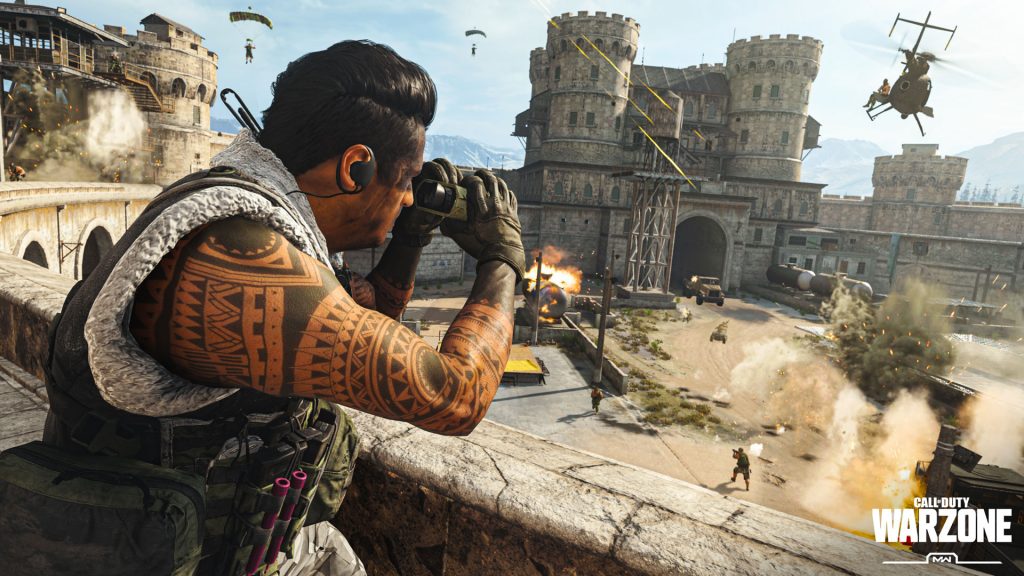
Crossplay is available to anyone that wants it in the new Battle Royale mode for Call of Duty: Modern Warfare. Crossplay between PC and console players is enabled by default. This is a blessing and a curse — players can join their friends no matter what platform they’re playing on, but console players will be forced to play online with mouse-and-keyboard players. If you’re looking to enable (or disable) crossplay, we’ve got all the information you need.
This isn’t a new trend when it comes to Battle Royale — you can enable (or disable) crossplay for Fortnite: Battle Royale, for example. Like Blackout, the previous Call of Duty Battle Royale, you’ll be able to play with PC, PS4 or Xbox One players whether you want to or not. There’s a little more you need to know, so I’ll explain it all in the quick guide below.
More Modern Warfare: Warzone guides:
15 Of Your Biggest Questions Answered | What You Need To Know | How Respawning Works | Gulag Guide


How To Enable Crossplay
To enable Crossplay, you’ll need to login to your Activision Call of Duty account. You can create an Activision account in-game, or register here.
Once you sign-in to your account in-game, you’ll have access to crossplay. This allows you to play (or become friends) with others — crossplay is available over PC, PS4 and Xbox One. Your Activision ID will be used to identify and play with others across multiple platforms.
How To Disable Crossplay
If you don’t want to matchmake with players on PC / PS4 / Xbox One and only want to stick to players on the same platform as you, you can disable crossplay in the settings. Crossplay is on by default.
- In-game, access the Options menu.
- Go to Account -> Crossplay
- Toggle Crossplay to ‘Disabled’
Save your change and exit, and from now on you’ll only matchmake with players on your current platform. PC will stick to PC, PS4 to PS4 and Xbox One to Xbox One.





